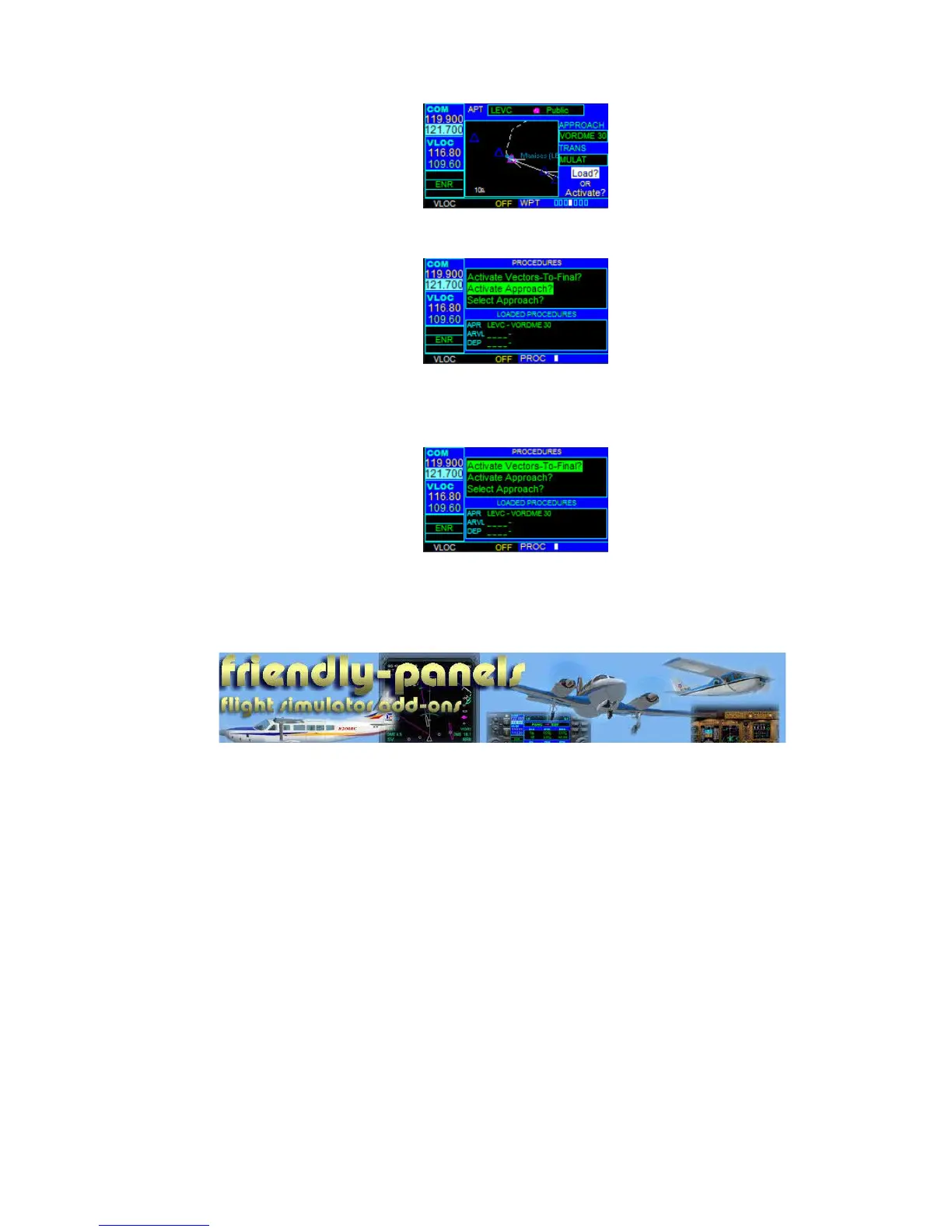
To activate an approach:
1. Press the PROC Key to display the Procedures Page.
2. Turn the large right knob to highlight ‘Activate Approach?’ and press the ENT
Key.
To activate the approach, with vectors to final:
1. Press the PROC Key to display the Procedures Page.
2. Turn the large right knob to highlight ‘Activate Vector-To-Final?’ and press the
ENT Key.
--oOo--
2007 FriendlyPanels



 To Previous Page