23
Reference
Main Page Sequence
4. To display detailed information and notes for each area, highlight the desired name and press ENTER/
MARK. To view the notes for that area, choose ‘Show Notes’. To scroll through the notes, you may either,
highlight the notes, press ENTER/MARK and use the ARROW KEYPAD to scroll, up, down, left, and right
or press the desired SOFT KEY scroll option. Press QUIT to exit.
To restore defaults for map settings:
1. From the Map tab in the Main Menu, highlight the tab you want to restore settings to and press the
‘Defaults’ (or ‘Map Defaults’ if you want all tabs restored)
SOFT KEY.
• Declutter On/Off? — toggles between showing/not showing spot sounds and map outlines for easier
viewing. These settings are automatically changed in the Map Setup. Press the ‘Declutter On/Off?’
SOFT KEY to toggle this feature.
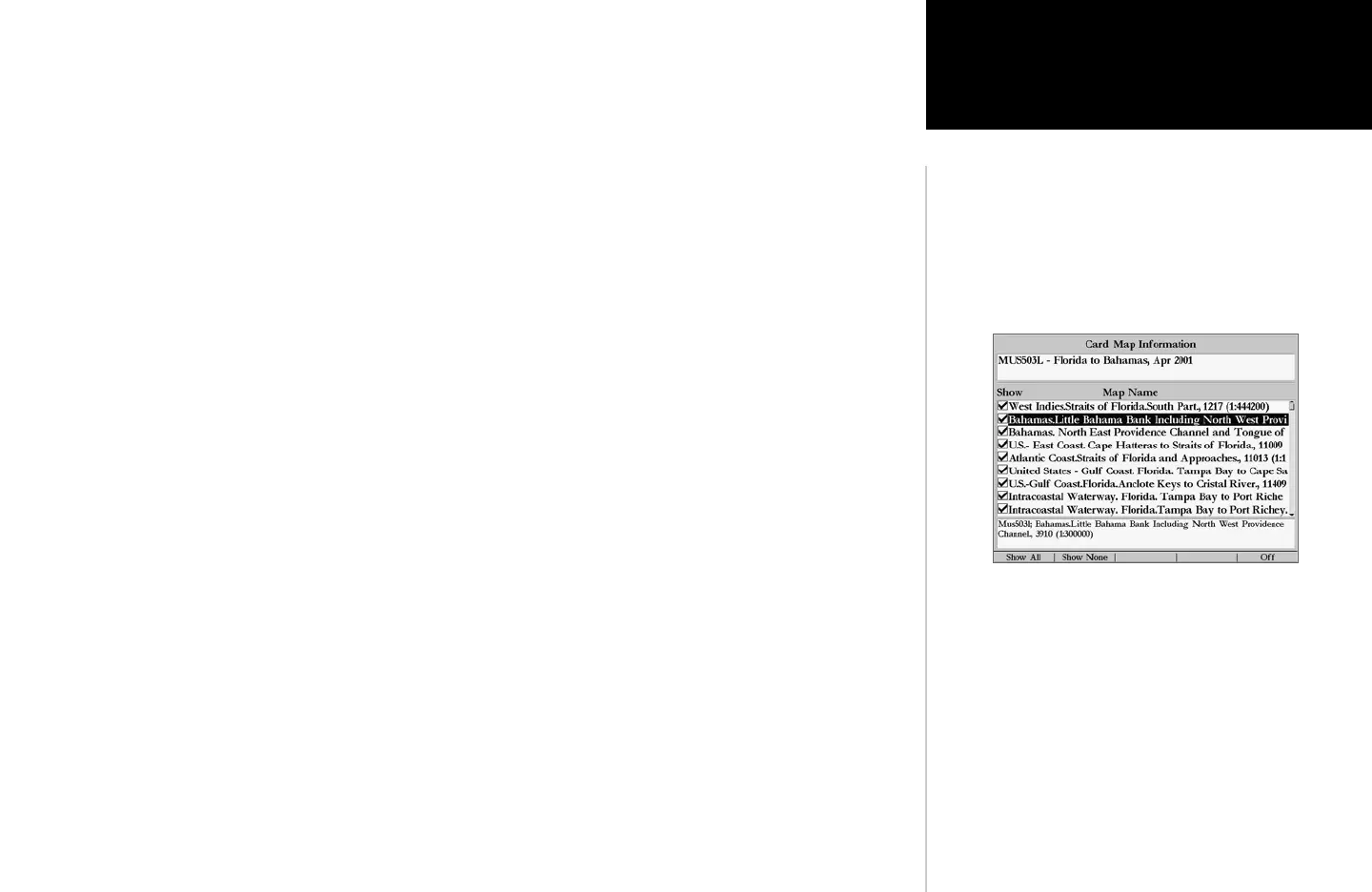
Card Map Information Page













 To Next Page