12 XM WX Satellite Weather
®
and XM
®
Satellite Radio Supplement
XM WX Satellite Weather and XM Satellite Radio
XM Presets
The XM presets list is a customizable channel category. You can save your favorite channels to the
presets list.
Saving an XM Channel to the Presets List
1. From the Home screen, select Congure > XM Audio.
2. Complete an action:
Select Channel Guide to select a specic XM channel within the selected category. Select a
channel. Select Back.
Select Channel Entry to enter an XM channel number manually. Enter a channel number.
Select Done.
3. Select
Save Preset.
Adjusting XM Radio Volume
1. From the Home screen, select Congure > XM Audio.
2. Complete an action:
Select Mute to turn the volume off or on.
Select Volume to adjust the volume level manually. Select and hold Up or Down. Select
Done.
XM Radio Bar
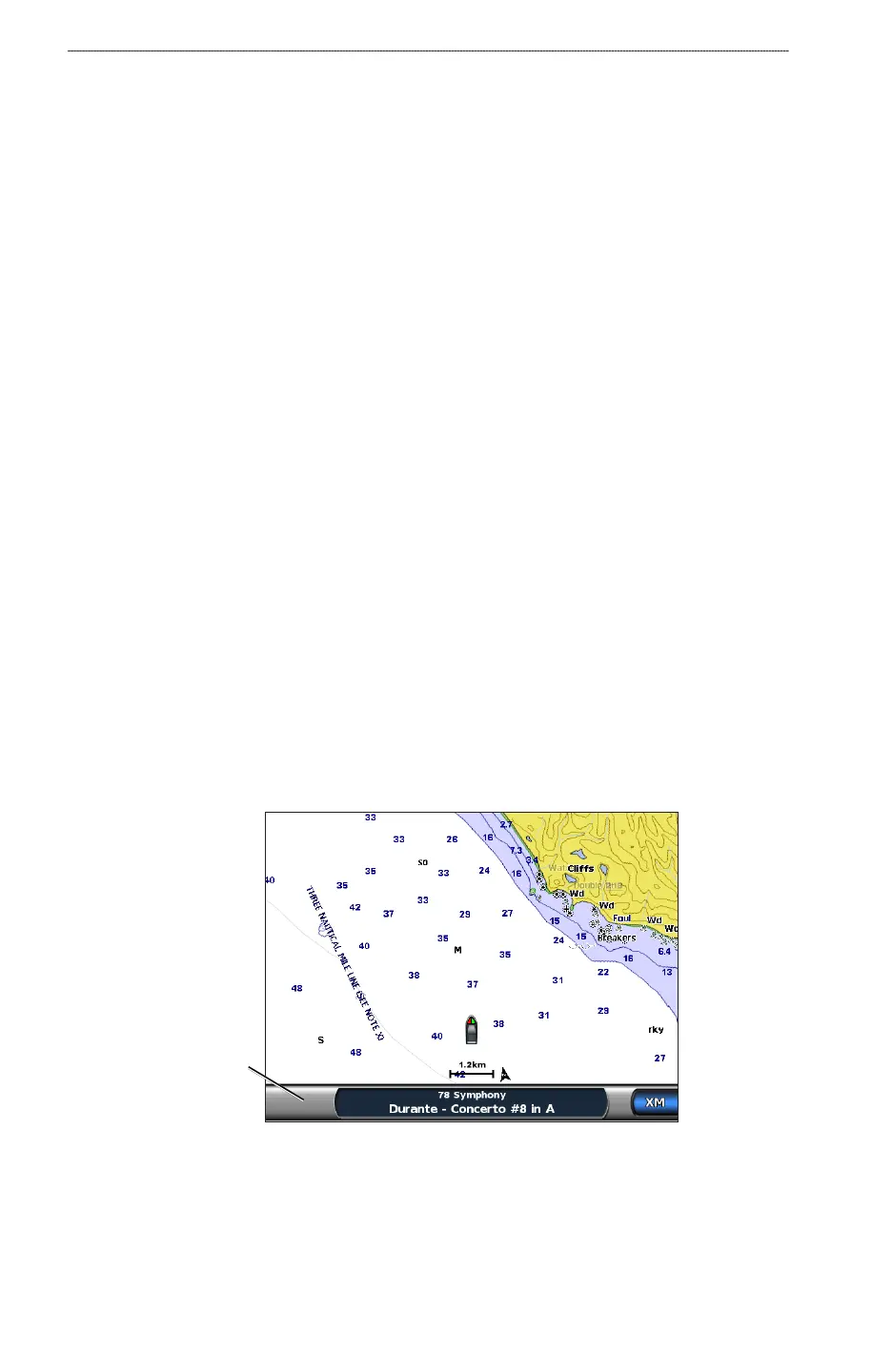
Displaying the XM Radio Data Bar on a Chart
The XM Radio data bar is available on all charts. On a chartplotter, a data bar congured to appear
on one chart does not appear on another chart. The XM Radio data bar for each chart must be
congured separately.
1. From the Home screen, select
Charts.
2. Select a chart.
3. Select
Menu > Data Bars > XM Audio > On.
XM Radio
data bar
•
•
•
•



 To Next Page