70 GPSMAP 640 Owner’s Manual
Automotive Mode: Using XM
Touch Save to save a channel to Presets (maximum of 20).
Touch Delete to remove the current channel from your Presets.
To delete more than one channel from Presets, touch Browse >
Presets > Delete. A list of all your Presets appears. Touch the
items you want to delete. Touch Delete > Yes.
Adjusting the Volume
Touch , and then use and to adjust the volume.
Your GPSMAP 640 can receive and use trafc information using
an optional XM smart antenna (such as the GXM 40). When
a trafc message is received, your GPSMAP 640 displays the
incident on the map and can change your route to avoid the trafc
incident.
NOTE:
Garmin is not responsible for the accuracy of the trafc
information. The XM antenna receives signals from the XM trafc
provider and displays that information on your GPSMAP 640.
NOTE:
You can only access the trafc information if the
GPSMAP 640 is connected to an XM antenna and you have an XM
trafc subscription (see page 69).
•
•
in Your Area
When you are receiving trafc information, a trafc icon appears
in the upper-left corner of the Map page. The trafc icon changes
color to indicate the severity of trafc conditions on your route or
the road you are currently travelling.
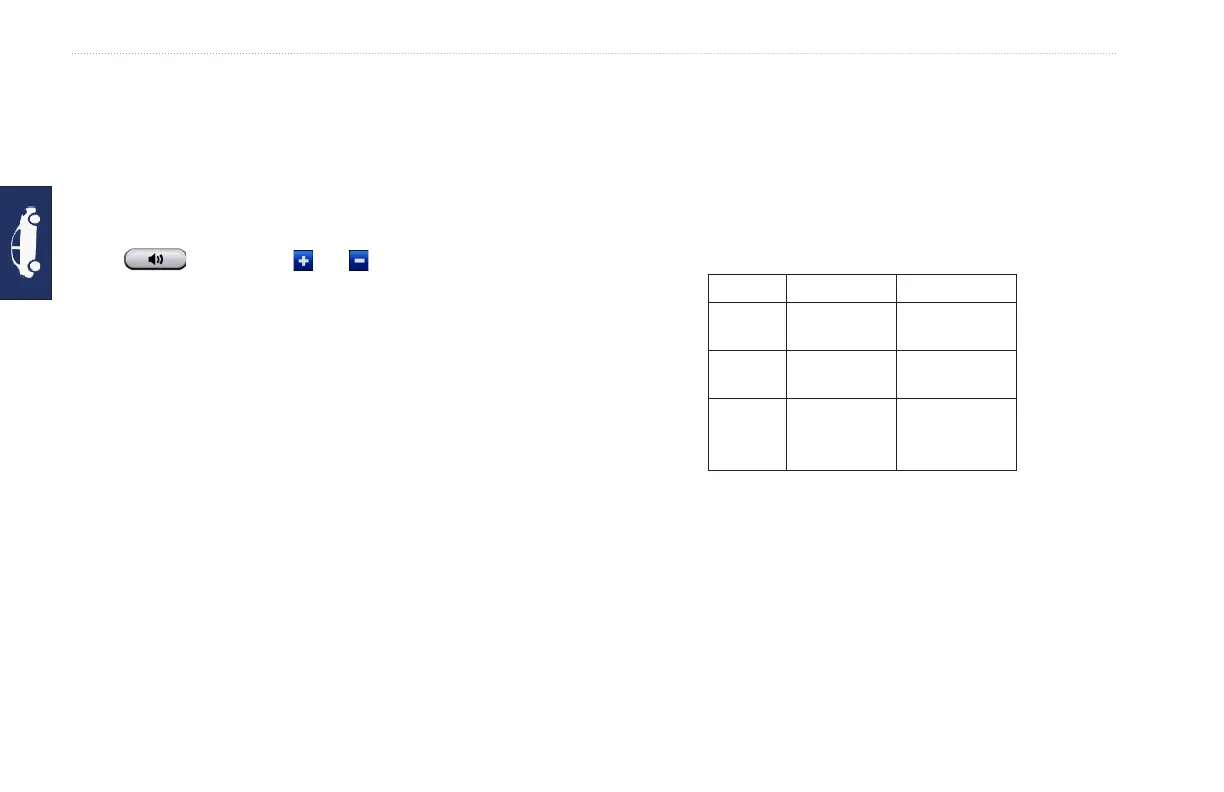
Severity Color Code
Color Description Meaning
Green Low severity
Trafc is owing
normally.
Yellow
Medium
severity
Trafc is slightly
congested.
Red High severity
Trafc is heavily
congested or
stopped.
When calculating your route, the GPSMAP 640 device examines
the current trafc and automatically optimizes the route for the
shortest time. If a severe trafc delay occurs on your route while
you are navigating, the device automatically recalculates the route.
You might still be routed through trafc if no better alternative
routes exist.















 To Next Page