EasyManua.ls Logo

Garmin GPSMAP 8000 Series - User Manual

Garmin GPSMAP 8000 Series
232 pages
Print Icon
To Next Page IconTo Next Page
Loading...
GPSMAP
®
8000/9000 SERIES
Owner’s Manual

Table of Contents

Other manuals for Garmin GPSMAP 8000 Series

Questions and Answers

  • B
    Benjamin SchultzAug 8, 2025
    What to do if my Garmin GPSMAP 8000 GPS won't turn on or keeps turning off?
    • M
      matthewmcguireAug 8, 2025
      If your Garmin GPS device won't turn on or keeps turning off, first, ensure the power source is working by checking if other devices connected to it are functioning. Then, inspect the fuse in the power cable (within the red wire's holder) and test it with a multimeter; a working fuse reads 0 ohms. Also, measure the DC voltage between the female sockets 8 (power) and 2 (ground) of the power cable; it should be at least 10 volts for the device to power on.
  • J
    James ClarkAug 18, 2025
    How to fix Garmin GPSMAP 8000 GPS not acquiring signals?
    • K
      Kathryn BartonAug 18, 2025
      If your Garmin GPS device isn't acquiring GPS signals, and it has moved a significant distance since its last satellite acquisition or has been off for weeks or months, ensure that your device is running the latest software by updating it. If the device uses an internal GPS antenna, ensure it has a clear view of the sky, ideally near a window if inside a cabin. If a clear view is impossible, consider using an external GPS antenna. If using an external antenna, check its connection to the chartplotter or NMEA network. If your device has multiple GPS antenna sources, try selecting a different one.
  • J
    James HoweAug 27, 2025
    Why is my Garmin GPS creating waypoints in the wrong location?
    • J
      Jeffrey MarquezAug 27, 2025
      If your Garmin GPS device is creating waypoints in the wrong location, it might be because the map datum and position format on your device don't match those used when the waypoint was originally marked. To fix this, first, determine the original map datum and position format used. Then, on your chartplotter, go to Settings > Preferences > Units and adjust the settings to match the original waypoint's map datum and position format. Finally, recreate the waypoint.

Summary

Introduction

Device Overview

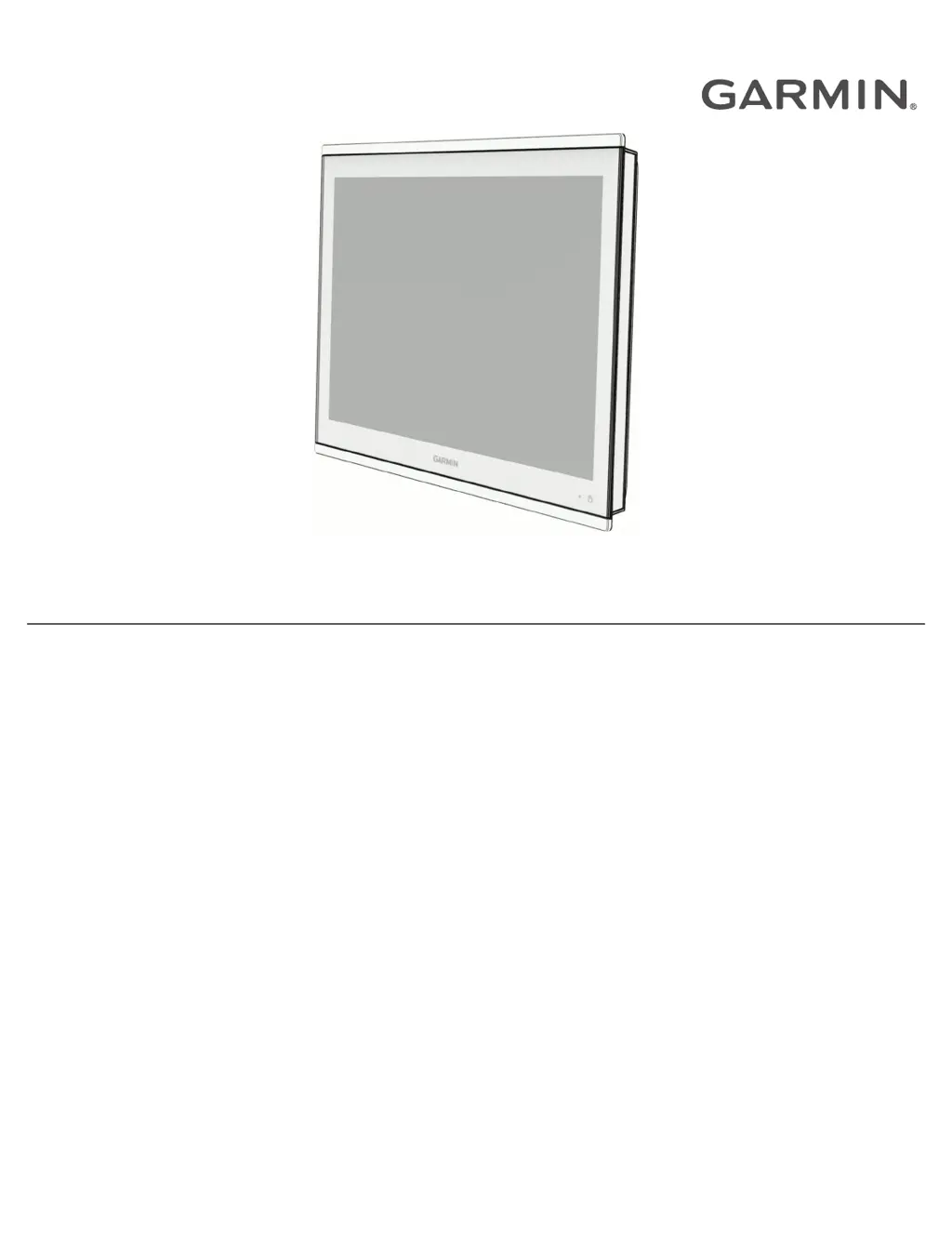
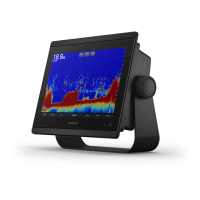
Provides a visual guide to the chartplotter's main components and features.

Touchscreen Operation

Explains basic touch gestures like tapping, dragging, pinching, and spreading.

Connector Views

Details the various ports and their functions for different chartplotter models.

Customizing the Chartplotter

Home Screen Configuration

Details how to navigate and customize the chartplotter's home screen layout and categories.

Display and Screen Settings

Covers backlight, color mode, screen lock, auto power, and startup image customization.

Creating Custom Pages

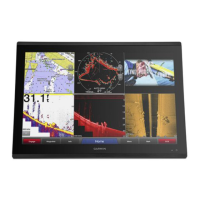
Guides users on creating new combination and SmartMode pages with custom layouts.

Charts and 3 D Chart Views

Detailed Chart Features

Describes the available detailed charts, subscriptions, and activation processes.

Chart Interaction and Navigation

Covers zooming, measuring, creating waypoints, and navigating to points on the chart.

Garmin Quickdraw Contours Mapping

Guides on creating and managing custom depth contour maps with the Quickdraw feature.

Navigation with a Chartplotter

Waypoint and Route Management

Covers creating, editing, navigating waypoints, routes, and tracks for navigation planning.

Auto Guidance Setup

Details how to set up and configure Auto Guidance paths for optimal route planning.

Sailing Features Setup

Covers sail racing, laylines, and autopilot integration for sailing maneuvers.

Sonar Fishfinder

Sonar Views Explained

Describes different sonar views like Traditional, ClearVü, SideVü, Panoptix, and LiveScope.

Sonar Settings and Configuration

Covers adjusting gain, range, scroll speed, appearance, alarms, and frequencies.

Radar

Radar Interpretation and Overlay

Explains how to read the radar display and use the radar overlay feature with chart data.

Radar Controls and Settings

Covers transmitting signals, guard zones, MARPA, VRM/EBL, echo trails, and filter settings.

Autopilot

Autopilot Configuration and Screen

Covers system setup, preferred heading source, and navigating the autopilot interface.

Steering Patterns and Controls

Details various steering patterns and how to control the autopilot with a watch or remote.

Device Configuration

System Settings

Covers display, satellite positioning, system info, station setup, and power management settings.

Preferences Settings

Covers units, language, navigation preferences, filters, keyboard, and screenshot settings.

Alarms Configuration

Covers setting navigation, sonar, weather, and fuel alarms for safety and system monitoring.

Appendix

ActiveCaptain and Garmin Express Apps

Explains how to use these apps for managing the chartplotter, software, and charts.

Updating Charts and Software

Guides on updating charts and device software using Garmin Express or ActiveCaptain.

Troubleshooting Common Issues

Offers solutions for common problems like GPS signal loss, power issues, and waypoint creation errors.

Garmin GPSMAP 8000 Series Specifications

General IconGeneral
Display Size12" or 16"
Water ResistanceIPX7
Power Supply10-32 VDC
Built-in SonarNo
MicroSD Card SlotYes
Display TypeMulti-touch display
ConnectivityWi-Fi, Bluetooth, NMEA 2000
Chart CompatibilityBlueChart g3, LakeVü g3
Video InputYes, supports video input from cameras
CHIRP SonarYes, when connected to compatible transducer
CHIRP ClearVüCompatible with ClearVü transducers
CHIRP SideVüCompatible with SideVü transducers
DimensionsVaries by model
WeightVaries by model

Related product manuals