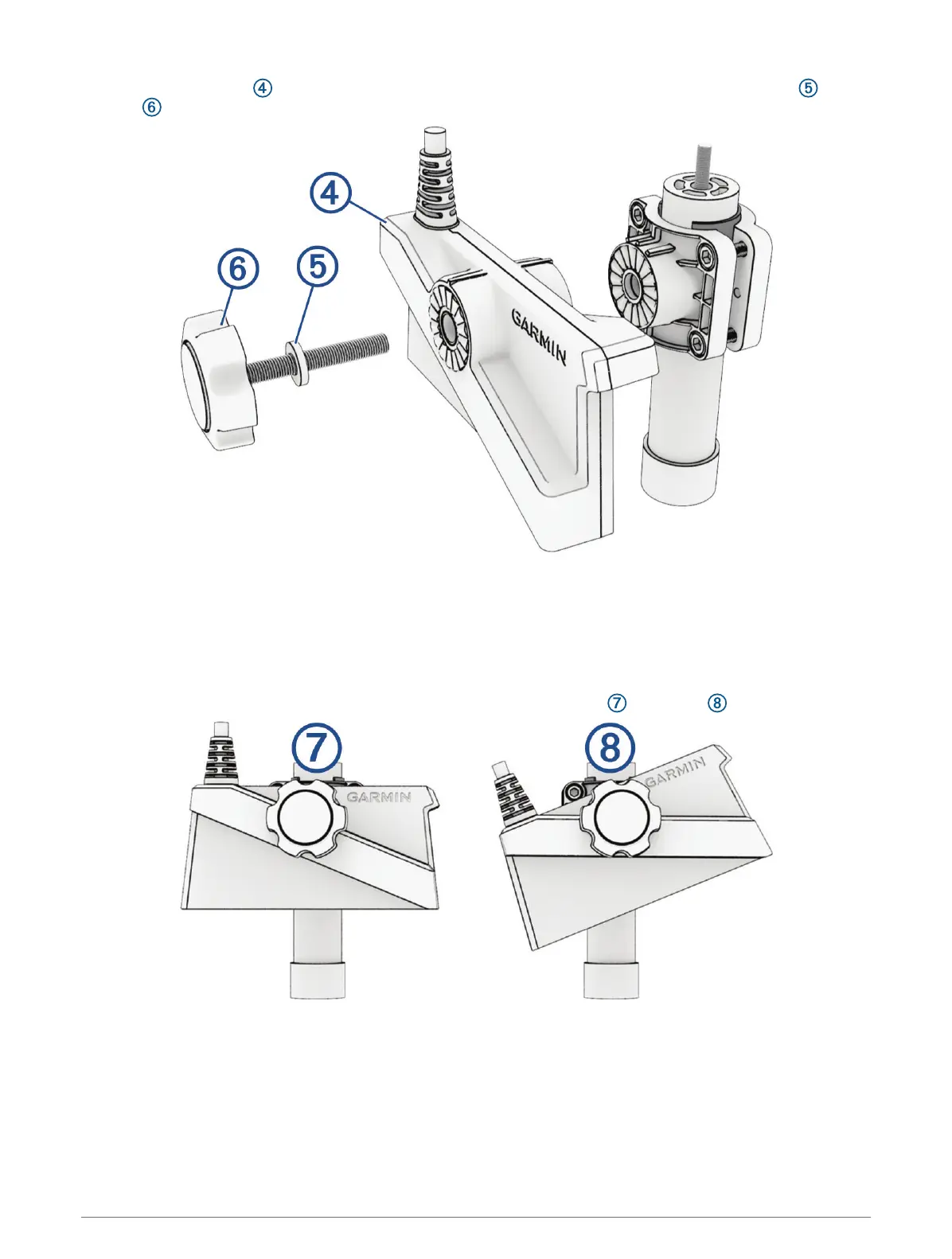
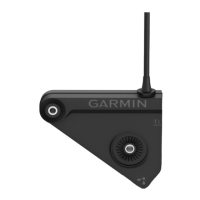
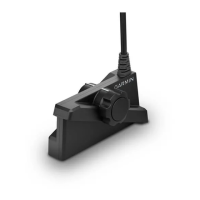
4 Place the transducer against the shaft-mount bracket, and secure it using the neoprene washer and
knob .
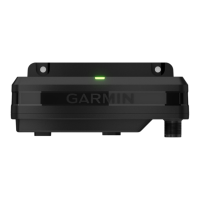
5 Secure the transducer cable to the pole or other secure location, and route the cable to the GLS
™
10 sonar
module.
6 Connect the transducer cable to the XDCR port on the GLS 10 sonar module.
TIP: To reduce electromagnetic interference, snap the ferrite bead (if included) onto the transducer cable
near the connector to the GLS 10 sonar module.
7 Position the transducer for the desired view.
TIP: Turn the transducer one click to change the orientation from down to forward .
8 After mounting the transducer on the pole, use the hook and loop straps to secure the transducer cable to
the pole.
6





 To Next Page