NOTE
If the top cable entry positions are used, they must be
firmly sealed with approved IP54 cable grommets. The
cable grommets must also secure cable force strain
relief. The lower and rear positions are preferably
sealed using "skin type" cable grommets.
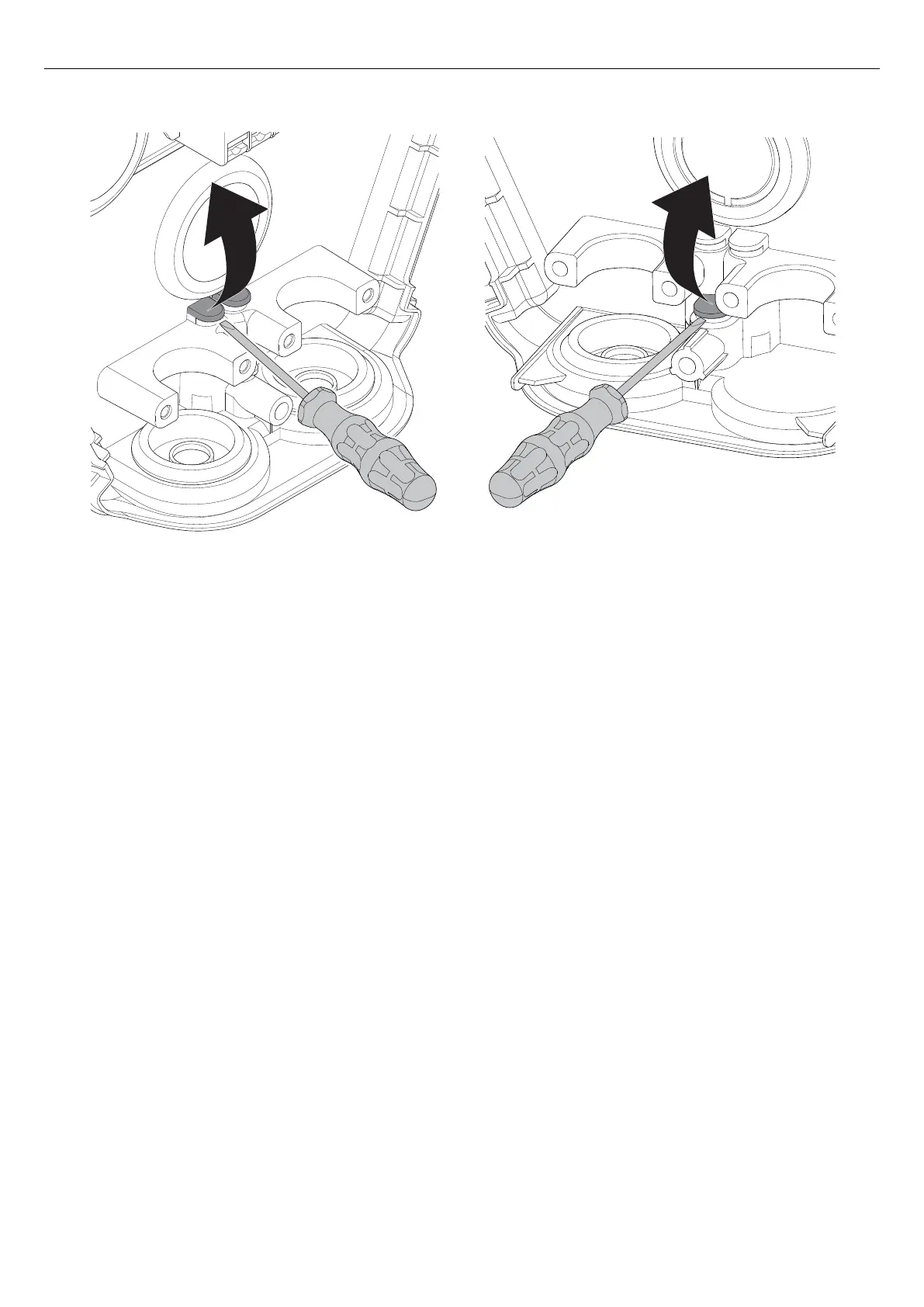
a. Remove the break-out for the ethernet cable with
a flat screwdriver.
b. If there are several charging stations to be
installed, also remove the break-out for the outlet
hole of the second ethernet cable.
3. If a control cable is to be used, one option is to use
the lower entrypoint. To remove the break-out, use a
flat screwdriver.
NOTE
Maximum cable diameter for the break-out is 8 mm.
Recommendation: Many good fast connection RJ-
45 connectors are available. Select a connector
that works well with the ethernet cable.
4.12.3 TO INSTALL THE INSTALLATION BRACKET
TO A WALL
1. Decide the position of the charging station. Refer to
4.4 To do a plan for the installation, page 18.
2. Hold the installation bracket as a template against
the wall.
25
Installation



 To Next Page