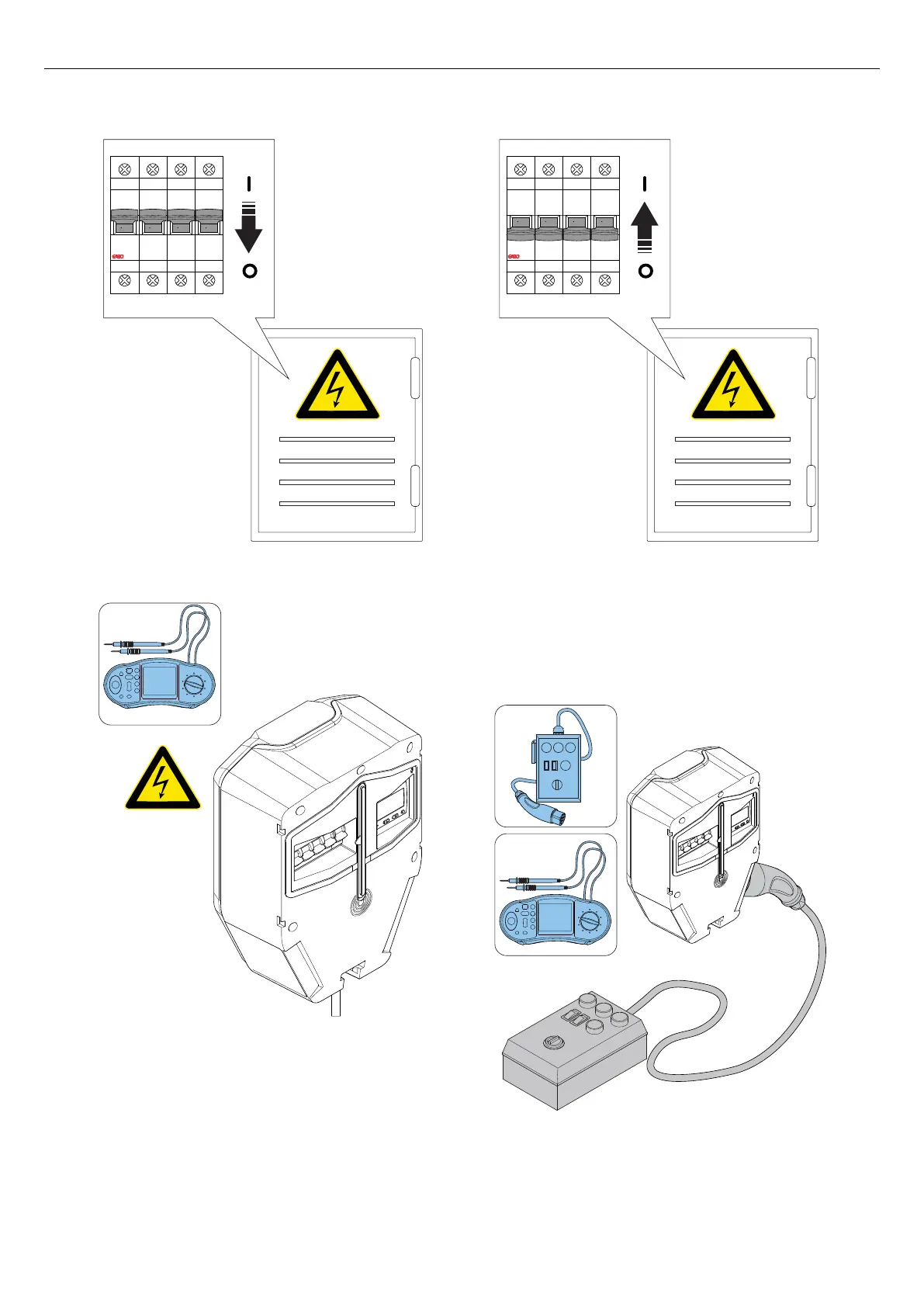
2. Do a test of the PE continuity to the Type 2 outlet.
3. Switch the power/voltage to on.
4. Wait for the charging unit to start. This takes
approximately 2 minutes and is shown with a green
light indication.
5. Set the charging station to state B. Shown with a
blue solid light indication.
6. Set the charging station to state C. Shown with a
blue pulsating light indication.
7. Do a check of the voltage in the Type 2 outlet.
I ON I ON I ON I ON
O OFF O OFF O OFF O OFF
37
Installation



 To Next Page