1312
ASSEMBLY INSTRUCTIONS
IMPORTANT: Remove any transit protection material
before use.
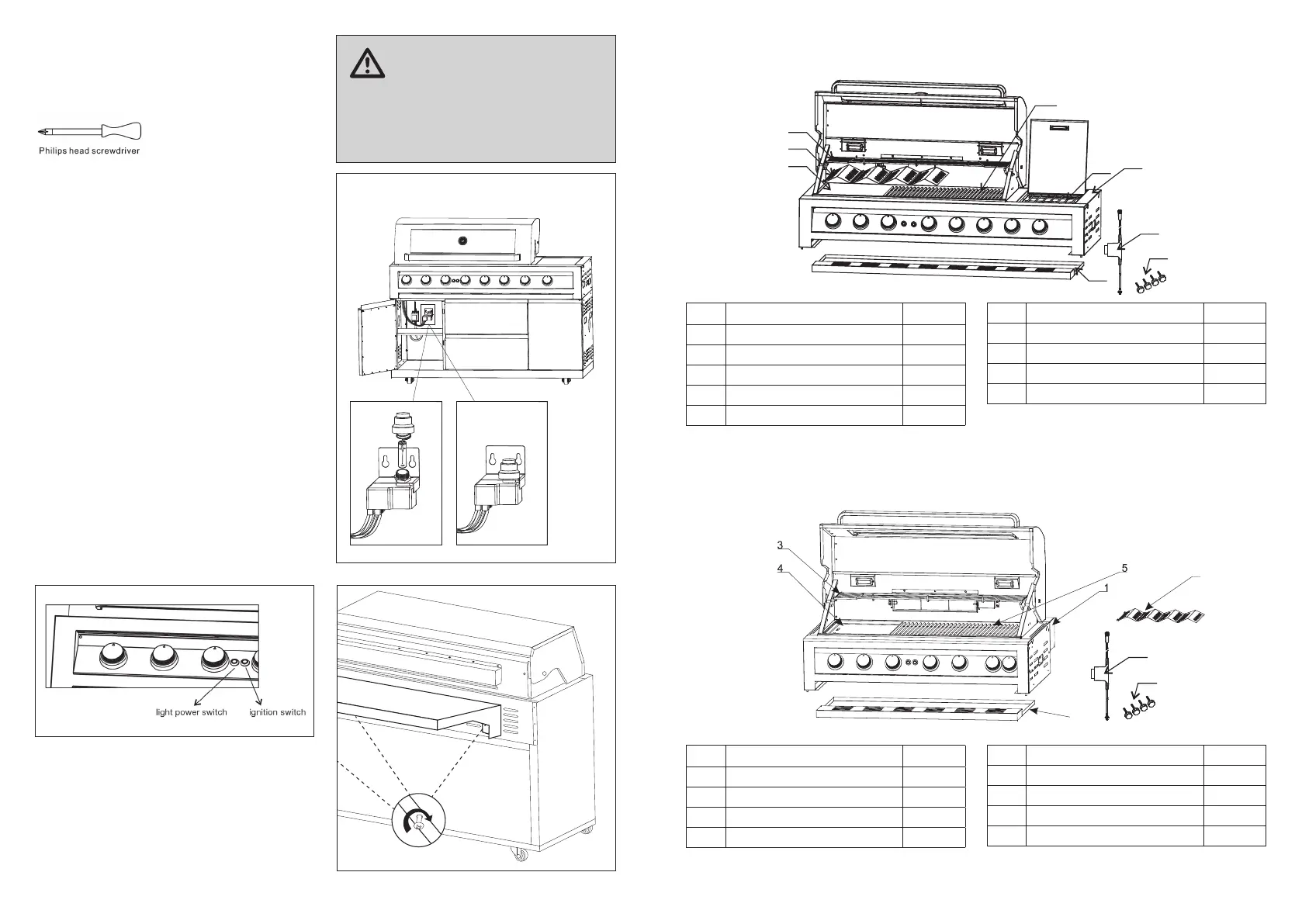
Tools required:
STEP 1
The battery compartment is located above the drip tray
and behind the control fascia. Remove the drip tray then
follow below procedures to install one AA battery.
Unscrew ignition cap and place a Battery (size AA - not
supplied) into place with the (+) end facing outwards.
Screw cap back on. Upon pressing the ignition button,
you should hear a clicking sound.
For manual ignition, use a match placed onto the end of
match holder.
Note: This is chained to the inside of right hand door.
STEP 2
Plug the power cord into a power outlet and turn ON. To
avoid damage to the power cord, make sure it is kept
away from the product when in use.
STEP 3
Turn the light power switch on. The blue lights above the
control knob will illuminate, along with the lights in the hood.
STEP 4
Attach inll panel to back of BBQ body in 3 places - both
ends and middle.
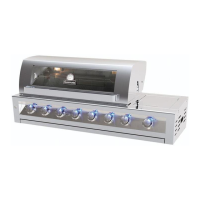
EXPANDED VIEW - BQ19BF, BQ19BNGF
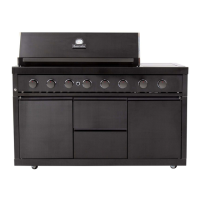
EXPANDED VIEW - BQ193BF, BQ193BNGF
Key Description Quantity
1 Main body 1
2 Flame tamer 4
3 Warming rack 1
4 Cooking plate 1
5 Cooking grid 2
Key Description Quantity
1 Main body 1
2 Flame tamer 4
3 Warming rack 1
4 Cooking plate 1
Key Description Quantity
6 Side burner grid 1
7 Fat tray 1
8 Transformer 1
9 Adjustable feet 4
Key Description Quantity
5 Cooking grid 2
6 Fat tray 1
7 Transformer 1
8 Adjustable feet 4
IMPORTANT
Remove all packing and transit protection before
assembly.
CAUTION: Ensure no packing material is left in
BBQ before lighting.
BQ19BF, BQ19BNGF
8
1
6
3
2
4
5
7
9
10
7
8
9
6
7
8


 To Next Page