105
Adjusting the screen and desktop settings
www.gateway.com
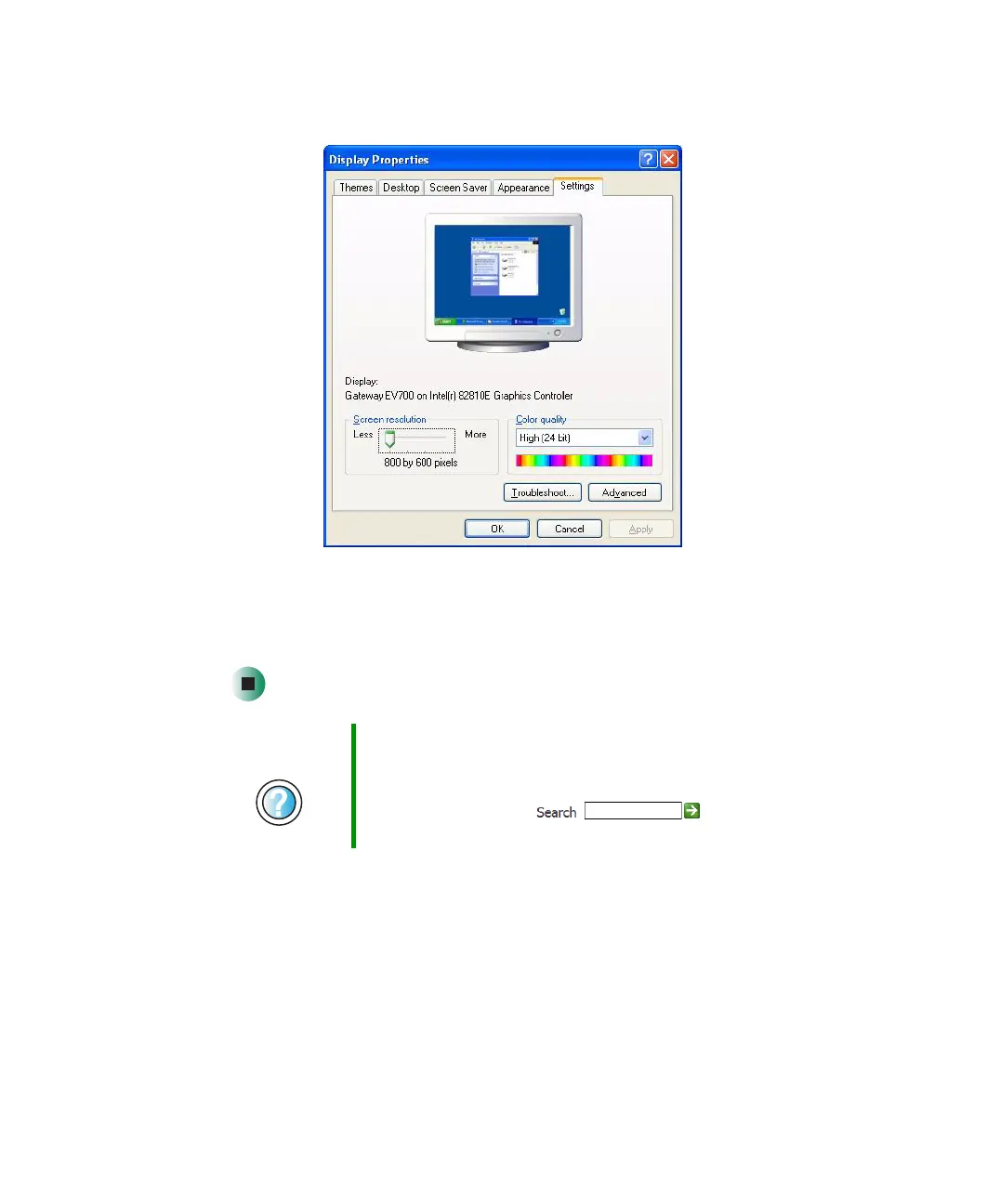
3 Click the Settings tab.
4 Click the arrow button to open the Color quality list, then click the color
depth you want.
5 Click OK, then click Yes.
Help and
Support
For more information about adjusting display settings in
Windows XP, click Start, then click Help and Support.
Type the keyword changing display settings in the
HelpSpot Search box , then click
the arrow.



 To Next Page