147
Cleaning your computer
www.gateway.com
Cleaning the mouse
If the mouse pointer begins moving erratically across the computer screen or
becomes difficult to control precisely, cleaning the mouse will likely improve
its accuracy.
Clean your optical mouse by wiping the bottom of the mouse with a damp
lint-free cloth.
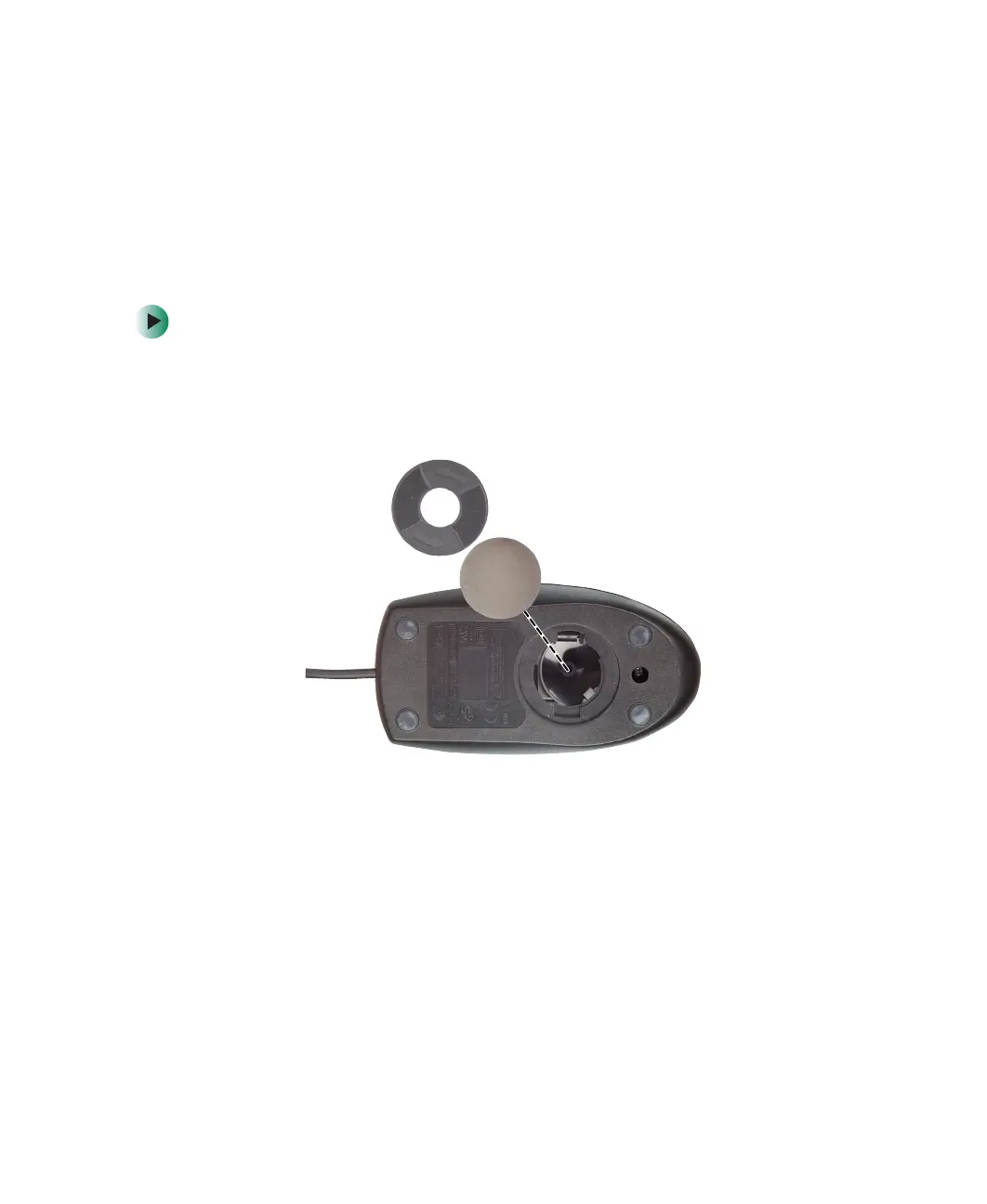
To clean your trackball mouse:
1 Turn the mouse upside down.
2 Rotate the retaining ring on the bottom of the mouse counter-clockwise,
then remove the retaining ring and mouse ball.
3 Remove any dust, lint, or dirt from the mouse ball with a soft cloth.



 To Next Page