166
Chapter 11: Upgrading Your Computer
www.gateway.com
Closing the case
Replacing the side panel
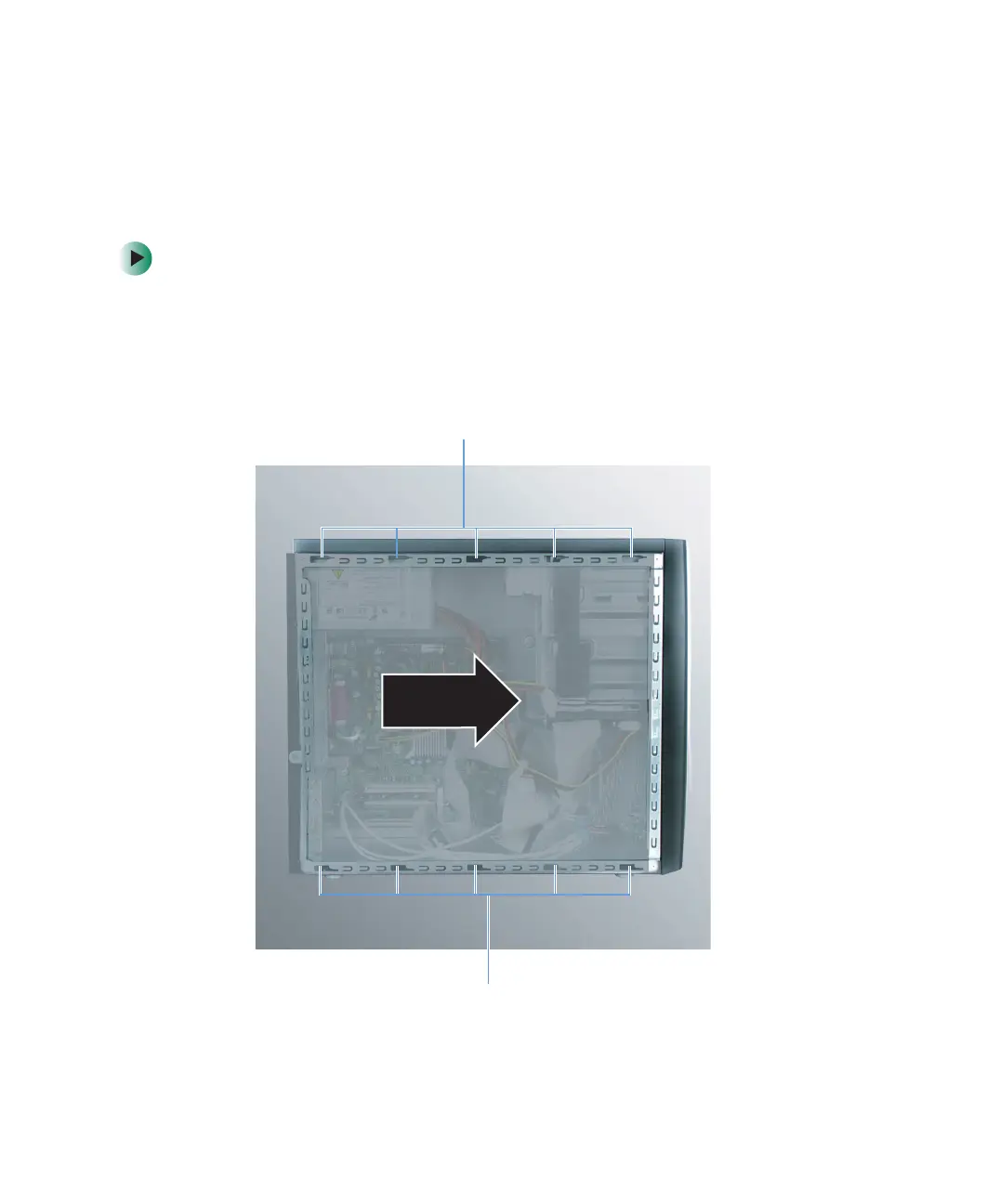
To replace the side panel:
1 Make sure that all of the internal cables are arranged inside the case so
they will not be pinched when you close the case.
2 Align the door tabs into the top and bottom case notches, then slide the
side panel toward the front of the computer to secure it into place.
Case notches
Case notches



 To Next Page