8
Chapter 1: Checking Out Your Gateway Computer
www.gateway.com
Finding your specifications
For more information about your computer, such as memory size, memory type,
and hard drive size, go to the
My Computer Info link in HelpSpot or visit Gateway’s
eSupport page at support.gateway.com
. The eSupport page also has links to
additional Gateway documentation and detailed specifications.
Click
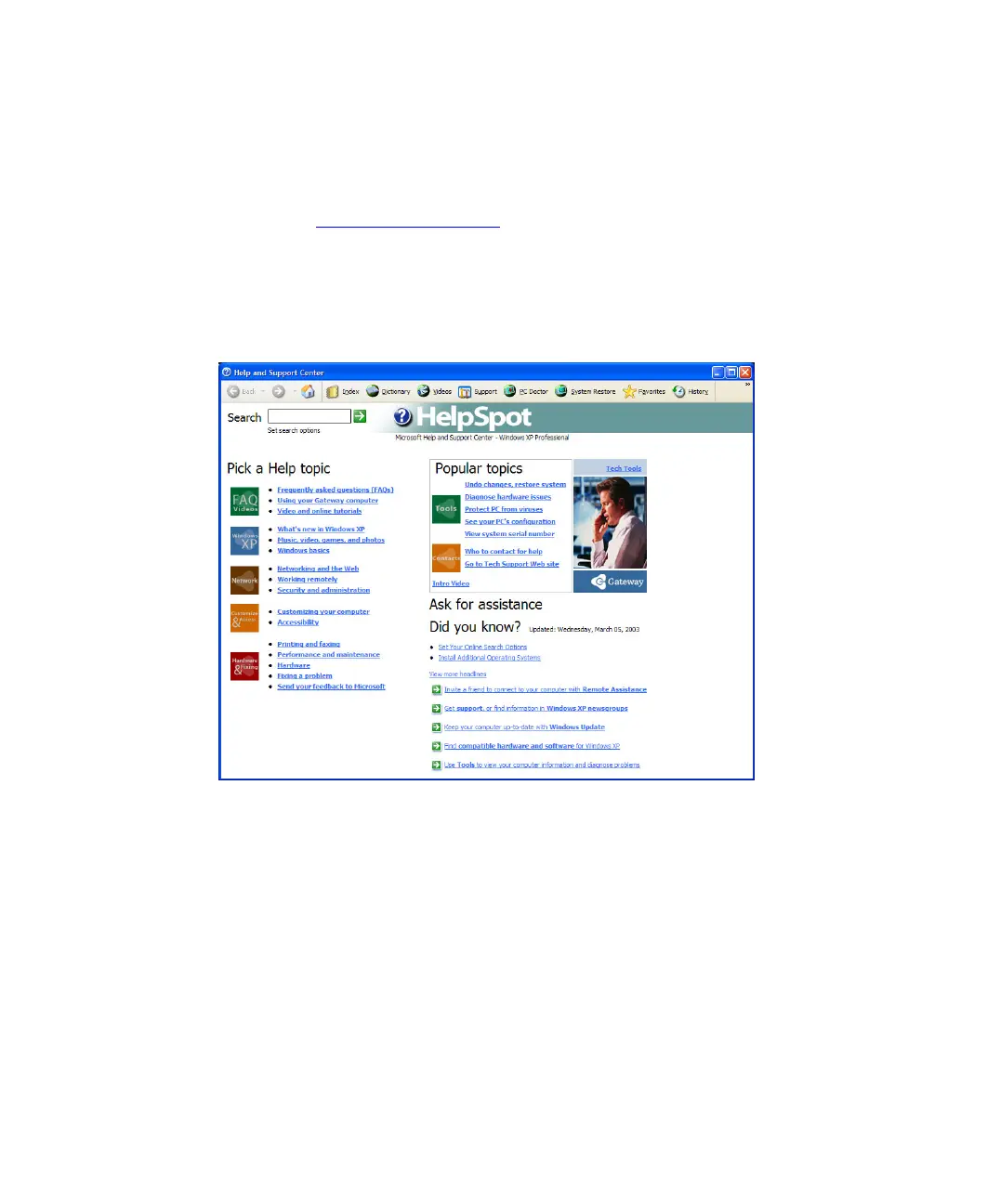
Start, Help and Support, then click View system serial number to view your
computer’s serial number. Click
Start, Help and Support, then click
See your PC’s configuration to check your computer’s specifications.



 To Next Page