181
Installing memory
www.gateway.com
9 Reinstall the add-in cards by following the instructions in “Adding or
replacing add-in cards” on page 173.
10 Close the case by following the instructions in “Closing the case” on
page 166.
Installing memory
When you upgrade the computer memory, make sure that you install the
correct type of memory module for your computer. Your computer uses DIMM
memory.
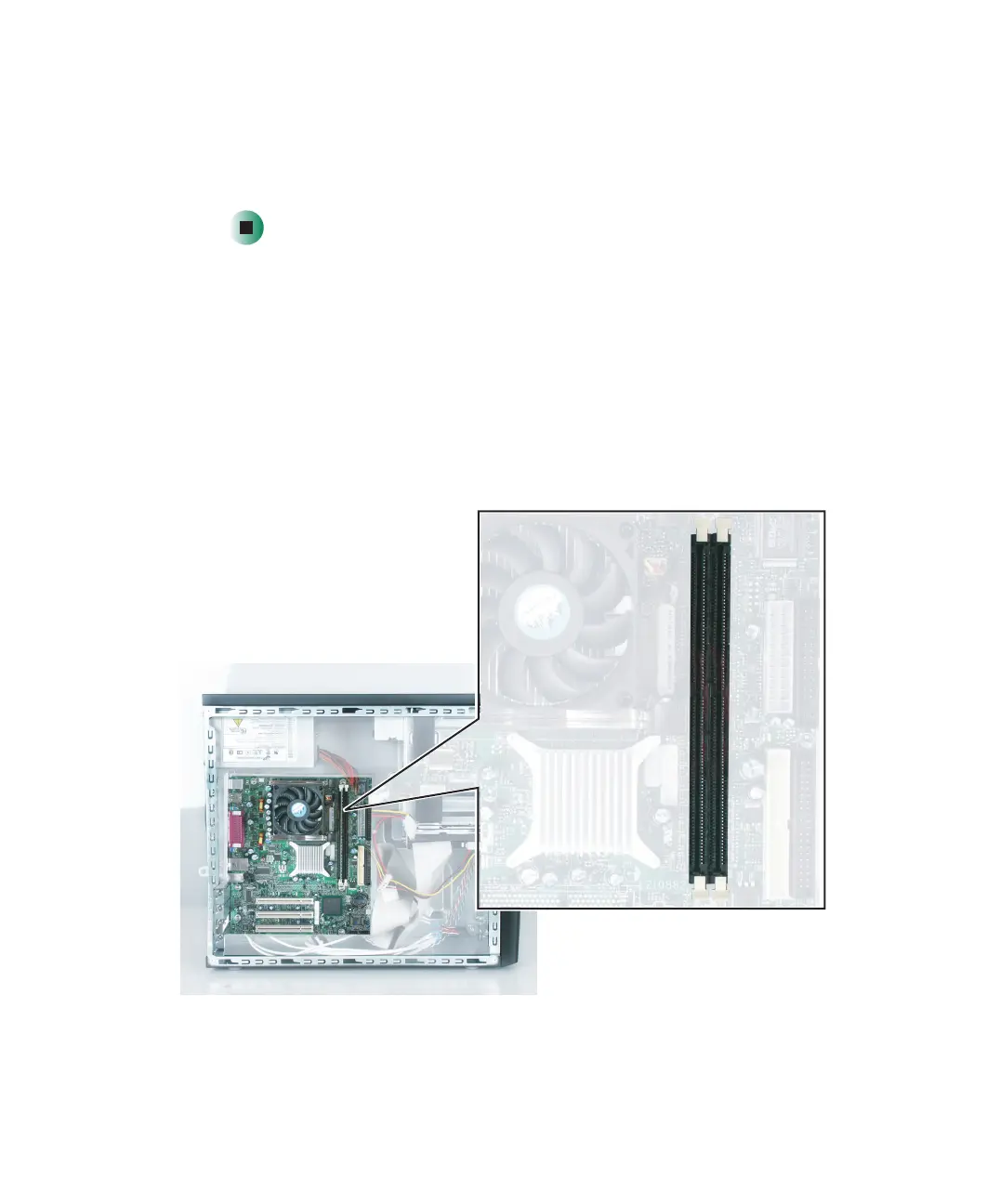
The following illustration shows the general location of the memory modules
on the system board.



 To Next Page