116
Chapter 7: Customizing Your Computer
www.gateway.com
Changing power settings
You can change power management settings, such as the power button function
and power-saving timers, by changing power settings in Windows. You can also
adjust power schemes and adjust advanced power settings.
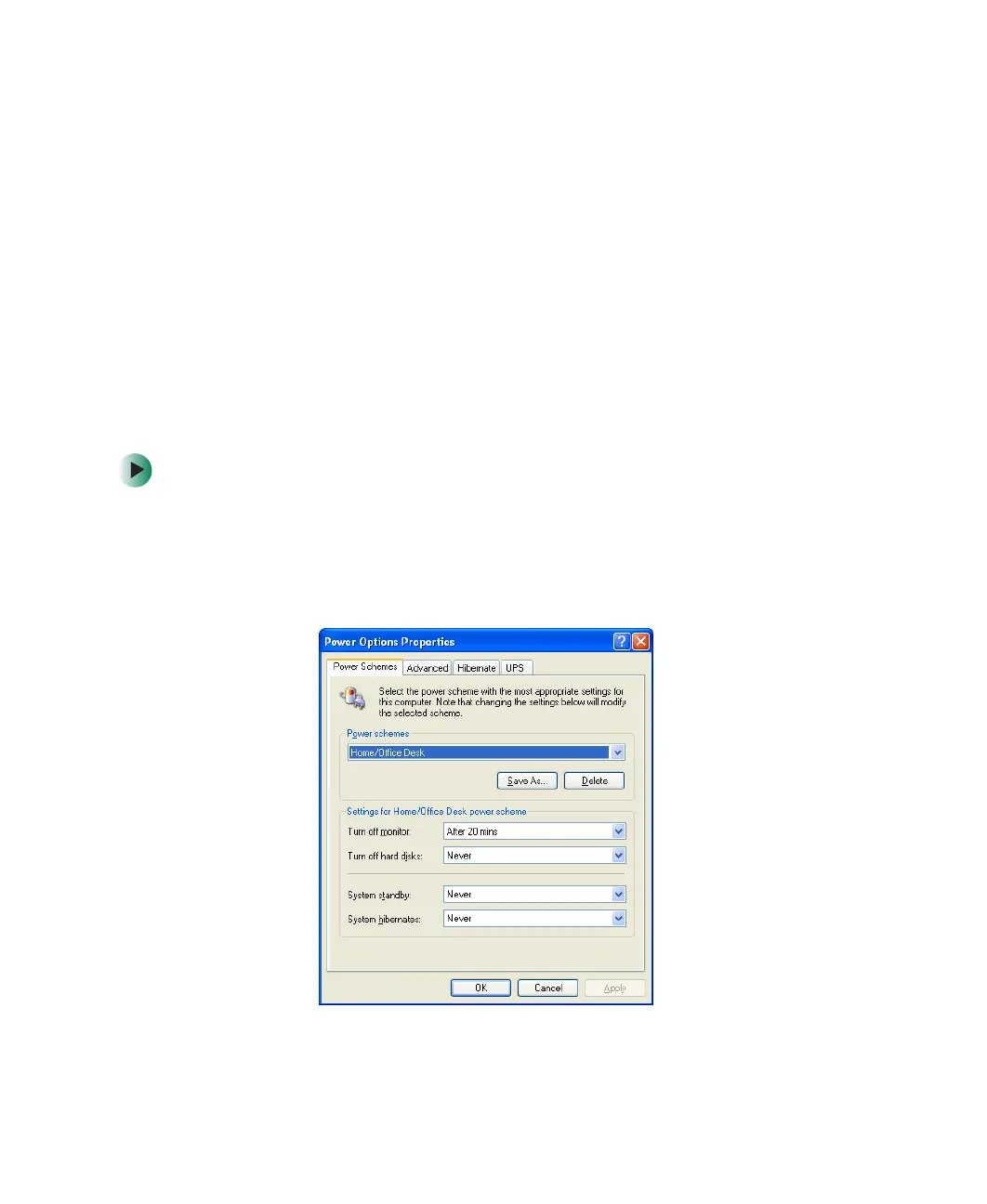
Power schemes (groups of power settings) let you change power saving options
such as when the monitor or hard drive is automatically turned off. You can
select one of the defined power schemes or create a custom power scheme.
Advanced power settings let you assign different power saving modes to the power
button.
Changing the power scheme
To change the power scheme:
1 Click Start, then click Control Panel. The Control Panel window opens. If your
Control Panel is in Category View, click
Performance and Maintenance.
2 Click/Double-click the Power Options icon. The Power Options Properties
dialog box opens.



 To Next Page