167
Closing the case
www.gateway.com
3 Replace the two side panel thumbscrews.
4 Reconnect the cables and power cord.
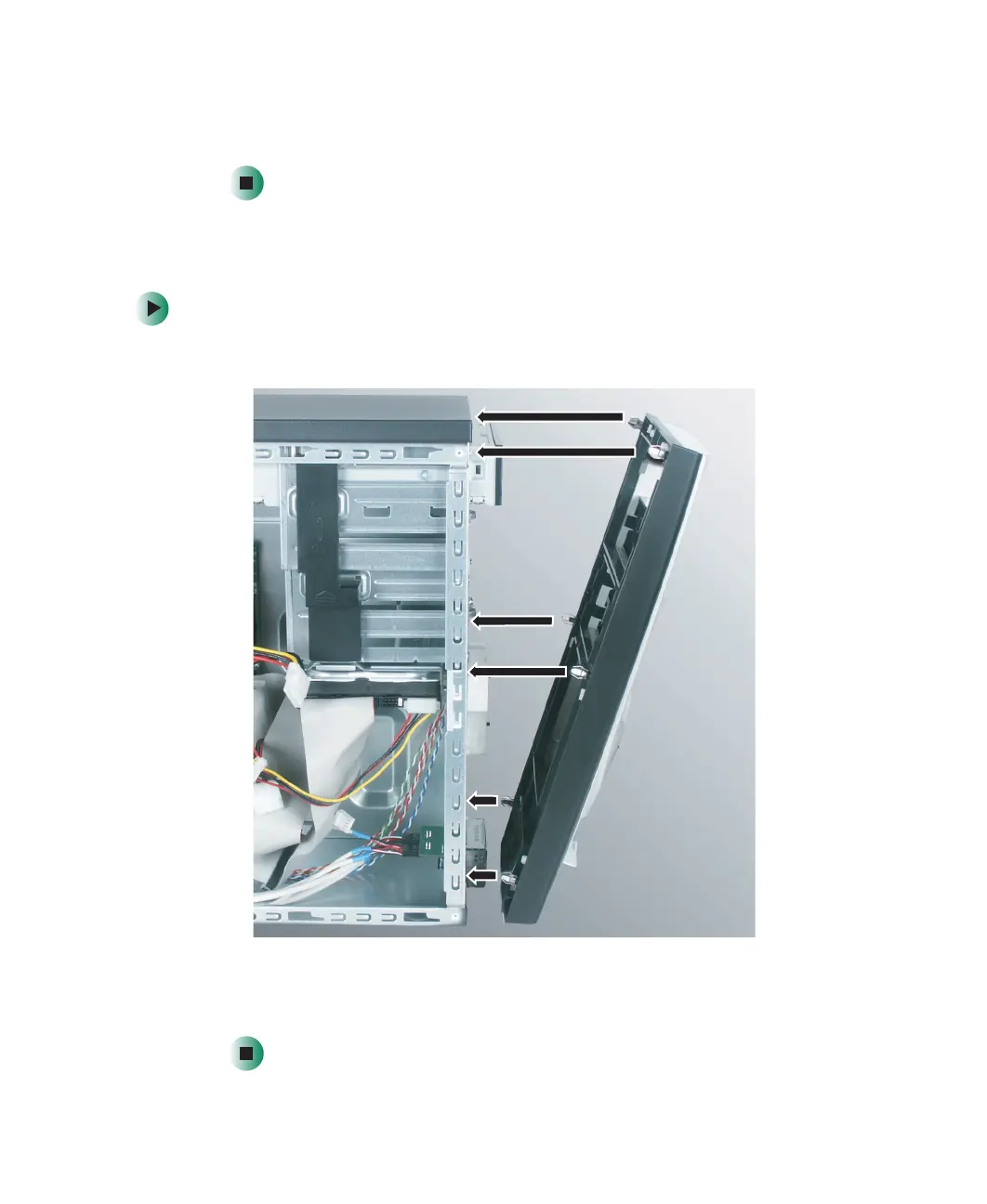
Replacing the front bezel
To replace the front bezel:
1 Align the latch pins with the computer latch holes.
2 Press the bezel firmly into place.



 To Next Page