108
Chapter 7: Customizing Your Computer
www.gateway.com
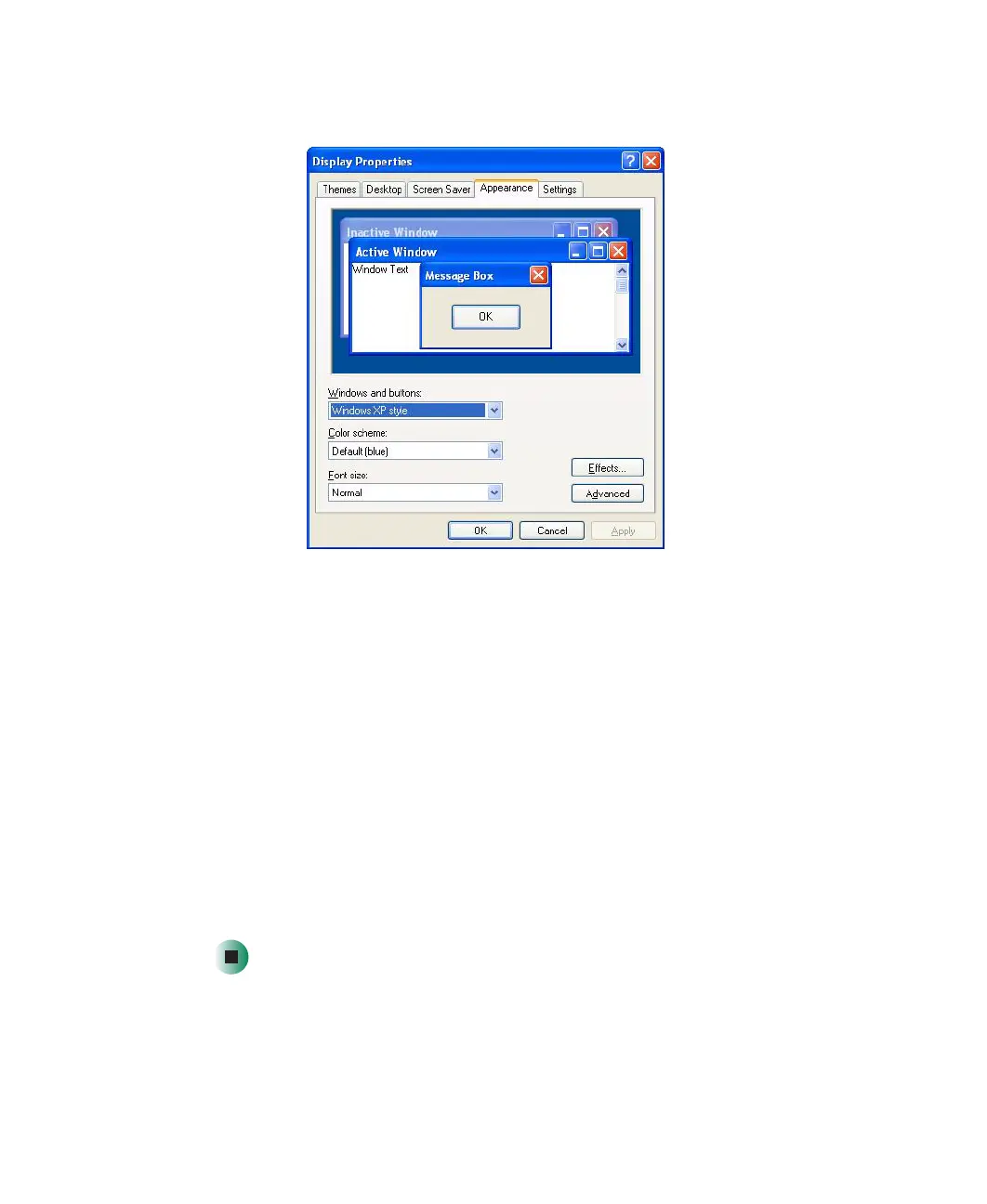
3 Click the Appearance tab.
4 Click the arrow button to open the Color scheme list, click the color scheme
you want, then click
OK. The new colors appear on your desktop.
- OR -
If you want to create a new color scheme as part of a desktop theme:
a Click Advanced. The Advanced Appearance dialog box opens.
b Click the the arrow button to open the Item list, then click the item
you want to change.
c Change the color or font settings for the item.
d Click OK, then click the Themes tab.
e Click Save As, type a name for the new theme, then click OK twice.
The new colors appear on your desktop.



 To Next Page