121
Power management
www.gateway.com
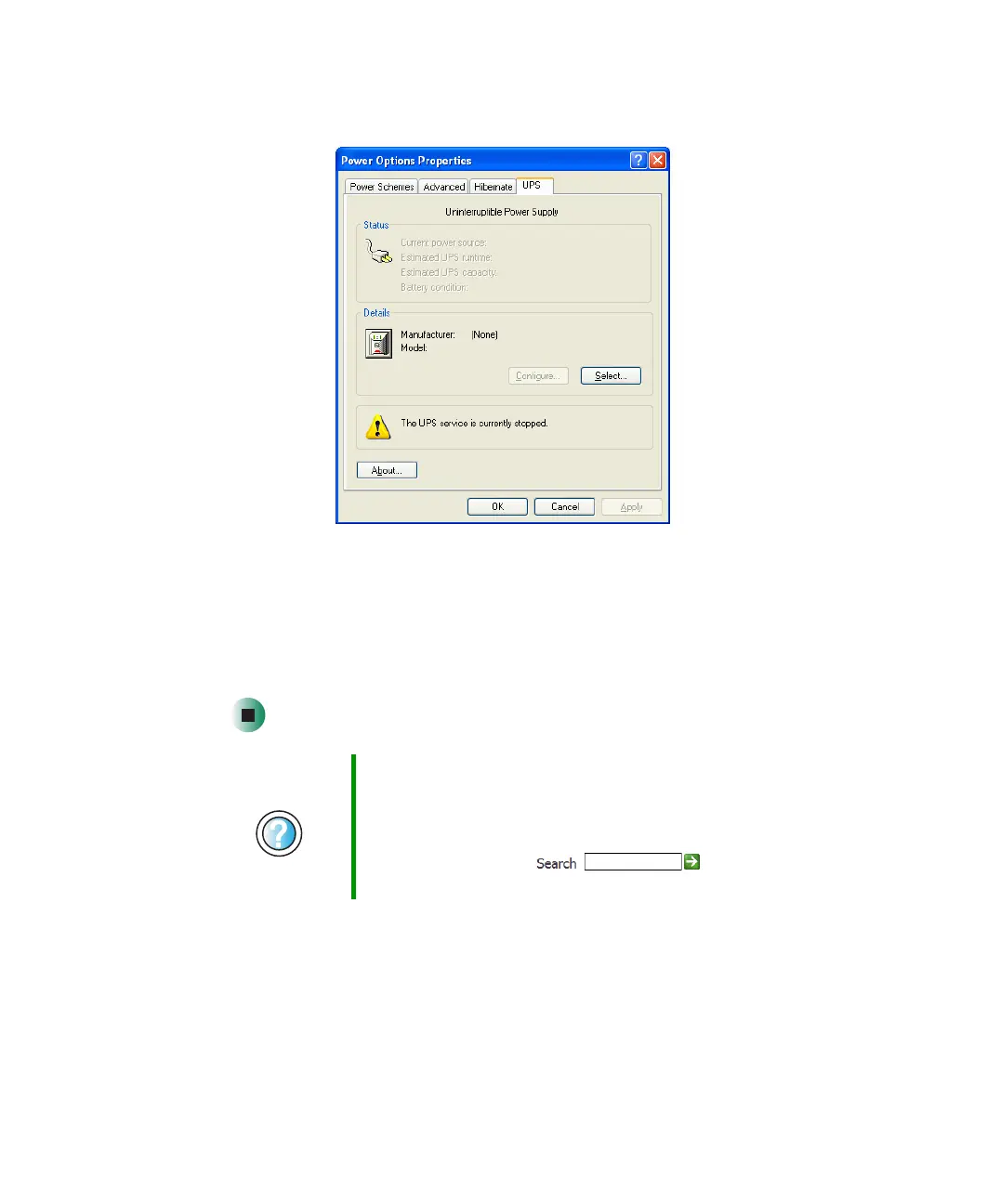
3 Click the UPS tab.
4 Click Select. The UPS Selection dialog box opens.
5 Click the manufacturer and model of the UPS device.
6 Click the serial port where the UPS device is attached.
7 Click Finish, then click OK.
Help and
Support
For more information about setting up an uninterruptable
power supply in Windows XP, click Start, then click Help
and Support.
Type the keyword uninterruptable power supply in the
HelpSpot Search box , then click
the arrow.



 To Next Page