175
Adding or replacing add-in cards
www.gateway.com
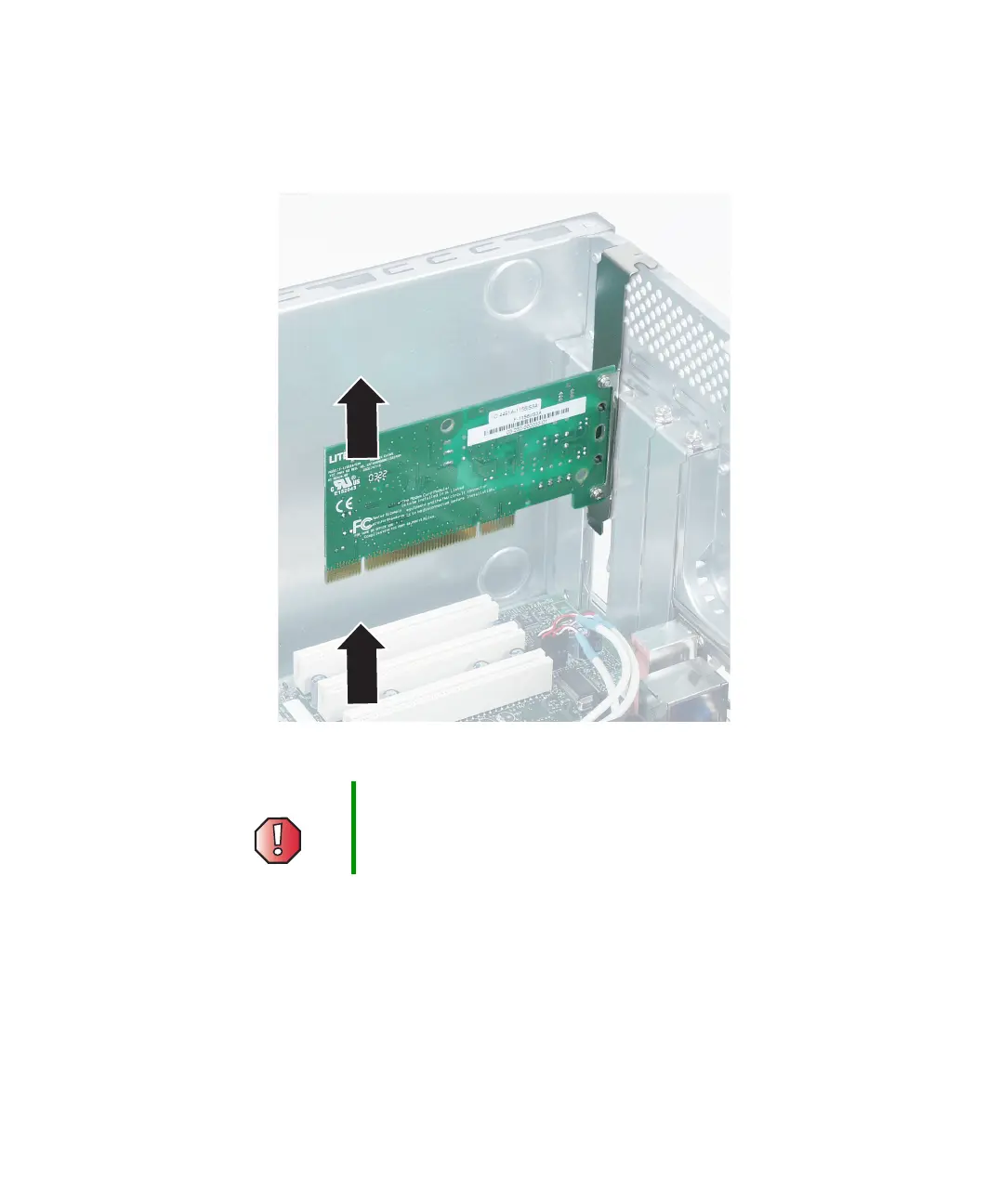
5 If you are replacing an add-in card, remove the old add-in card. You can
slightly seesaw the card end-to-end to loosen the card, but do not bend
the card sideways.
6 Install the new card into the add-in slot.
You can slightly seesaw the card end-to-end to help insert the card, but
do not bend the card sideways.
7 Secure the add-in card with the retention screw.
Warning Do not touch the contacts on the bottom part of the add-in
card. Touching the contacts can cause electrostatic
damage to the card.



 To Next Page