77
Listening to CDs
www.gateway.com
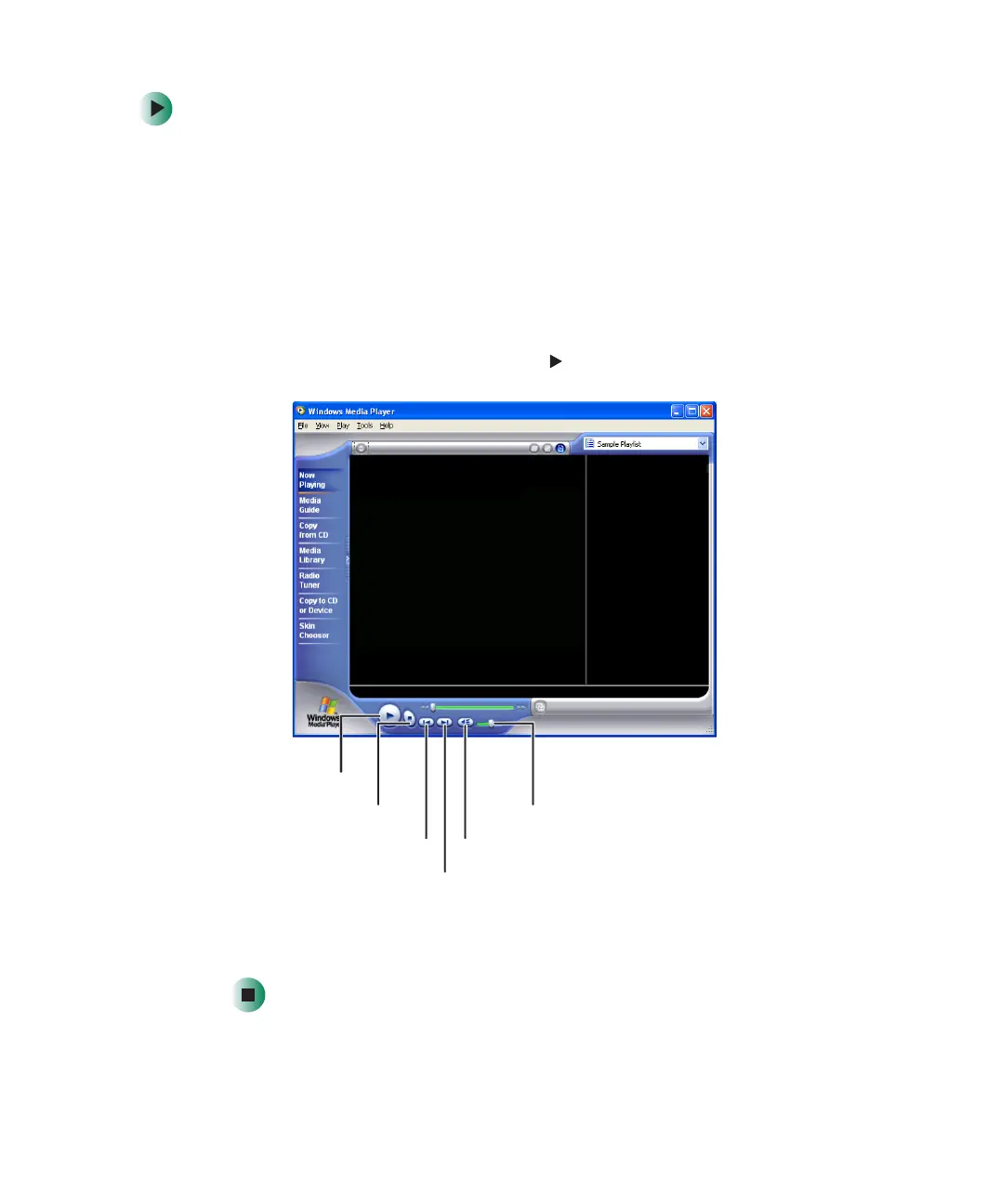
To play a CD:
1 Insert a CD into the CD or DVD drive.
2 If a dialog box opens with a list of CD players, click Windows Media Player.
The Windows Media Player opens.
- OR -
If a dialog box does not open with a list of CD players, click
Start, All
Programs
, then click Windows Media Player. The Windows Media Player
opens.
3 When the media player opens, click (play).
If you do not hear sound or you want to change the volume, see “Adjusting
the volumes” on page 68.
Play
Stop
Next
Previous Mute
Volume



 To Next Page