80
Chapter 6: Using Multimedia
www.gateway.com
3 If an Audio CD dialog box opens, click Play Audio CD using MUSICMATCH
Jukebox
, then click OK. The MusicMatch window opens.
- OR -
If a dialog box does not open, click
Start, All Programs, MusicMatch, then
click
MusicMatch Jukebox. The MusicMatch window opens.
4 If the CD is playing, click Stop.
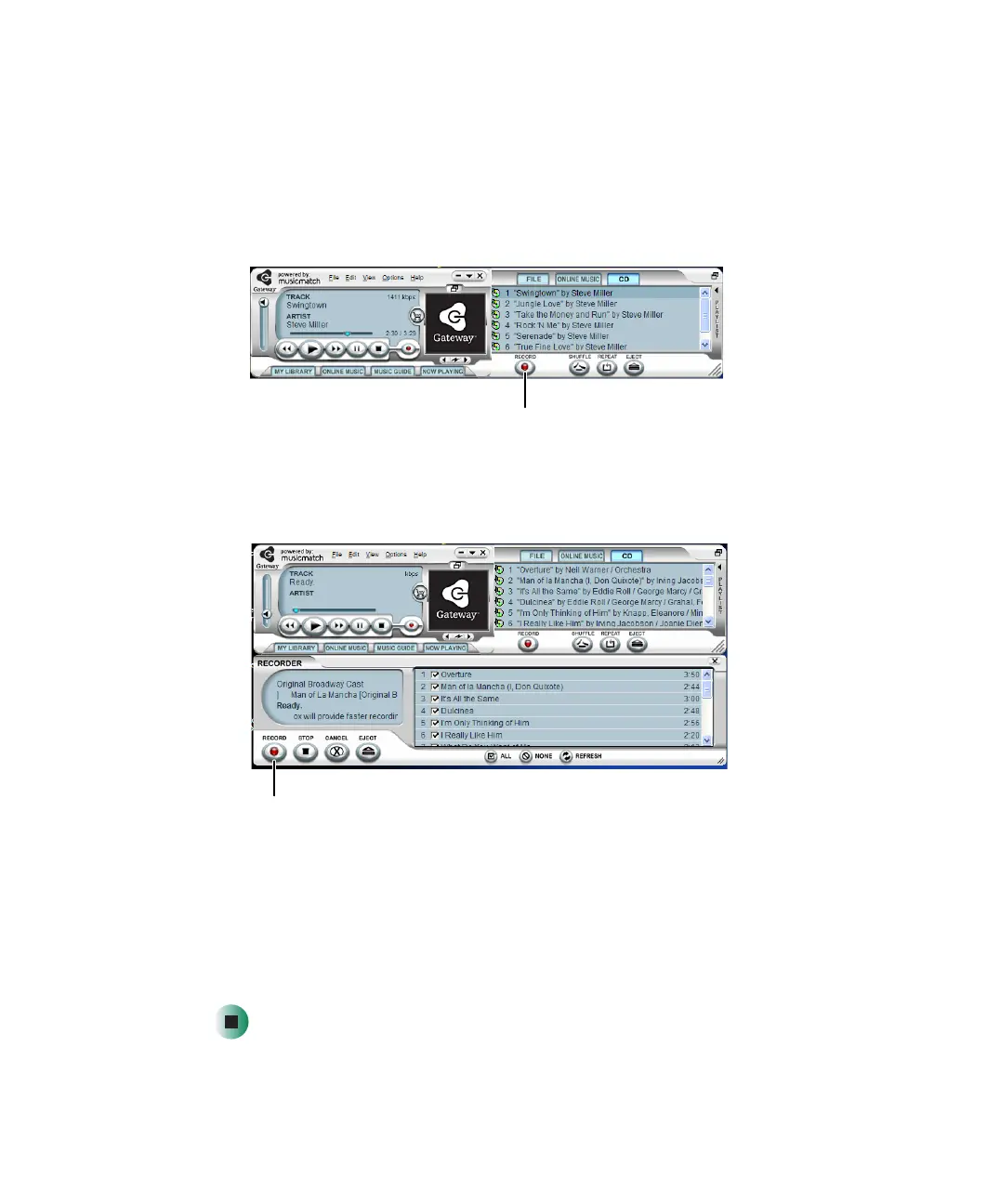
5 Click Record. The Recorder window opens.
6 Click to clear the check box for any track you do not want to record.
7 Click Record.
8 When a message tells you the CD drive needs to be configured, click OK.
A progress bar appears next to each track as it is recorded.
Record
Record



 To Next Page