CHAPTER 3: Using the Internet and Faxing
28
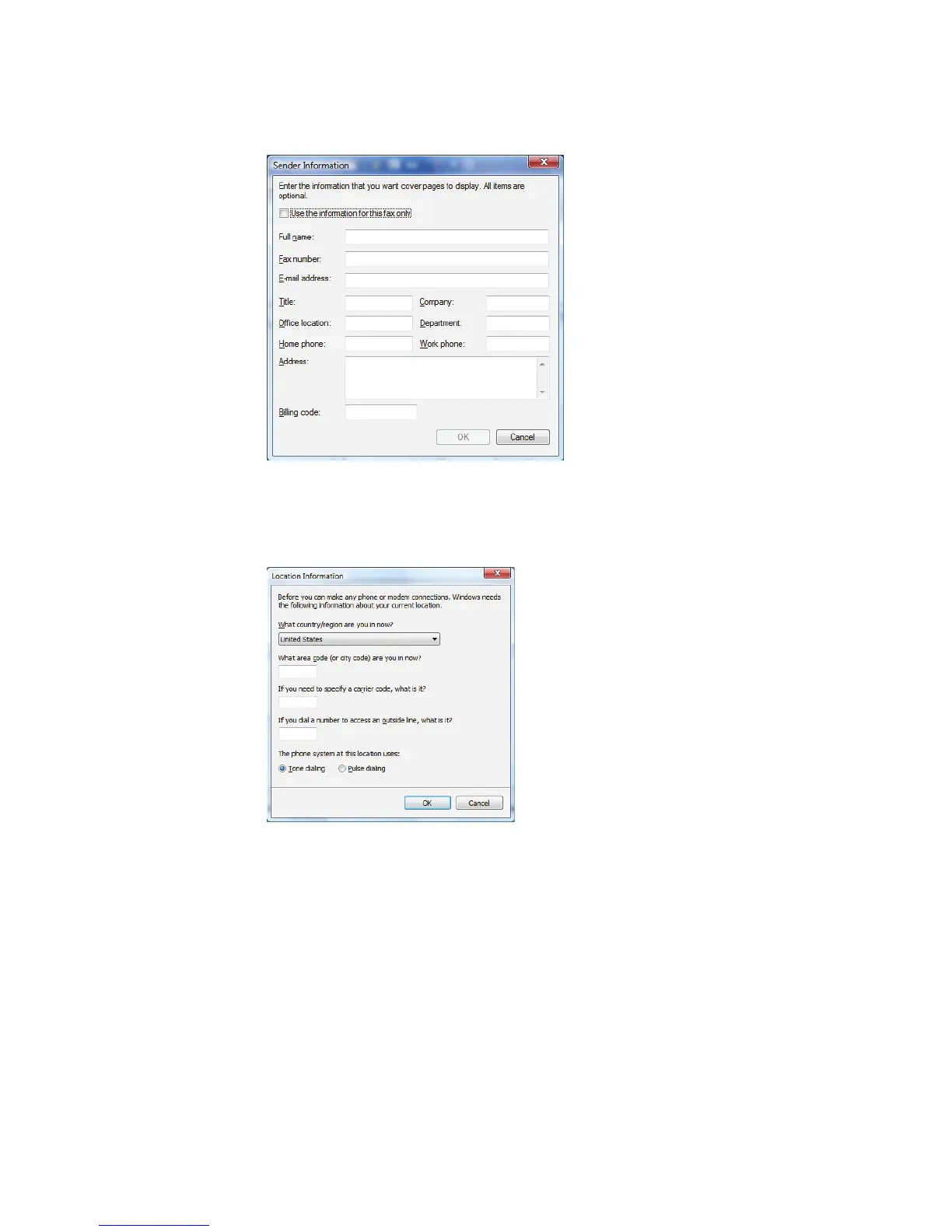
7 Create your fax, then open the Cover Page menu by clicking the arrow and
selecting a cover page from the list. The
Sender Information
dialog box opens.
8 Type your information in the spaces provided, then click OK. The
New Fax
dialog
box opens.
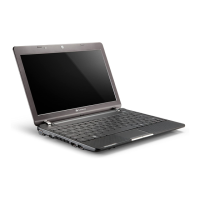
9 To enter optional dialing rule information, click Dialing Rule and select a rule
from the menu. If you have not set up a dialing rule, select New Rule from the
menu. The
Location Information
dialog box opens.



 To Next Page