CHAPTER 7: Using Multimedia www.gateway.com
84
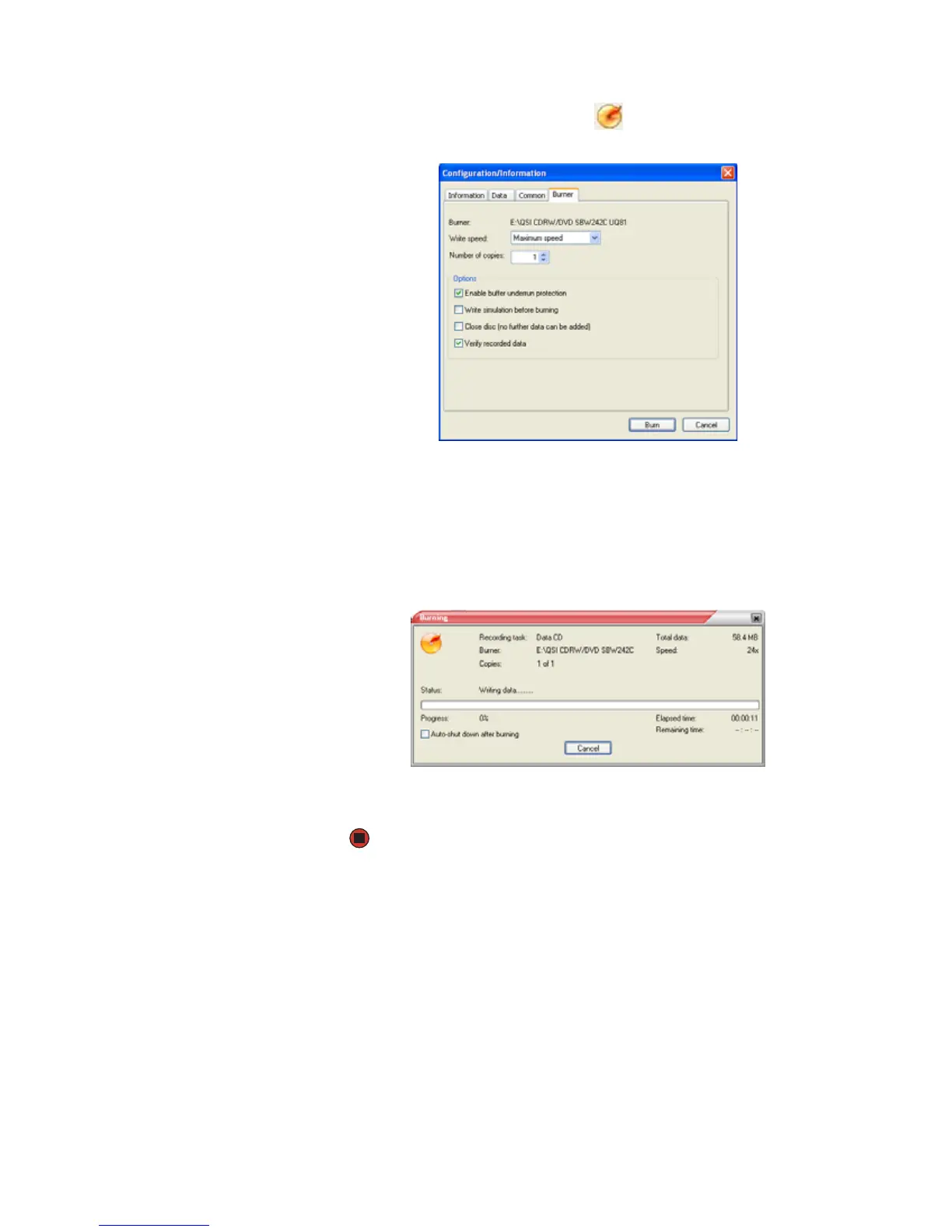
7 After you select all your files, click . The Configuration/Information
dialog box opens.
8 If you have one CD or DVD burner, click Burn. The Burning dialog box
opens and Power2Go burns the files to the CD or DVD.
-OR-
If you have more than one CD or DVD burner, select the burner, then click
Burn. The Burning dialog box opens and Power2Go burns the files to the
CD or DVD.
9 When a message tells you that the recording is complete, click OK to start
the LabelPrint program or Cancel to return to Power2Go.



 To Next Page