Instructions for SW200DC
www.gatexpertstore.com
Dual gates single channel
mode.
Four channel mode.
Single gate single channel
mode.
Delete all paired remote
controls
Dual gates
single channel mode.
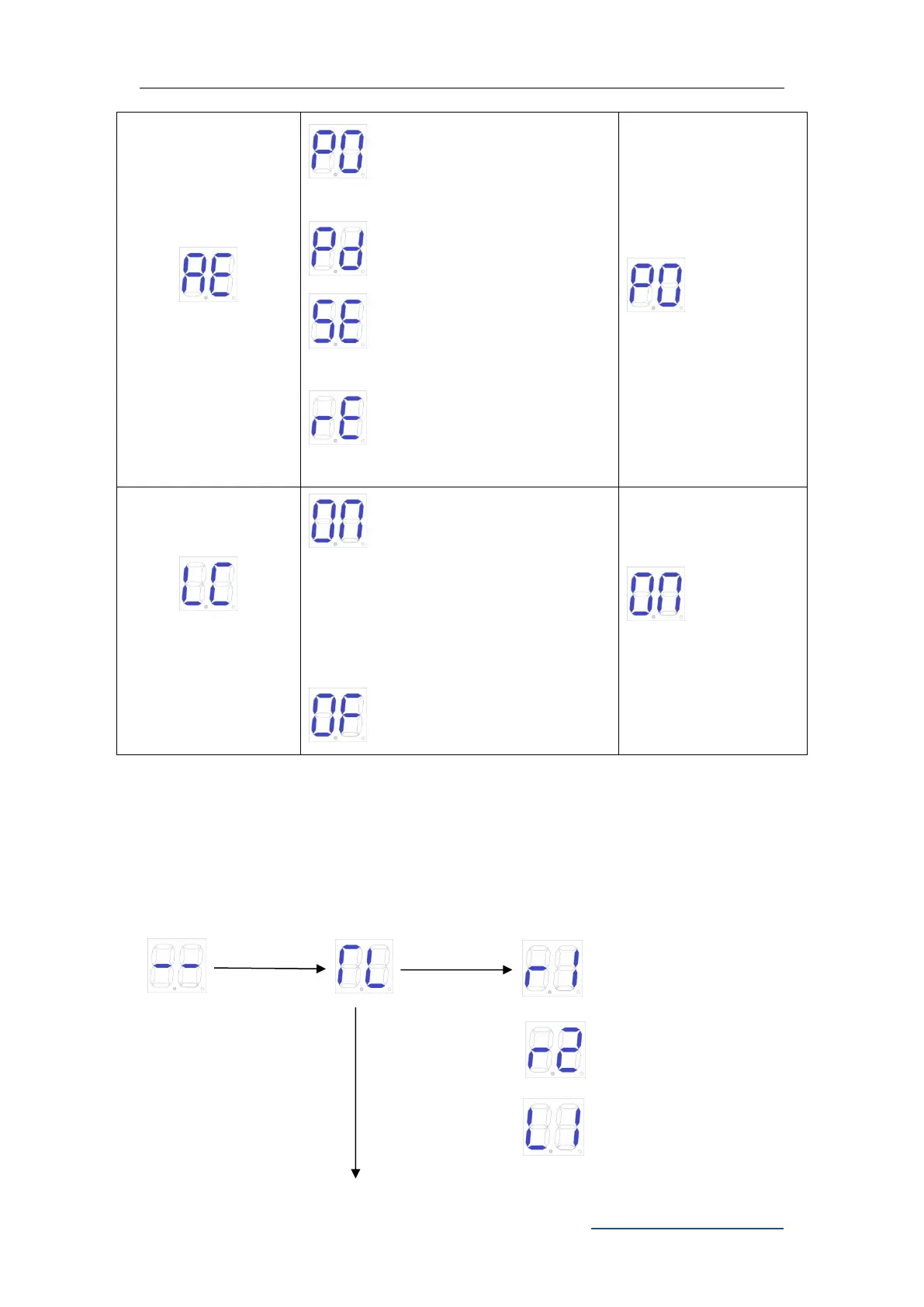
Low consumption mode on
(
When there is no operation in the
initial screen, the control board will
automatically enter the
low-consumption mode after 1
minute.
)
Low consumption mode off
9.7.3 Advanced Menu Instruction
Long press "PROG" 2 seconds to enter into advanced menu.
Digital Screen shows “TL”, press “+”(up) or “-”(down) to select;
Short press “SET” to confirm or to enter into sub-menu.
Short press “PROG” to exit.
If no command for one minute, the menu will automatically exit.
Advanced Menu
Time fine tuning of of
gate 1



 To Next Page