EasyManua.ls Logo

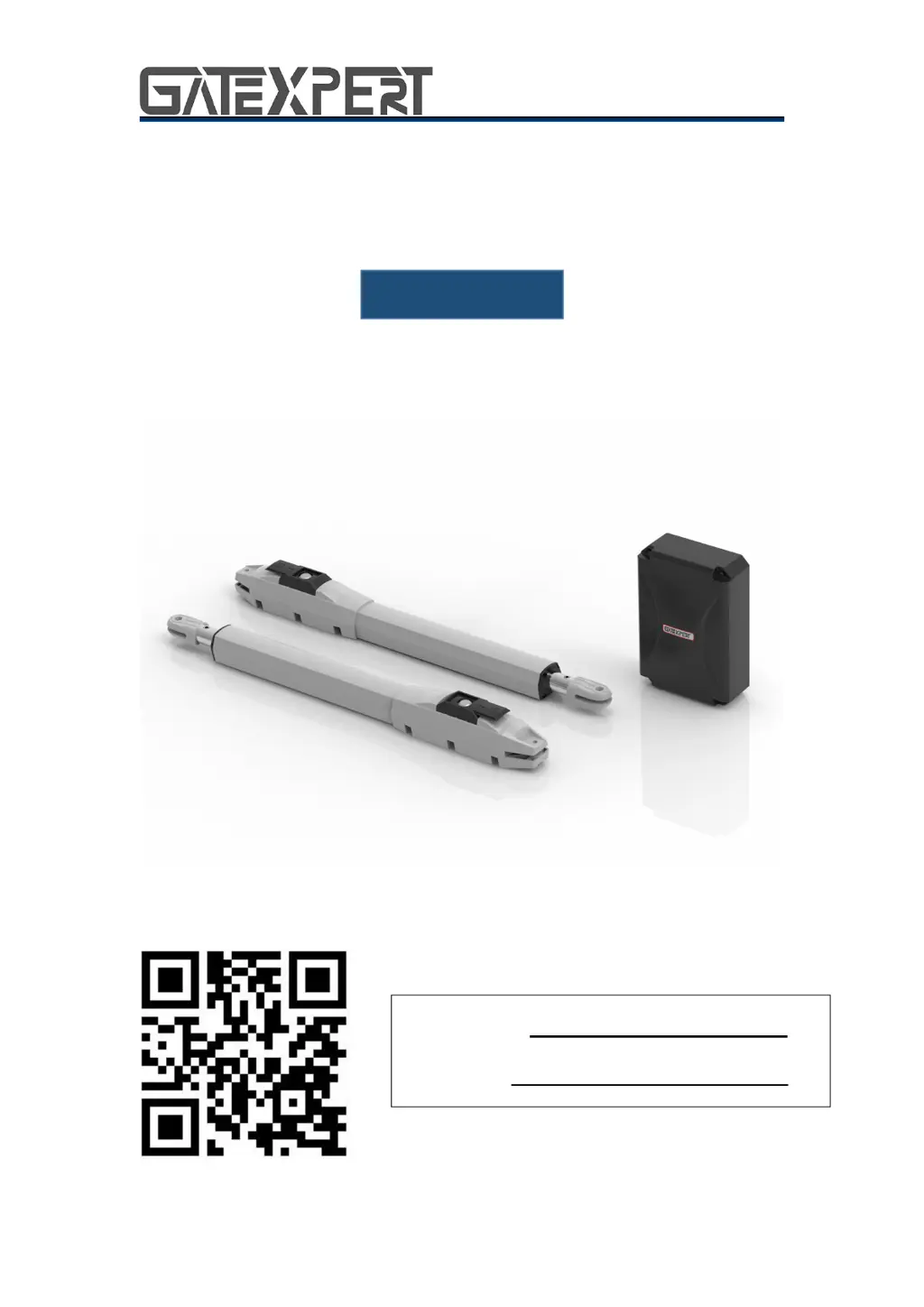
GATEXPERT SW200DC - User Manual

GATEXPERT SW200DC
31 pages
Print Icon
To Next Page IconTo Next Page
Loading...
1
Swing Gate Opener
User Manual
SW200DC
Website: www.gatexpertstore.com
E-mail: sales@gatexpertstore.com

Questions and Answers

  • J
    Joseph NewmanAug 3, 2025
    Why doesn't my GATEXPERT SW200DC remote control work?
    • M
      Mark EspinozaAug 3, 2025
      If the remote control for your GATEXPERT Gate Opener isn't working, first replace the remote control battery. If that doesn't solve the issue, you may need to re-conduct the remote control learning process.
  • N
    Nicholas Carroll PhDAug 7, 2025
    What to do if my GATEXPERT SW200DC gate can open but cannot close?
    • J
      Jennifer HaasAug 7, 2025
      If your GATEXPERT Gate Opener gate can open but not close, there are several potential causes related to the photocell: * Check the photocell wiring. If you're not using a photocell, ensure that terminals 5 and 6, and 5 and 7 are short-circuited. If you are using an infrared sensor, verify the wiring is correct and the photocell is N.C. (Normally Closed). * Make sure the photocell mounting allows for proper alignment. * Ensure that the photocell is not blocked by any objects; if it is, remove them. * The obstacle sensitivity might be too high. Try reducing the sensitivity.
  • B
    brownkarlaAug 12, 2025
    Why does my GATEXPERT Gate Opener gate move to the middle position to stop or reverse?
    • G
      Grant SchmidtAug 12, 2025
      If your GATEXPERT Gate Opener gate stops or reverses in the middle, it could be due to several reasons: 1. The motor output force may not be sufficient. Check if the transformer power is normal; if it isn't, replace the transformer. 2. The obstacle sensitivity might be set too high. Adjust the TR2. 3. The gate may be encountering an obstacle. Remove any obstructions in its path.
  • S
    sarahallenAug 15, 2025
    How to fix a GATEXPERT Gate Opener that won't open or close and the display is not lit?
    • K
      Kimberly JacksonAug 15, 2025
      If your GATEXPERT Gate Opener isn't opening or closing normally and the display is off, check the following: * Ensure the power supply is switched on. * Inspect the fuse and replace it if it's burnt. * Verify the control board power wiring and rewire according to the instructions if necessary.
  • K
    Kayla NobleAug 20, 2025
    How to extend the remote control range of my GATEXPERT SW200DC Gate Opener?
    • A
      Angel JohnsAug 20, 2025
      If the remote control distance for your GATEXPERT Gate Opener is too short, it may be due to a blocked signal. Try connecting an external receiver antenna, positioning it 1.5 meters above the ground.
  • K
    kelly79Aug 25, 2025
    What to do if the leakage switch tripped on my GATEXPERT SW200DC?
    • M
      meaganmullinsAug 25, 2025
      If the leakage switch tripped for your GATEXPERT Gate Opener, it may be due to a power supply line short circuit or motor line short circuit. Check the wiring to resolve this issue.
  • W
    whitejosephAug 29, 2025
    What to do if my GATEXPERT SW200DC Gate Opener is not moving but the motor has noise?
    • M
      Maria MoodyAug 29, 2025
      If your GATEXPERT Gate Opener gate isn't moving when you press the OPEN or CLOSE button, but the motor is making noise, it indicates that the gate movement is not smooth. Adjust the motor or the gate based on the specific situation.

Summary

WARRANTY

CONTACT US

Safety Instruction

Packing List (Standard)

Packing List (Optional)

Technical Parameters

Installation Drawing

Tools Needed for Standard Installation

Cable List

Direction of Gate Opening

Gate Opens Inwards

Details for inward gate opening configuration, including recommended installation sizes.

Gate Opens Outwards

Details for outward gate opening configuration, including recommended installation sizes.

Installation Steps

Preparation Before Main Machine Installation

Pre-installation checks, cable management, and mounting bracket fixing.

Accessory Installation

Step-by-step guide for installing wall, connecting, and front mounting brackets.

Dimension of Control Box

Provides the physical dimensions and views of the control box.

Wiring and Debugging

Wiring Instructions

Diagram and instructions for connecting power, motors, and accessories to the control board.

Control Board Drawing and Instructions

Detailed breakdown of control board terminals and their respective functions.

Digital Screen Setting

Explains the digital display codes and their meanings for gate opener status.

Travel Setting

Crucial process for setting open/closed limit switches and gate travel parameters.

Trimmers Setting

Adjusting obstacle sensitivity, slow speed distance, and gate moving speed.

Remote Control Operations

Procedures for learning, deleting, and managing remote controls for the gate opener.

Control Board Configuration

Settings for base menu, advanced features, modes, and timings of the control board.

Others

Maintenance

Recommendations for regular checks and upkeep of the gate opener system.

Error Message

Lists common error codes and their potential causes and solutions.

Troubleshooting

Step-by-step guide to diagnose and resolve common problems with the gate opener.

GATEXPERT SW200DC Specifications

General IconGeneral
Power200W
Operating Temperature-20°C ~ +50°C
Protection ClassIP44
Protection LevelIP44
Motor TypeDC

Related product manuals