Instructions for SW200DC
www.gatexpertstore.com
If the gate didn’t stop when meets the obstacles during travel setting, please
appropriately reduce the resistance force.
Installer must redo travel setting after modifying the "SPEED" trimmer.
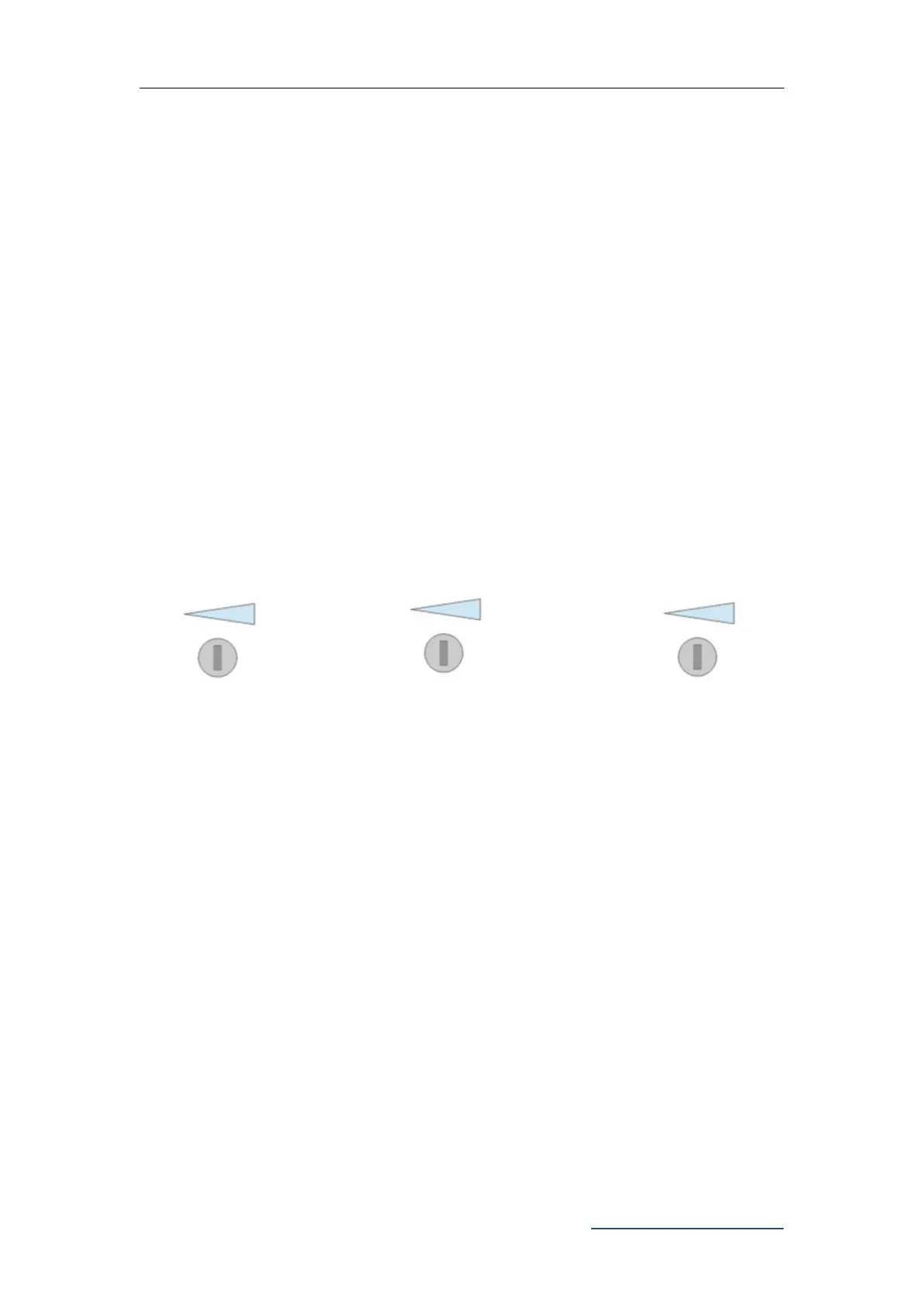
9.5 Trimmers Setting
Obstacle Sensibility Trimmer
To adjust the sensitivity of obstacle -- clockwise to increase, counterclockwise to
reduce the sensitivity of obstacle. If there are environmental effects, such as heavy
winds, adjust the trimmer according to environment.
Slow Speed Distance Trimmer
To adjust slow speed distance -- clockwise to increase, counterclockwise to decrease
slow speed distance. Please do not set very short slow speed distance, to avoid the
gate collision.
Gate Moving Speed Trimmer
To adjust gate moving speed -- clockwise to accelerate, counterclockwise to slow
down. The trimmer can be adjusted to change the opening and closing travel time.
This adjustment must be finished before travel setting.
Figure 15
9.6 Learning Remote Control & Delete Remote Control
9.6.1 Learning Remote Control
Press and hold "-" button, the alarm light will keep flashing, and digital screen displays
remote control mode -- “PO” -- two swing gates single channel mode; “Pd" -- single
gate four channel mode; Press the button of the remote control to be learned, the
digital screen will show the number of current learned remote control, then the remote
control learning is completed. (The default of new paired remote control is two swing
gates single channel mode).
9.6.2 Delete Remote Control
Enter into “AE” in the digital screen and then to choose “rE” to delete the remote
controls.
FORCE
Obstacle Sensibility
Trimmer
SLOW DOWN
Slow Speed Distance
Trimmer
SPEED
Gate Moving Speed
Trimmer



 To Next Page