EasyManua.ls Logo

GBA ST1C-UL - User Manual

GBA ST1C-UL
25 pages
Print Icon
To Next Page IconTo Next Page
Loading...
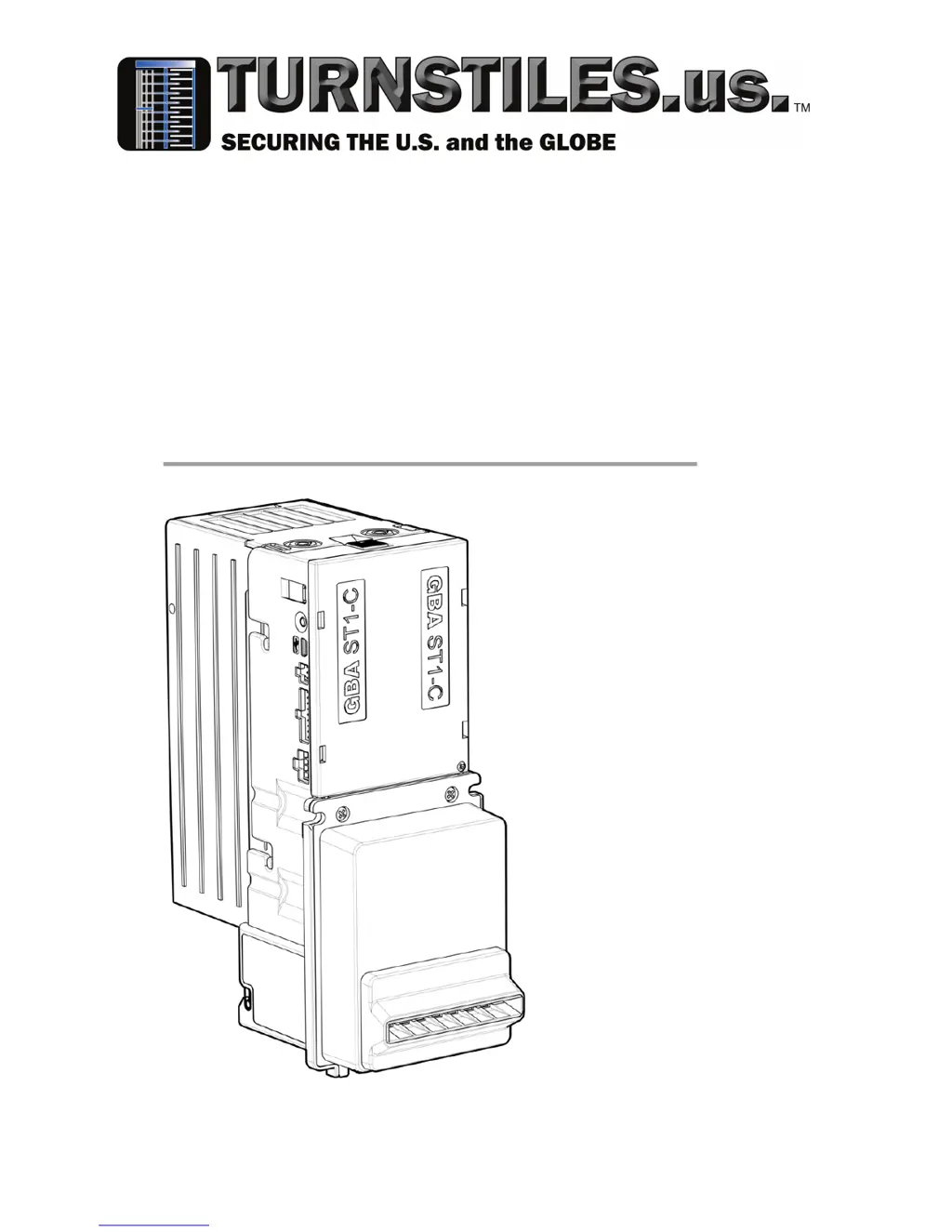
GBA ST1C-UL
110 VAC
12Vdc
Operation Manual
www.TURNSTILES.us / www.entrapass.com
/ 8641 S. Warhawk Road, Conifer, CO 80433 / 303-670-1099

Questions and Answers

  • J
    Jennifer WrightAug 2, 2025
    How to fix GBA Cash Counters & Coin Sorters when it doesn't turn on?
    • C
      Cheryl SummersAug 2, 2025
      If your GBA Cash Counters & Coin Sorters unit isn't working when powered on, with the belt motor off, the status LED off, and the bill guide unlit, here's what to check: 1. Make sure the power supply is switched on and properly connected to the validator. 2. Check the interface cable to ensure it's firmly and correctly connected. 3. If the unit is in “Low Power” mode, insert a bill to see if it starts up.
  • L
    Lisa AndersonAug 7, 2025
    What to do if GBA Cash Counters & Coin Sorters doesn't give credit for accepted bills?
    • J
      Jason GambleAug 7, 2025
      If your GBA Cash Counters & Coin Sorters unit accepts a bill but doesn't provide credit, it could be due to: * Incorrect interface selection. Use the on-board button with Program Card or GBA Talk to select the required interface. * A poor electrical connection. Ensure the interface cable is firmly and correctly connected.
  • B
    bdominguezAug 12, 2025
    Why are all bills rejected by my GBA Cash Counters & Coin Sorters?
    • D
      David KnightAug 12, 2025
      If your GBA Cash Counters & Coin Sorters is rejecting all programmed bills, the issue might be: * Acceptance inhibited for all bills. Use the on-board button or GBA Talk to enable the required bills. * Optical Sensors damaged or dirty. Clean the lenses in the bill path, then recalibrate the validator.
  • J
    James LarsonAug 17, 2025
    How to troubleshoot GBA Cash Counters & Coin Sorters not communicating with host machine?
    • S
      Susan JosephAug 18, 2025
      If your GBA Cash Counters & Coin Sorters unit isn't communicating with the host machine, consider the following: * Incorrect interface selected. Use the on-board button or GBA Talk to select the required interface. * Poor electrical connection(s). Ensure the interface is connected firmly and correctly.
  • M
    Mallory TurnerAug 22, 2025
    What causes GBA Cash Counters & Coin Sorters to reject some bills?
    • M
      michael34Aug 22, 2025
      If your GBA Cash Counters & Coin Sorters is having trouble accepting some programmed bills, the reasons could be: * Bill acceptance inhibited. Use the on-board button or GBA Talk to enable the required bills. * Poor sensor readings. Use GBA Talk to check sensor levels and recalibrate if necessary. * Insufficient power supply capacity. Clean validator bill path.
  • J
    John MartinezAug 27, 2025
    Why does the motor run continuously on my GBA Cash Counters & Coin Sorters?
    • K
      Kim ParkerAug 27, 2025
      If the belt motor and/or stacker motor runs continuously after powering on your GBA Cash Counters & Coin Sorters, this may be the cause: * Poor electrical connection(s). Ensure the Interface cable is connected firmly and correctly.

Summary

Introduction

Symbols and Safety Icons

Defines symbols used in the manual for safety and operational guidance.

Care and Transport

Shipping and Inspection

Guidelines for shipping, packaging, and inspecting the product during transport.

Storage Recommendations

Recommendations for storing the equipment, including temperature limits and inspection.

Cleaning and Drying Procedures

Instructions for cleaning the product using specific solutions and drying procedures.

Product Unpacking

Procedures for unpacking the bill acceptor and handling potential transit damage.

Safety Directions and Warranty

General Safety Guidelines

General directions for anticipating and avoiding operational hazards during installation and use.

Intended Use and Adverse Uses

Defines permitted and adverse uses of the equipment, highlighting potential risks.

User Responsibilities

Outlines duties of personnel responsible for installing, maintaining, and using the product safely.

Warranty Terms and Conditions

Details the warranty period, coverage, exclusions, and limitations for the bill acceptor.

Product Information

General Specifications

Lists key technical specifications of the GBA ST1C-UL bill acceptor.

Product Architecture Overview

Describes the modular assembly of the bill acceptor and its main components.

Bill Cassette Options

Details the available bill cassette capacities and access styles (front/rear).

Opening Bill Cassettes

Step-by-step instructions for accessing bills from front and rear access cassettes.

Faceplate and Mounting Options

Explains different faceplate and bill guide configurations for mounting and security.

Connections and User Controls

Identifies and describes the ports, buttons, and LEDs on the GBA ST1C unit.

Wiring Loom Details

Details the different wiring looms for 110VAC, 12Vdc, and programming connections.

Electrical Interface Specification

Power Requirements

Specifies the typical power consumption, supply voltage, and input current for the unit.

Safety Standards Compliance

Lists the safety and EMC emission/immunity standards the ST1C-UL 110VAC complies with.

110 VAC Power Connector Details

Details the 9-pin connector for 110VAC power, including pin functions and relay ratings.

12 Vdc Low Voltage Signal Port

Details the 18-pin connector for 12Vdc operation and low voltage signal functions.

Signal Output Specifications

Provides specifications for open collector outputs and input voltage levels.

USB Port Functionality

Describes the USB port's compliance and its uses for reprogramming and host controller connection.

Maintenance and Operation

Cleaning the Validator Bill Path

Step-by-step guide for cleaning the bill path, including required equipment and precautions.

Lower Sensor Housing Assembly

Instructions for removing and refitting the lower sensor assembly, including bill guide options.

Clearing a Bill Jam

Procedures for safely clearing jammed bills from the bill acceptor unit.

Diagnostics and Troubleshooting

Unit Diagnostics Overview

Overview of the diagnostic LED and its indications for unit status and modes.

Diagnostic LED Functionality

Explains the functionality of the tri-coloured diagnostic LED for status communication.

Bill Reject Codes

Lists flash codes on the diagnostic LED corresponding to bill rejection causes.

Illuminated Bill Guide Patterns

Describes the patterns of the illuminated bill guide for different validator states.

Troubleshooting Common Issues

Provides a table of common problem symptoms, causes, investigations, and solutions.

Dimensional Drawings

Upstacker; Downstacker Dimensions

Presents detailed dimensional drawings and measurements for the unit's physical configuration.

About Us

Company Profile

Provides background information on TURNSTILES.us, its history, and services.

Technology and Software

Highlights the EntraPASS software and its integration capabilities for access control.

Company Operations and Services

Describes the company's focus on client needs, experience, and engineering services.

Strategic Partnerships

Mentions partnerships with manufacturing partners for reliable products.

GBA ST1C-UL Specifications

General IconGeneral
BrandGBA
ModelST1C-UL
CategoryCash Counters & Coin Sorters
LanguageEnglish

Related product manuals