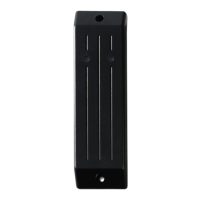
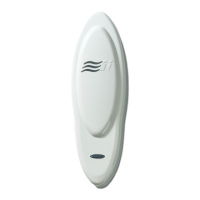
6 GE Contactless Smart Card Reader Model 24x
microcontrollers must be specially configured to receive the incoming 16-
digit BID numbers, and convert them into the proper 12-digit BID format.
To make a Secure Perfect 4.0 or higher system compatible with the
complete line of GE Contactless Smart Card Reader, do the following:
• Install Secure Perfect Edition, 4.0 or higher
•LoadtheSecure Perfect Update CD in the server CD drive
• Locate the Badge Formats folder
• In the Badge Formats folder, locate the 15693.REG file
• Double-click the 15693.REG to configure the Secure Perfect Edition
system
This file configures the Secure Perfect Edition’s system to communicate
with the GE Contactless Smart Card Readers.


 To Next Page