1. Make sure the phone is (not in TALK mode).
. Press the mute/menu OK button to go to the main menu.
. Press CALLER ID-VOLUME ( 6 or 5) button to scroll to PHONEBOOK.
. Press mute/menu OK button to enter menu.
5. Use the CALLER ID-VOLUME ( 6 or 5) button to scroll to VIEW RECORDS.
6. Press the mute/menu OK button to conrm.
7. Use the CALLER ID-VOLUME ( 6 or 5) button or key in alphabet to move to the
desired number.
8. Press the TALK or SPEAKER buttons, the number dials automatically.
With this feature, you can transfer all the incoming calls to the answering system.
When the phone rings, press the END/cancel button on the handset. The answering
system will answer the call for you.
1. Make sure your phone is (not in TALK mode).
. Press the mute/menu OK button to go to the main menu.
. Press CALLER ID-VOLUME ( 6 or 5) button to scroll to ROOM MONITOR.
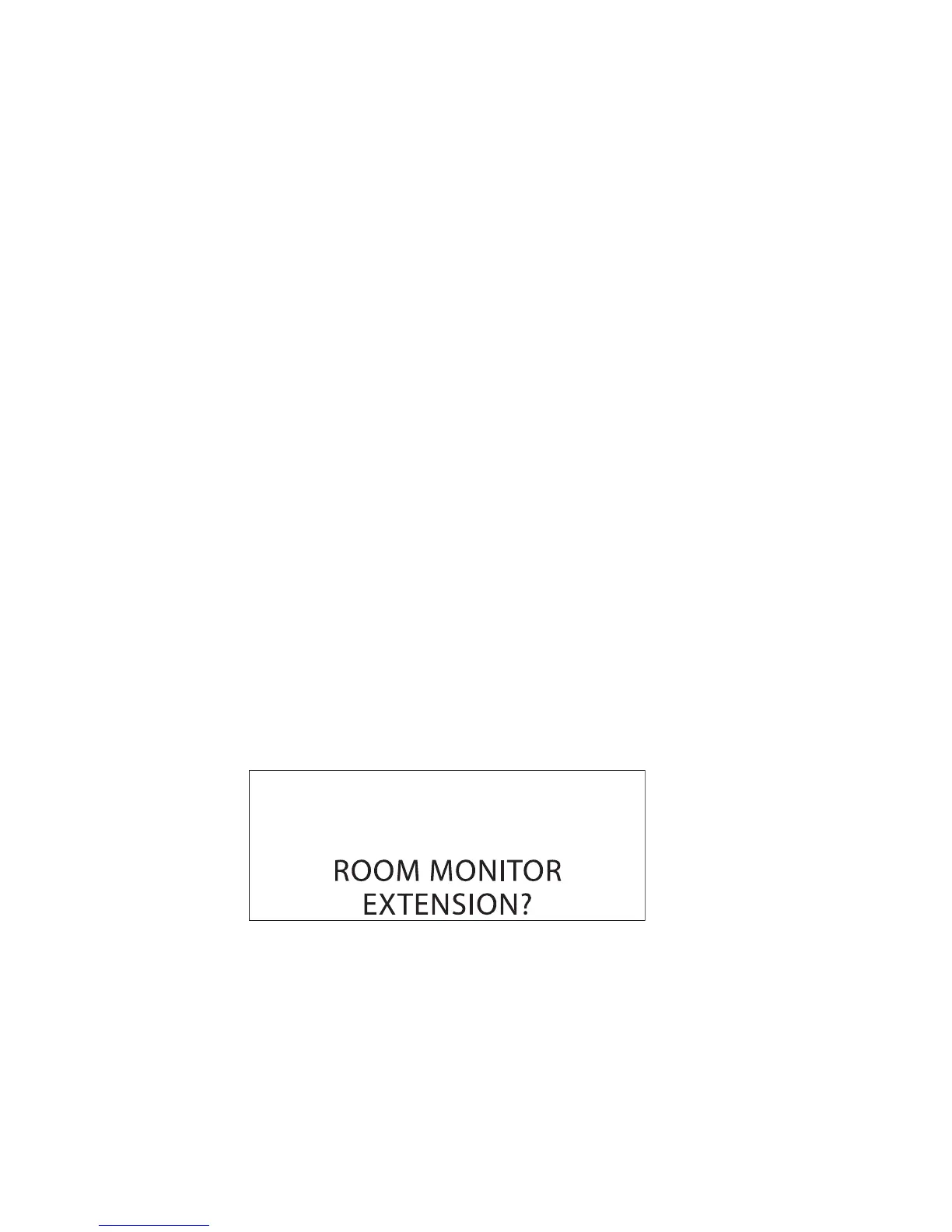
. Press mute/menu OK button to enter ROOM MONITOR menu. ROOM MONITOR
EXTENSION? shows in the display.
5. Use the touch tone pad to enter the handset number to be monitored.



 To Next Page