28
MUTE
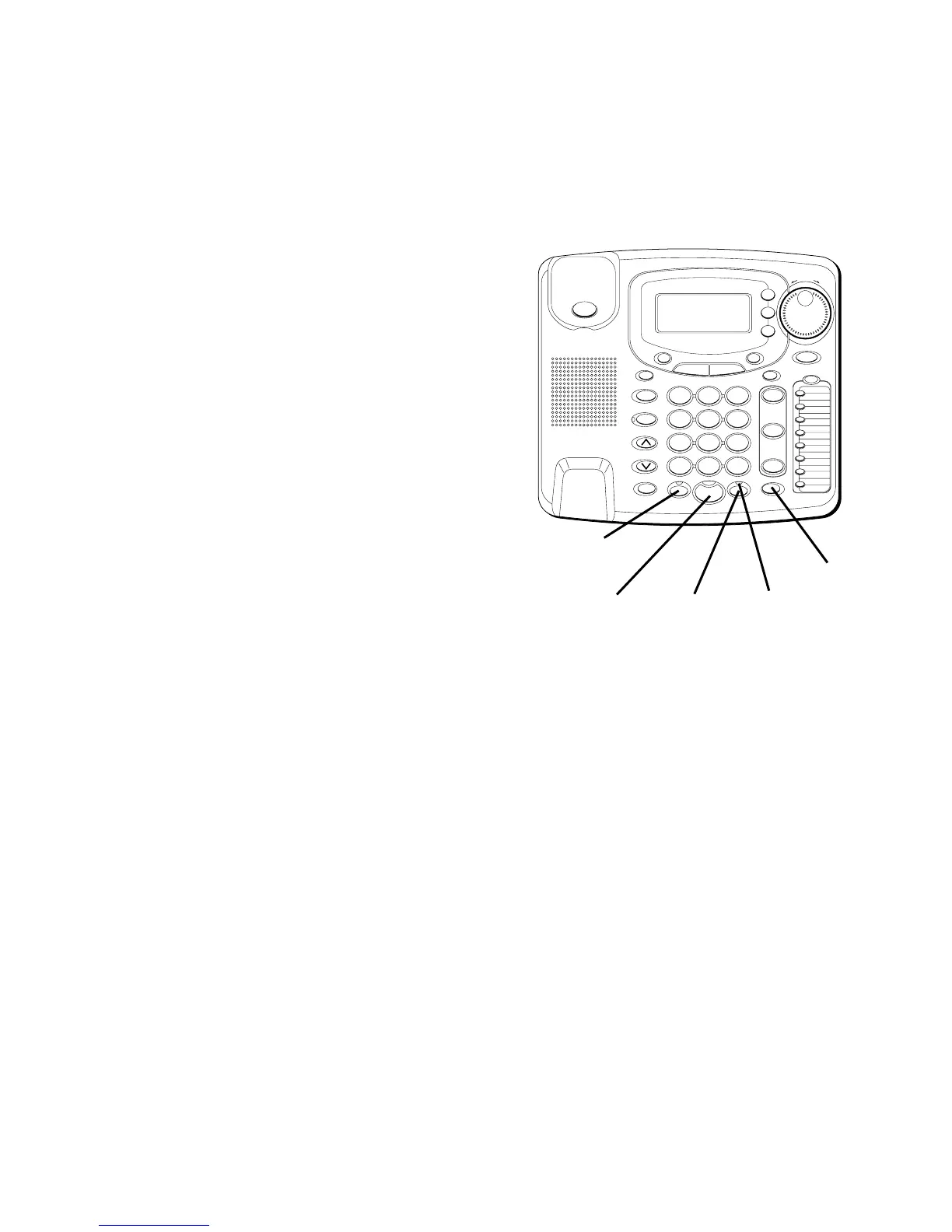
Use the MUTE button to interrupt a
phone conversation to talk privately with
someone else in the room. A
conversation can be muted during
speakerphone, handset, or headset use.
1. Press MUTE. The mute indicator
comes on.
2. Press MUTE again to turn it off.
NOTE: Switching from speakerphone to
handset or headset cancels mute.
HOLD
PLACING A CALL ON HOLD
1. Press HOLD. The indicator for the line
on hold flashes green.
2. Hang up or press another line button.
PICKING UP A CALL ON HOLD
1. Lift the handset, or press SPEAKER or
HEADSET.
2. Press the line on hold.
#
OPER
0
TONE
WXYZ
9
TUV
8
PQRS
7
MNO
6
JKL
5
GHI
4
DEF
3
ABC
21
STORE
LOWER
DIAL
CALLER ID
CLEAR
EXIT
SELECT
VOICE MAIL
CONFER
LINE
2
LINE
1
HOLD
MUTEHEADSETFLASH
VOLUME
BUSY REDIAL
REDIAL
PAUSE
MENU DIRECTORY
8
7
6
5
4
3
2
1
S
H
U
T
T
L
E
SPEAKER
*
HEADSET
button
SPEAKER
button
MUTE
button
HOLD
button
MUTE
indicator



 To Next Page