17
DATA PORT
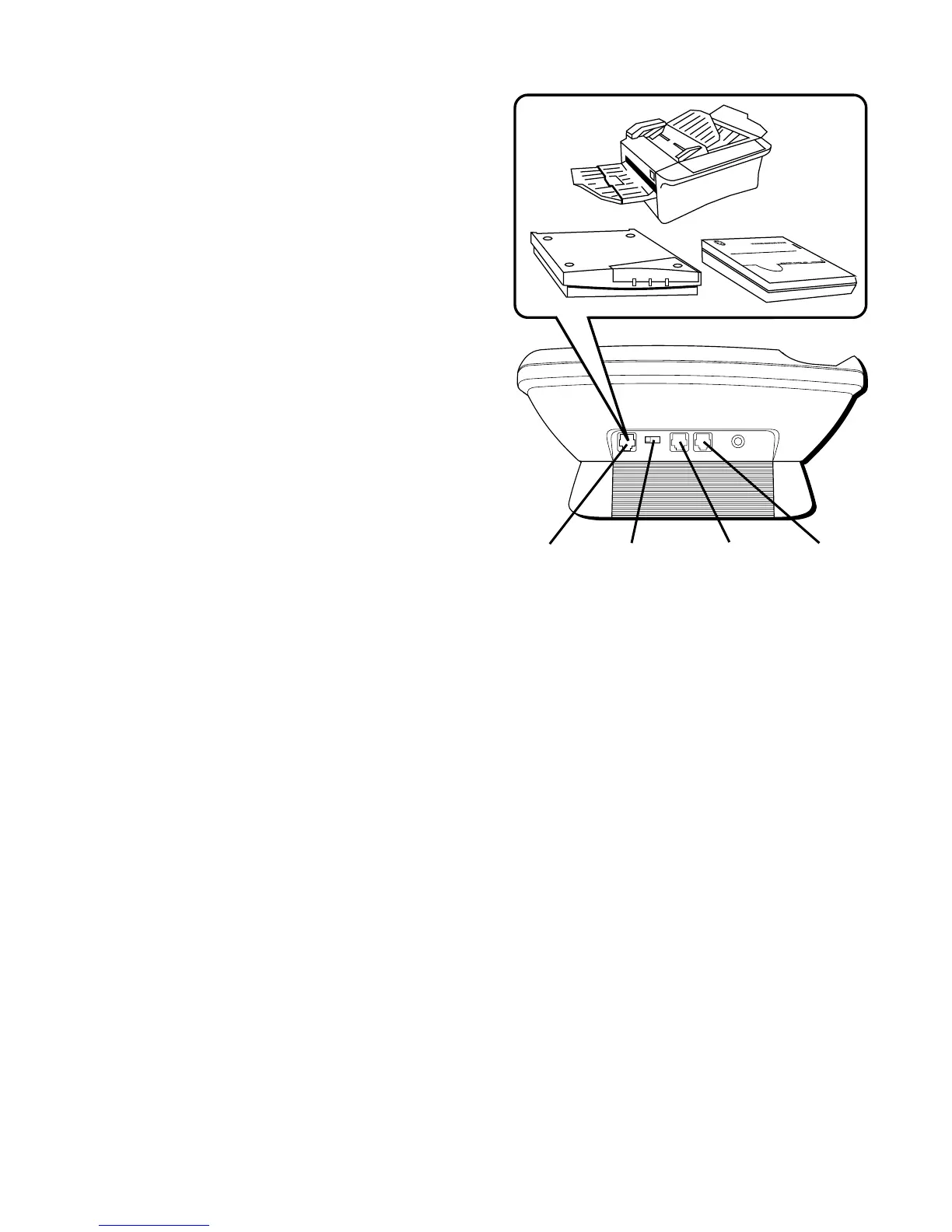
This phone is equipped with a DATA
PORT jack for you to connect an
auxiliary phone device, such as a fax
machine, computer modem,
answering machine, or even a cordless
phone.
The DATA PORT switch on the back of the
phone controls the DATA PORT jack by
enabling you to choose the line to be
used, either line 1 or line 2.
You can use the DATA PORT jack to hook
up your fax machine, for example, and
then set the DATA PORT switch to 2 in
order to receive faxes on the phone
number for line 2.
LINE 1+2 LINE 2DATA PORT
DATA PORT
2 1
POWER
6V DC
LINE 1+2
jack
LINE 2
jack
DATA
PORT
switch
DATA
PORT
jack



 To Next Page