35
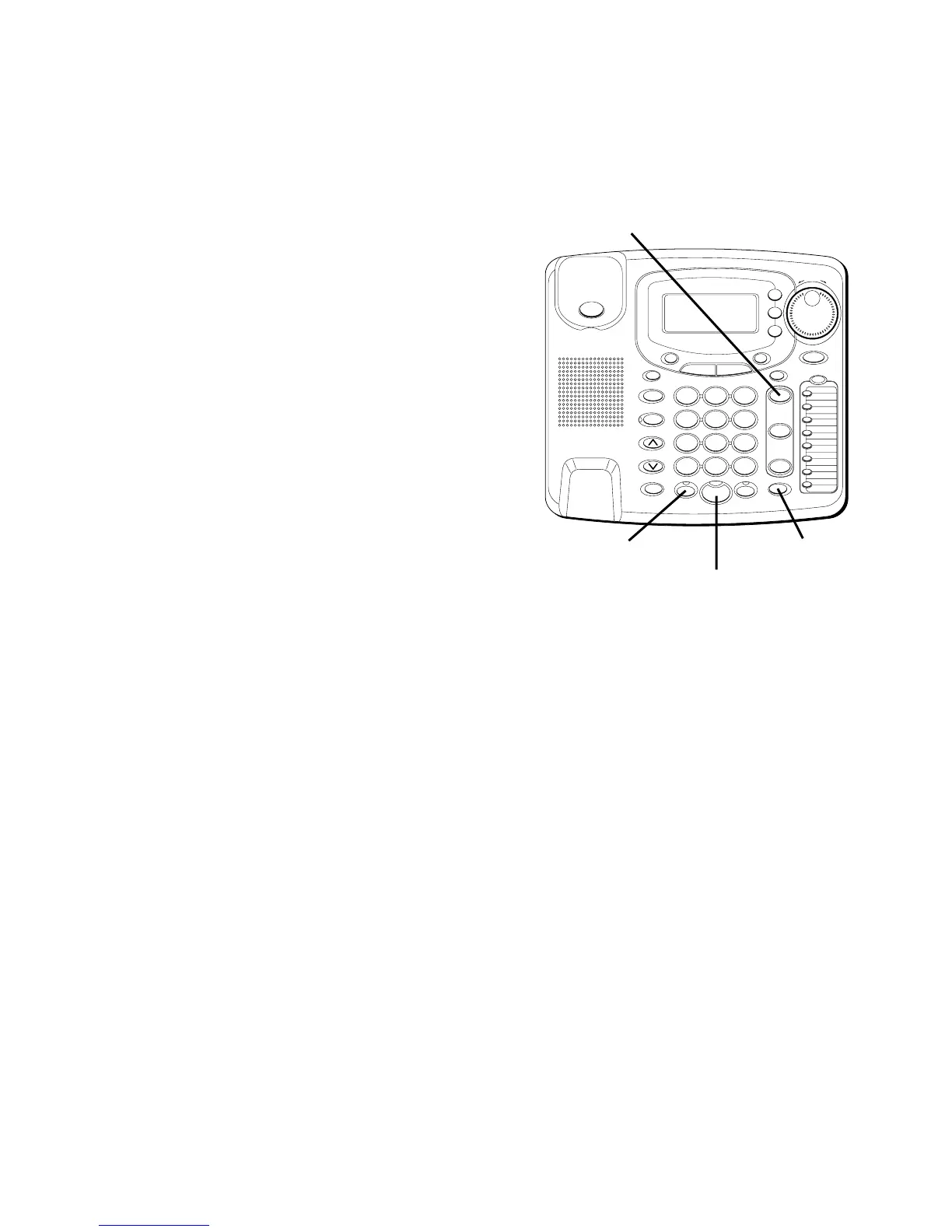
4. Press CONFER.
5. Talk to both parties.
To disconnect one of the parties
Simply press the line of the person you
want to continue talking to, and the
other party will be automatically
disconnected.
To disconnect both parties
Simply hang up the handset, or press
SPEAKER or HEADSET.
NOTE: By pressing HOLD first, you may
then disconnect from each party
individually.
#
OPER
0
TONE
WXYZ
9
TUV
8
PQRS
7
MNO
6
JKL
5
GHI
4
DEF
3
ABC
21
STORE
LOWER
DIAL
CALLER ID
CLEAR
EXIT
SELECT
VOICE MAIL
CONFER
LINE
2
LINE
1
HOLD
MUTEHEADSETFLASH
VOLUME
BUSY REDIAL
REDIAL
PAUSE
MENU DIRECTORY
8
7
6
5
4
3
2
1
S
H
U
T
T
L
E
SPEAKER
*
HEADSET button
SPEAKER button
HOLD button
CONFER button



 To Next Page