43
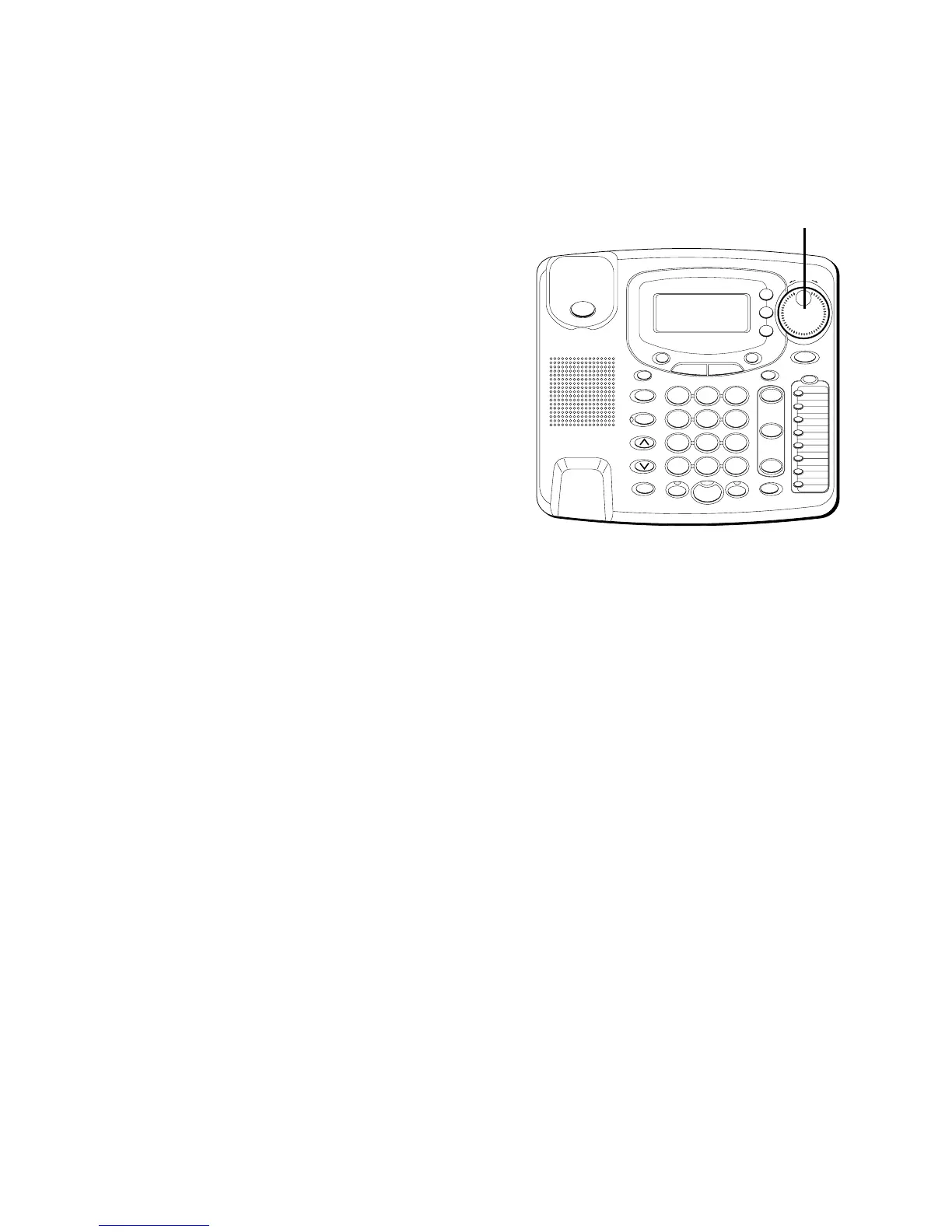
3. To adjust the phone number format,
use the SHUTTLE knob. For instance,
a 7-digit local number sometimes
cannot be dialed because it requires a
10-digit or 11-digit format. Use the
SHUTTLE knob to scroll through 7, 10,
and 11-digit numbers.
7-digits:
7-digit telephone number
(i.e. 555-5555)
10-digits:
3-digit area code
+ 7-digit telephone number
(i.e. 425-555-5555)
11-digits:
long distance code
1 + 3-digit area code + 7-digit
telephone number
(i.e. 1-425-555-5555)
4. To dial the displayed number, pick up
the handset or press DIAL again.
#
OPER
0
TONE
WXYZ
9
TUV
8
PQRS
7
MNO
6
JKL
5
GHI
4
DEF
3
ABC
21
STORE
LOWER
DIAL
CALLER ID
CLEAR
EXIT
SELECT
VOICE MAIL
CONFER
LINE
2
LINE
1
HOLD
MUTEHEADSETFLASH
VOLUME
BUSY REDIAL
REDIAL
PAUSE
MENU DIRECTORY
8
7
6
5
4
3
2
1
S
H
U
T
T
L
E
SPEAKER
*
SHUTTLE
knob



 To Next Page