53
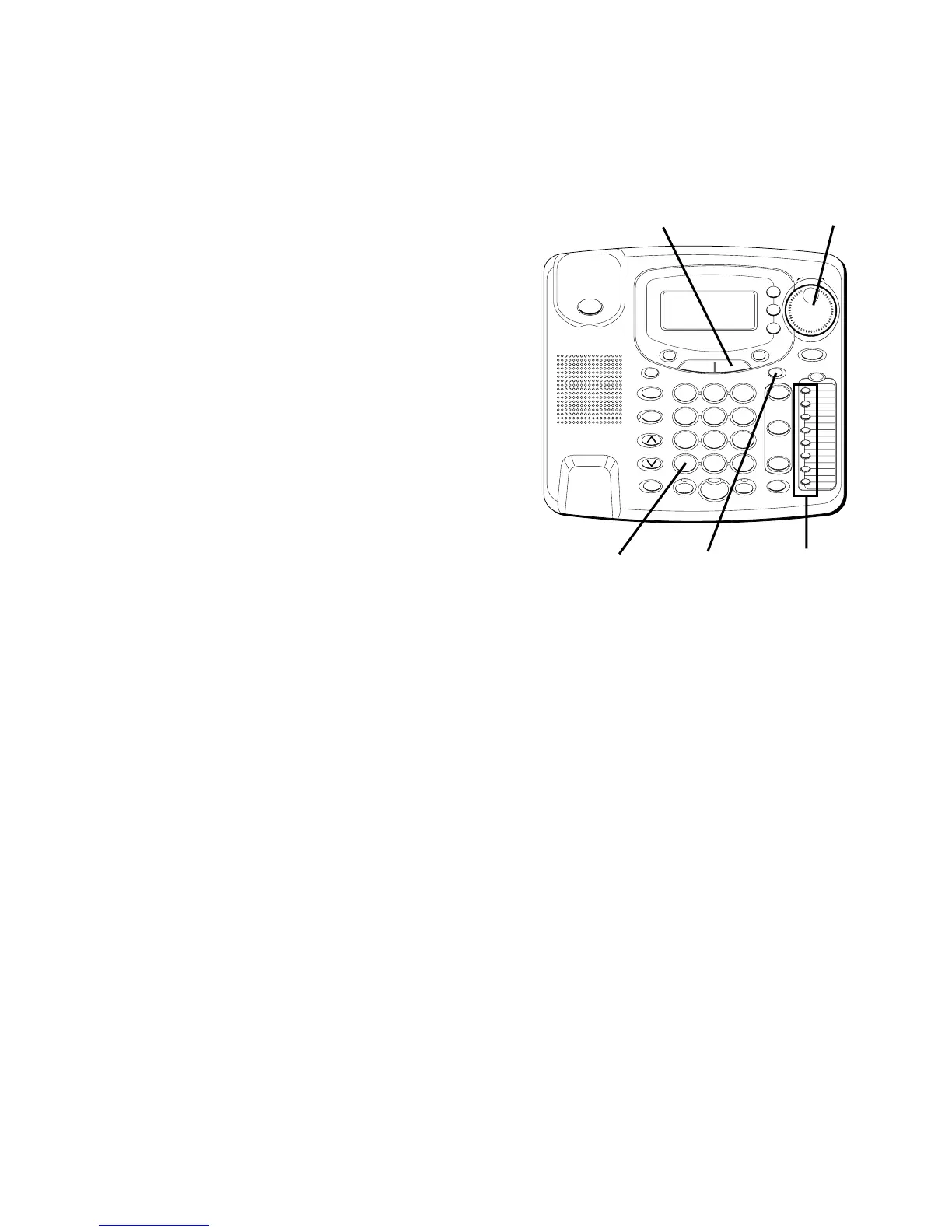
5. Once the desired letter is selected,
use the SHUTTLE knob to move to the
next one or skip a space.
6. When finished, press STORE.
LOCATION?
shows in the display.
7. Press the DIRECTORY button.
NOTE: When pulse mode is used,
pressing the TONE * key before
programming will store all digits in tone.
#
OPER
0
TONE
WXYZ
9
TUV
8
PQRS
7
MNO
6
JKL
5
GHI
4
DEF
3
ABC
21
STORE
LOWER
DIAL
CALLER ID
CLEAR
EXIT
SELECT
VOICE MAIL
CONFER
LINE
2
LINE
1
HOLD
MUTEHEADSETFLASH
VOLUME
BUSY REDIAL
REDIAL
PAUSE
MENU DIRECTORY
8
7
6
5
4
3
2
1
S
H
U
T
T
L
E
SPEAKER
*
STORE
button
Memory
buttons
TONE
button
SHUTTLE
knob
DIRECTORY
button



 To Next Page