Model # Description Battery Type Battery Life*
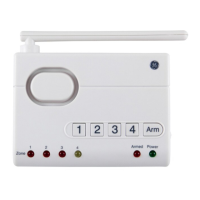
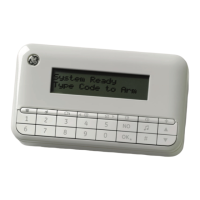
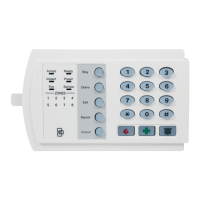
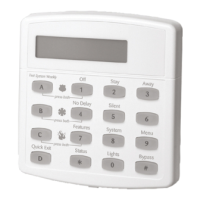
45129 Control Center (4) “AAA” 24 months
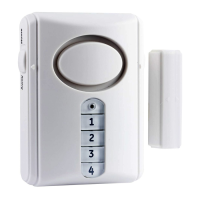
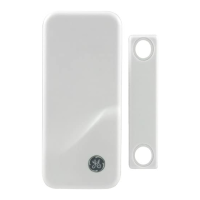
45131 Window/Door (1) “2032” 24 months
Sensor
*maximum potential life based upon usage and location
Low Battery Indicator
The Control Center continuously monitors all the
Sensors. If the Control Center does not receive a signal
from any Sensor it will begin rapidly flashing the Zone
LED indicator . This indicates one or more Sensors in
the Zone may have low battery power and are unable
to transmit a signal the necessary distance. If all
batteries and/or Sensors are installed at the same
time into a Zone, it is recommended to replace the
batteries in all Sensors in the Zone.
However you can check the Window/Door sensor
status independently by placing the Control Center in
Test mode (see Testing a Sensor on page 9) and trigger
the Sensor separately (i.e. open window). If the Sensor
does not trigger an alert then replace the battery with
a new one.
Note: The Sensor detection system is ‘range dependant’,
which means Sensors located closer to the Control Center
may seem to have batteries that last longer than those
Sensors at a greater distance. The Lithium cell batteries in the
Window/Door Sensor can last up to two years.


 To Next Page