18 19
Basic Functions Menu
The Basic Function Menus of the camera include Flash, Self-
timer, Macro Capture, and Exposure Compensation. The
suitable function setting can let you shoot better photos.
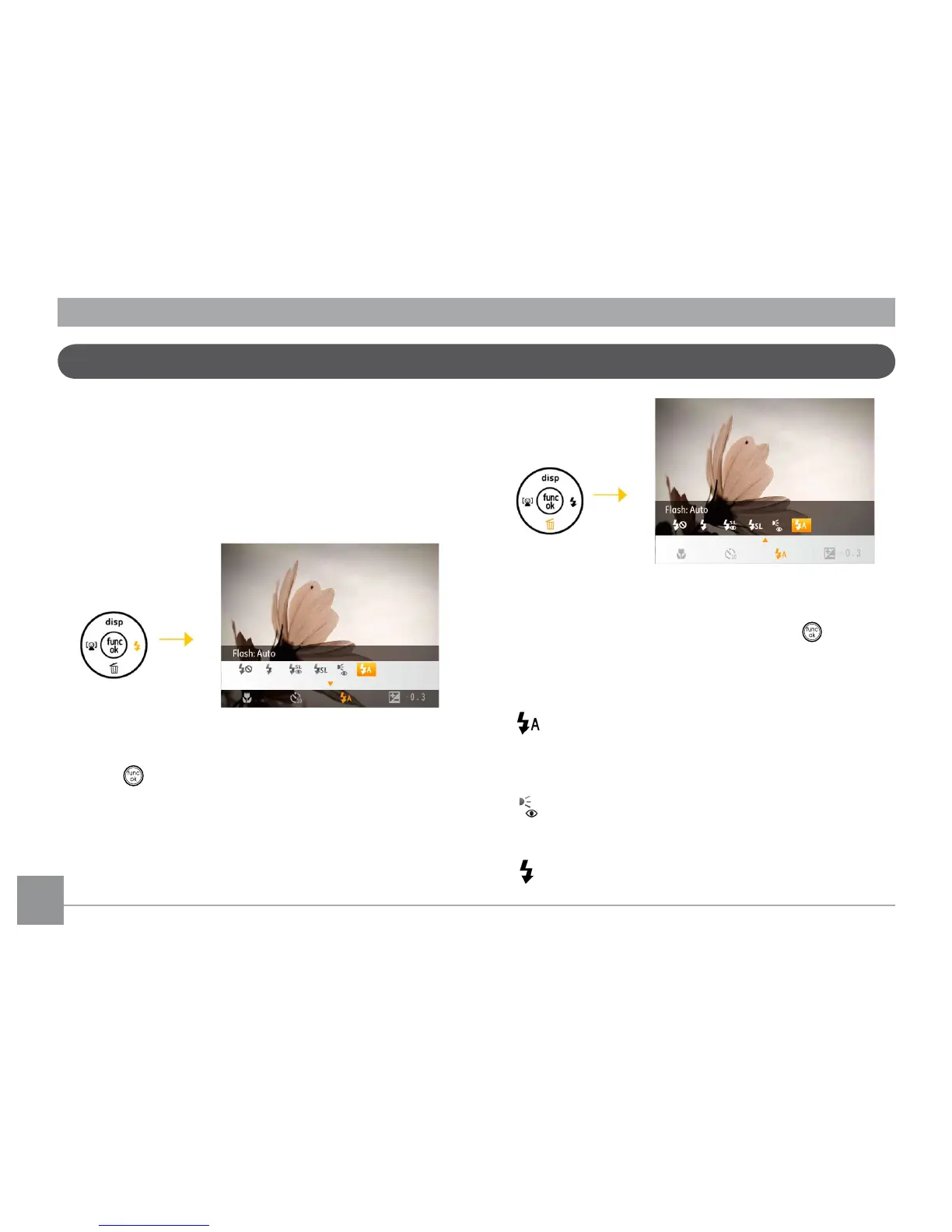
Set the basic functions as per the following steps:
1. Pull up the Basic Function Menus by pressing Right/Flash
button.
2. Press Left/Right button to select the settings of the
required function.
3. Press
button to conrm the settings and exit the menu,
or press Down button to enter the selection screen of Basic
Function
4. Press Left/Right button to select the basic functions
required to set, press Up button to enter the setting
screen for selecting basic functions, or press button to
conrm the settings and exit the screen.
Flash
• Flash : Auto
Camera ash goes o automatically based on
existing light conditions.
• Flash : Red-eye reduction
The camera exposes a brief ash before the picture
is taken to reduce red-eye eects.
• Flash : Forced ash
Flash always goes o.



 To Next Page