34 3534 35
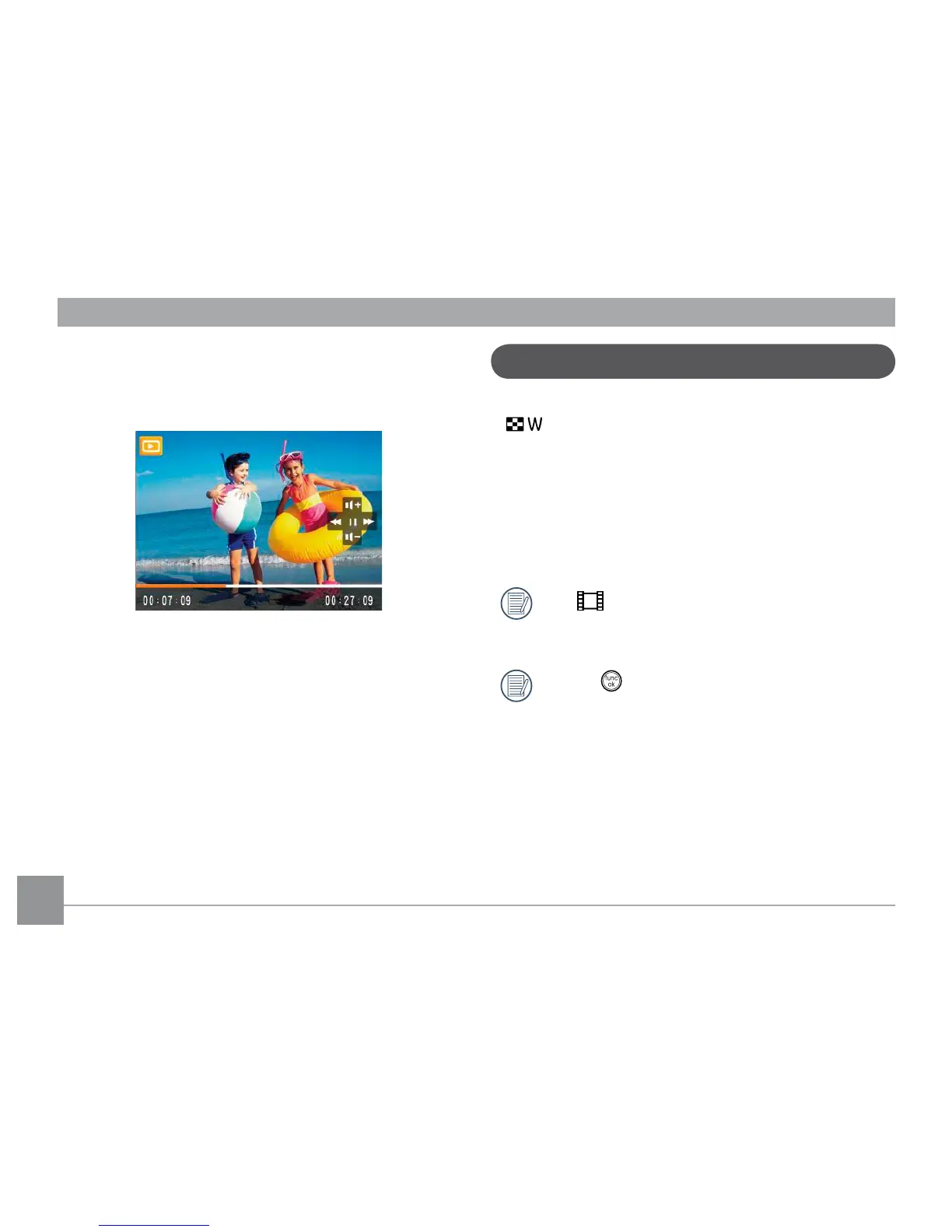
During video playback, you can press the Up/Down button to
adjust the volume.
Thumbnail View
When in Playback mode, press one end of the Zoom button
( ) to display the thumbnail of photos and videos on the
screen.
1. Use the Zoom button to switch between the 2x2, 3x3, and
4x4 thumbnail display.
2. Use
Up/Down/Left/Right to select a photo or video clip
to view.
If the indicator appears on the LCD, then a movie
le is currently being displayed.
Press the button to restore a preview icon to its
original image size.



 To Next Page