46
• Delete All:
1.
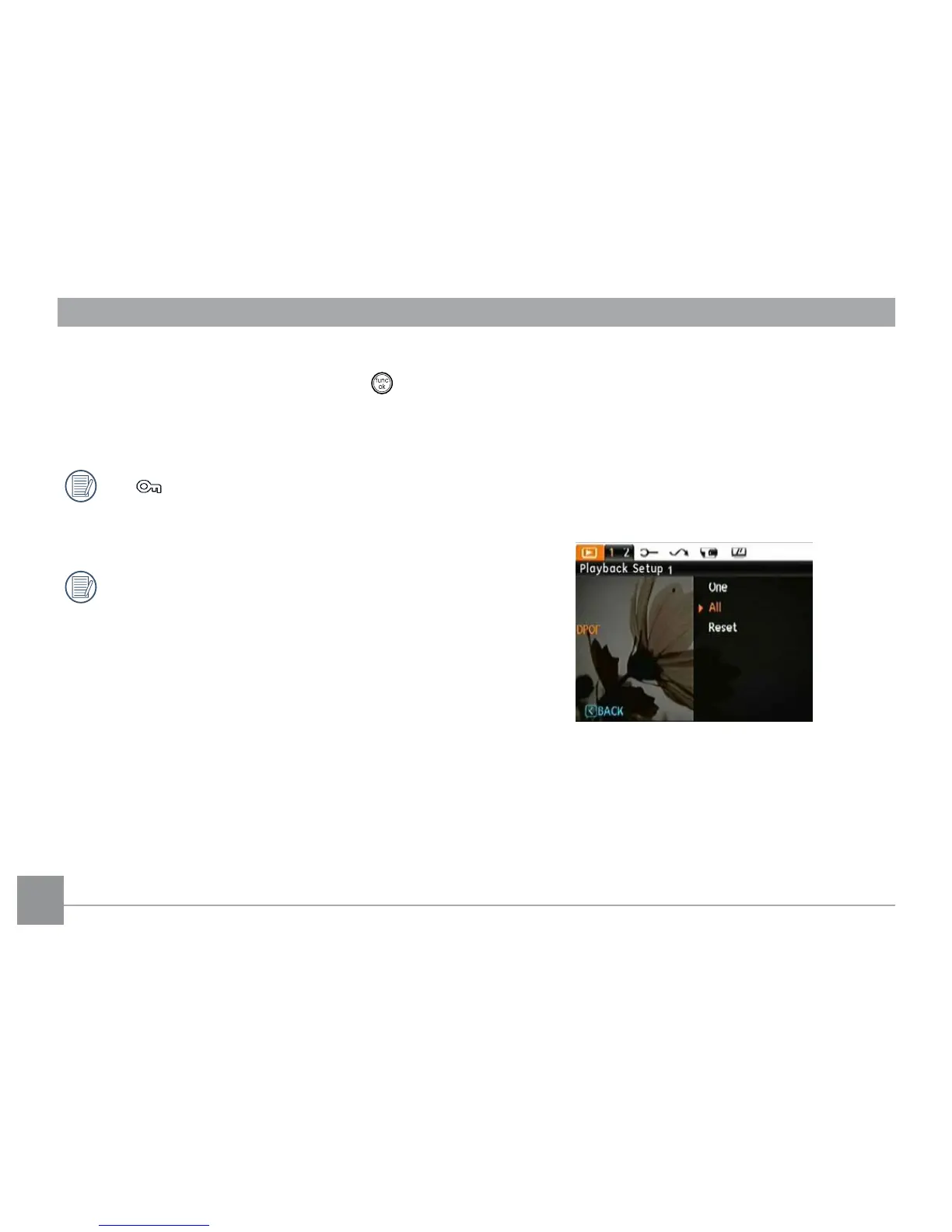
In the Delete option, select All and then press button.
2. Using the
Up/Down buttons, select Yes (to delete all les)
or No (to cancel and return to the previous menu).
The “ ” indicator means a le is protected. File
protection must be removed rst before a le can be
deleted.
Deleting les will cause DPOF settings to be reset.
DPOF (Digital Print Order Format)
DPOF allows you to record your selection of pictures that
you would like to print, and will save your selection in the
memory card, so that you can simply hand your memory card
to a photo kiosk without having to tell them in person which
photos you would like to print.



 To Next Page