50
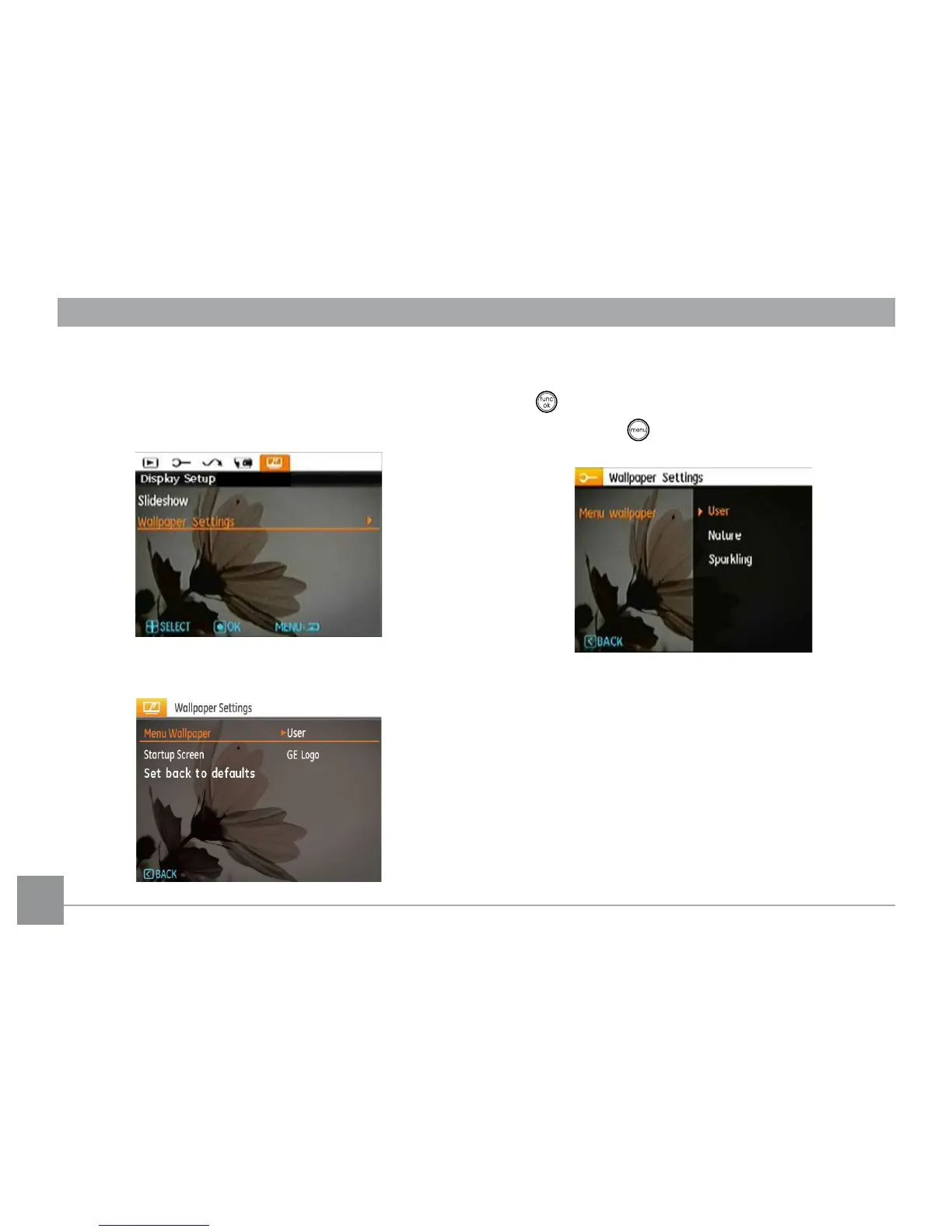
Wallpaper Settings
Use this setting to select your favorite picture to use as a
background on the LCD screen.
1. Press Down button to select the Wallpaper Setting menu.
2. Press Right button, and the camera will enter the
Wallpaper Setting interface.
Menu Wallpaper:
Use Up/Down button to select the Menu Wallpaper option,
press button to conrm or press Left button to return to
last page, and press to exit the menu.
• User
• Nature
• Sparkling



 To Next Page