60 61
Connecting to a PictBridge Compatible Printer
PictBridge allows printing images from a
memory card in a digital camera directly to
a printer, regardless of brand. To nd out if a
printer is PictBridge compatible, simply look for
the PictBridge logo on the packaging or check
the manual for specications.With the PictBridge function on
your camera, you can print the captured photos directly with
a PictBridge compatible printer using the supplied USB cable,
without the need for a PC.
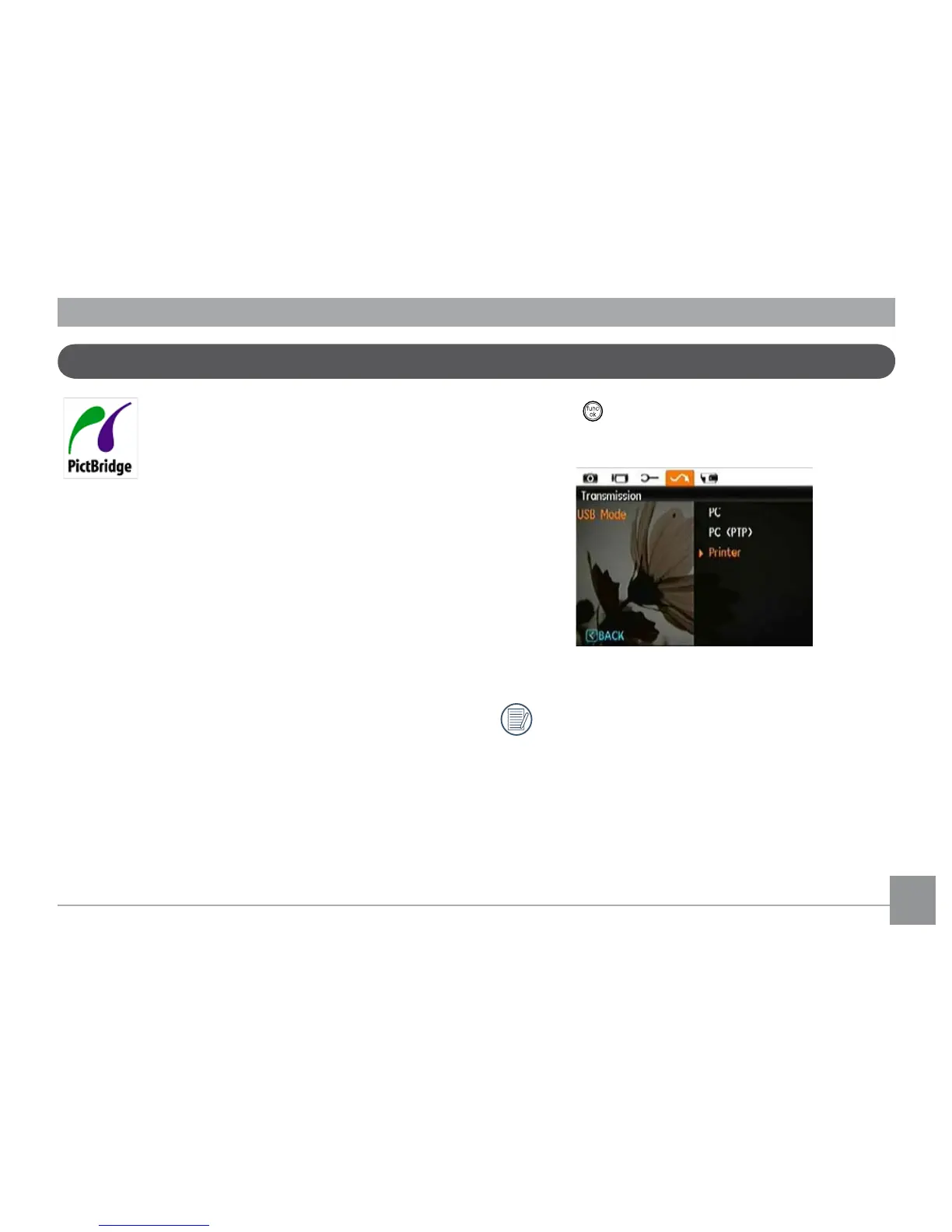
Setting the USB mode
Since the camera’s USB port can be set to connect with either
a PC or a Printer, the following steps will allow you to ensure
that the camera is correctly congured to connect with a
Printer.
1. Go to the camera setting menu, select USB connection
with the Up/Down button, and press the Right button.
2. Use
Up/Down to select Printer.
3. Press the
button to conrm the setting.
After the camera is reset, it will switch to PC mode
automatically from USB mode.



 To Next Page