2626 27
Mode name Description
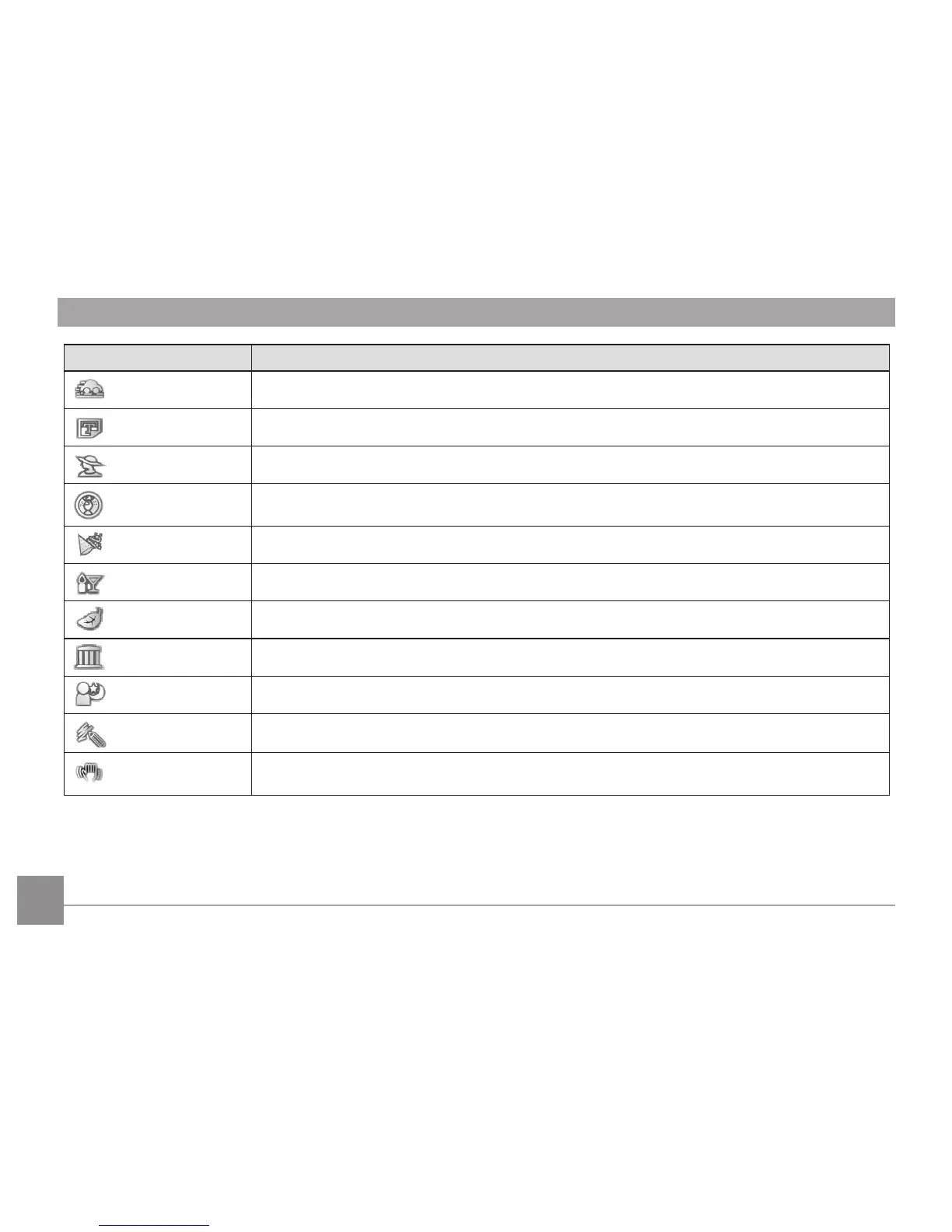
Panning Shot
Produces background image blur that emphasizes the motion of the main subject.
Text
For taking pictures of text, documents or white boards.
Portrait
The best setting for portrait shooting, enables AE/AF for faces.
Fish Eye
For interesting sh eye eect.
Party
For taking pictures of large groups or in areas with uneven lighting.
Indoor
For indoor settings. Reduce blur and improve color accuracy.
Leaf
For plants. Capture brilliant shots of greenery and blossoms.
Museum
For museum or ash-free areas. Retain color and reduce blur.
Night Portrait
For portraits against night scenery.
Sketch
For taking photos with pencil sketch eect.
Anti-shake
Optical Image Stabilization to take clear pictures in the handheld state.



 To Next Page