5050 51
Rotate
You can use this setting to change the orientation of the picture.
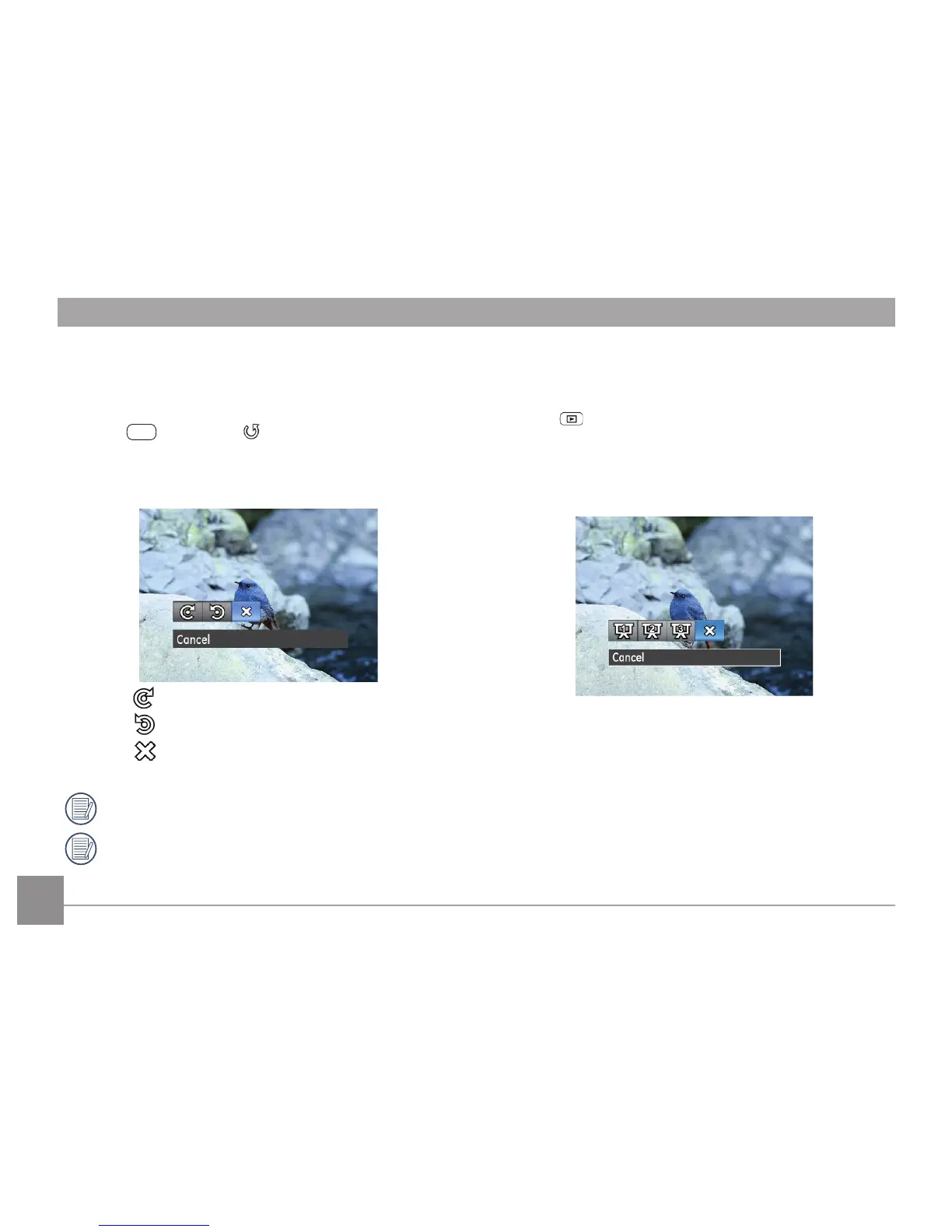
1. In the playback mode, press Left/Right button to select the
photo which needs rotation.
2.
In the
menu, select to set, press
to enter
setting screen.
3.
Press Left/Right button to select rotation direction, or
cancel and return play menu.
:
Turn Right
:
Turn Left
:
Cancel
4.
Press the
button to conrm the setting.
Videos and panoramic pictures cannot be rotated.
The rotated picture le will replace the original one.
Slideshow
This setting allows you to view all the stored pictures as a
slideshow.
1. Press
button to enter playback screen.
2. Press
button to enter slide option.
3. Press Left/Right button to select slide playing, or cancel
and return to play menu.
•Eect 1: interval 1sec, Melodious music
•Eect 2: interval 1sec, Enthusiastic music
•Eect 3: interval 1sec, Peaceful music
4.
Press the
button to conrm the setting.



 To Next Page