button to enter menu.
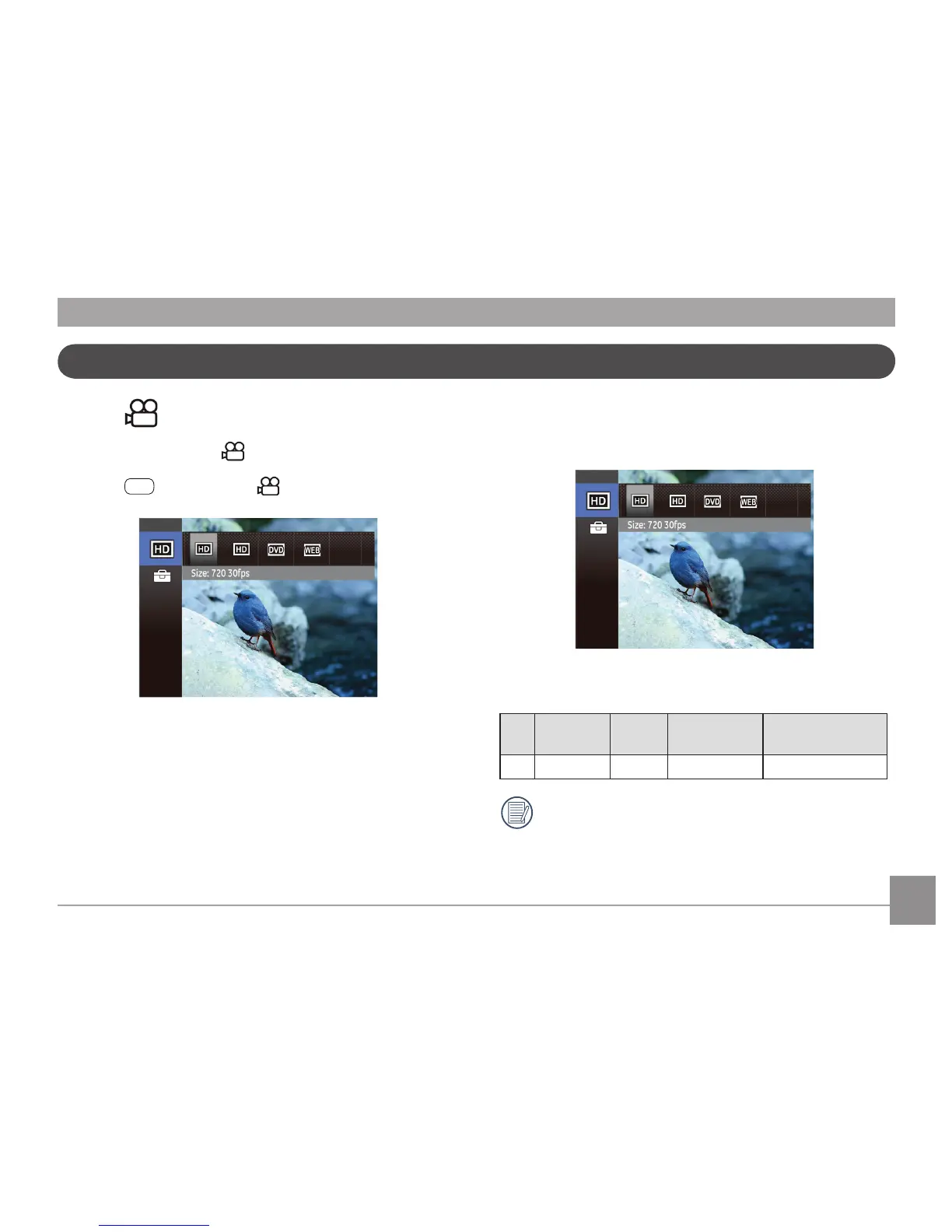
2. Press Up/Down button to select the menu options to
be set.
3. Press Left/Right button to select functions.
Image Pixel
The quality of photos can be changed by selecting image
resolution ratio.
The speed requirements for reading and writing high
resolution pixel images to a SD card are as follows:
No.
Image
Pixel
Frame Requirement Recommendation
1 1280x720 30 Class 2 Class 4
Recording time limit above (1280 x 720p) 29 fps format
is under 29 minutes.



 To Next Page