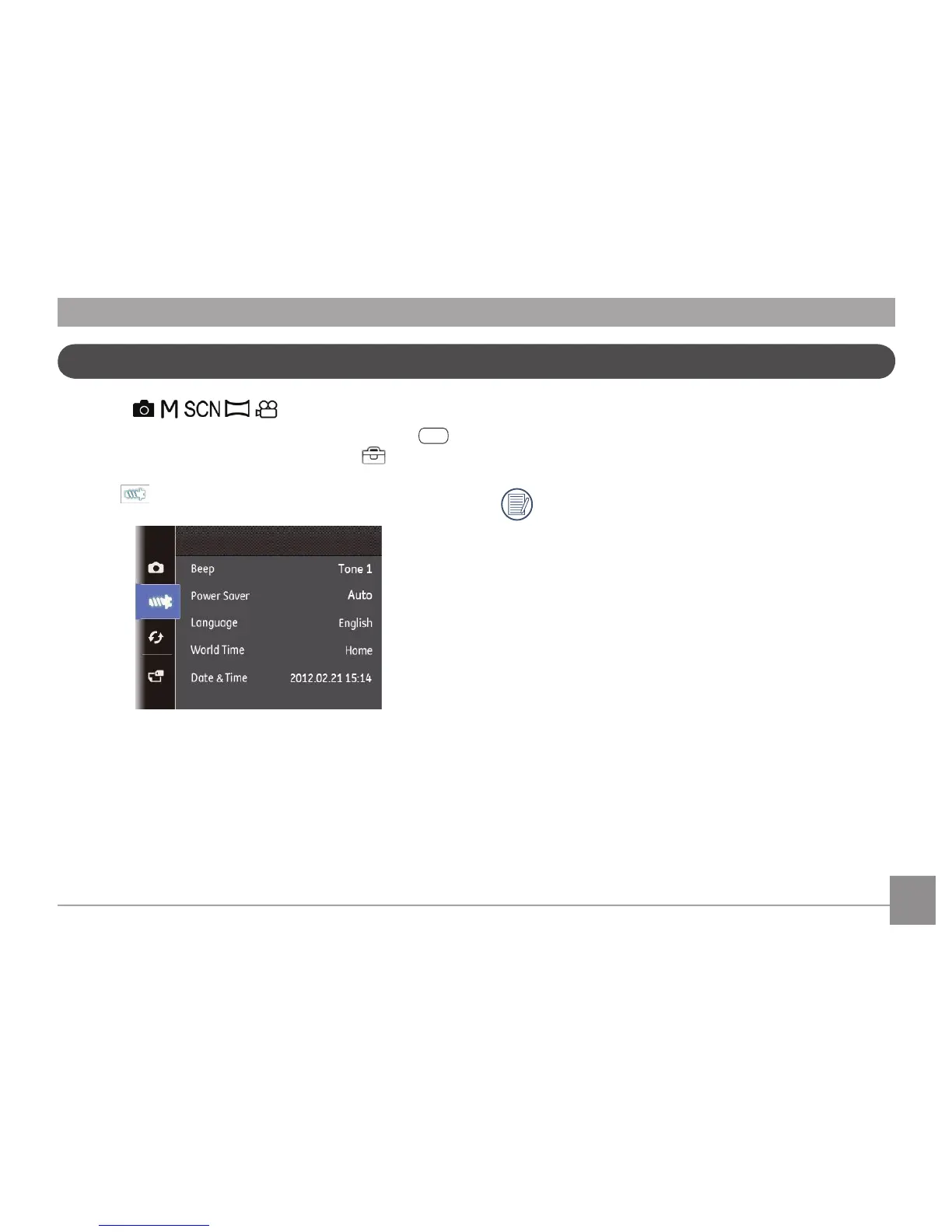
or Right button to enter the submenu.
After selecting a function option, you can press the Up
button to return to the menu for other Camera Setup
pages. Or you can press the Down button to switch to
the next menu page.
Refer to the following pages for more details about each
setting.
Beep
You can change the tones used for button presses, time lapse
and sound eects during power on/o.
To change these settings:
1.
Select the Beep setting from the Setup menu as described
previously.
Setup Menu
Mode :
You can enter the Setup menu from any mode, just press
button to enter, then press Up/Down button
to select
basic setting menu.
To adjust the settings:
1. Select the setting menu for the options you want to
choose, and press



 To Next Page