38 3939
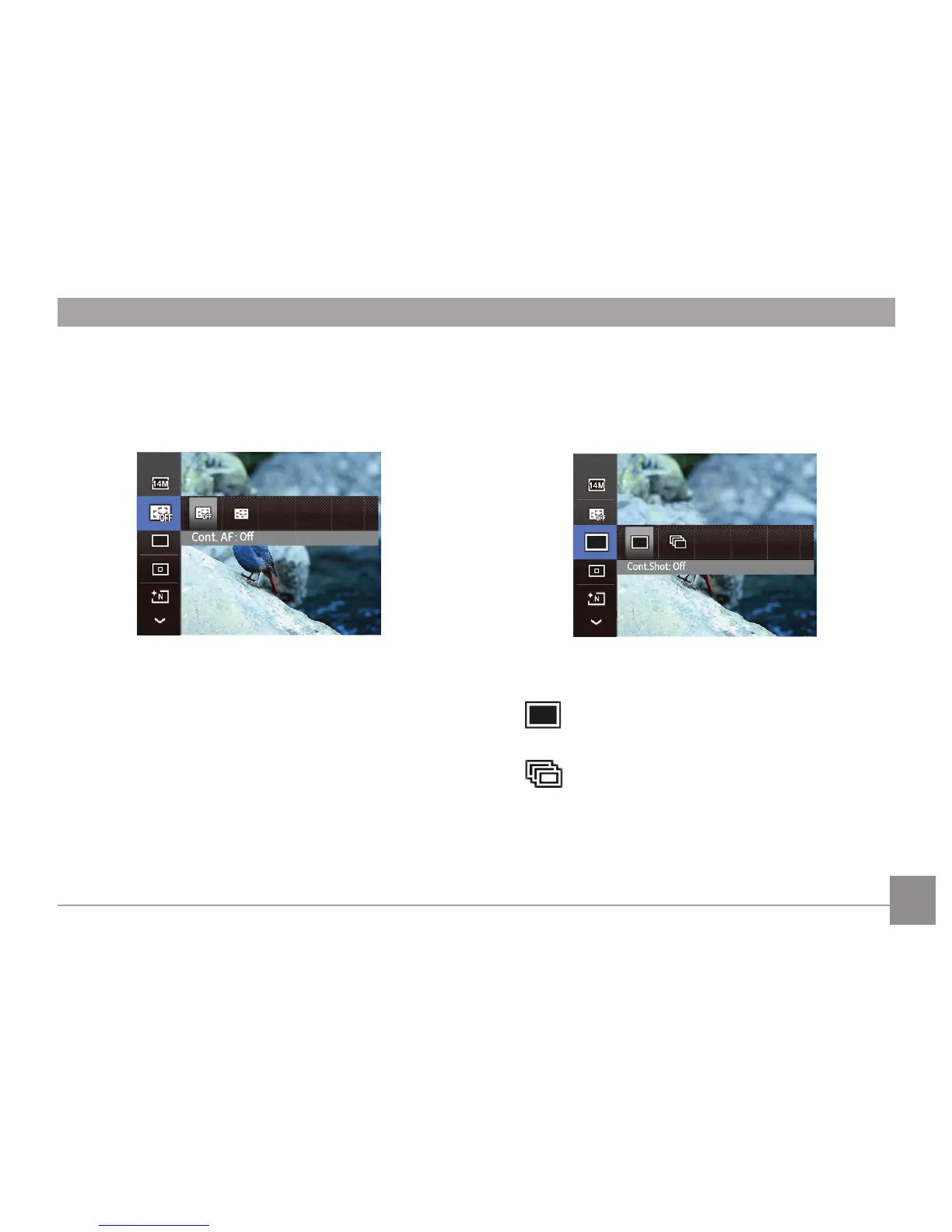
Continuous Capture Setting
Use this setting to perform continuous shooting. After entering
this mode, you can shoot multiple images by continuously
holding the shutter button down.
There are two options:
•
Cont.Shot: O
Turn o the Continuous Shot function.
•
Cont.Shot: On
Shoot at the rate of 2.3 pictures per second.
Continuous AF
When Continuous AF is turned on, the camera will continually
adjust focus automatically in response to any camera or
subject movement.
There are two options:
• O
• On



 To Next Page