Hardware Installation IST 010 Installing Additional RAM Modules In CPU
Page 85
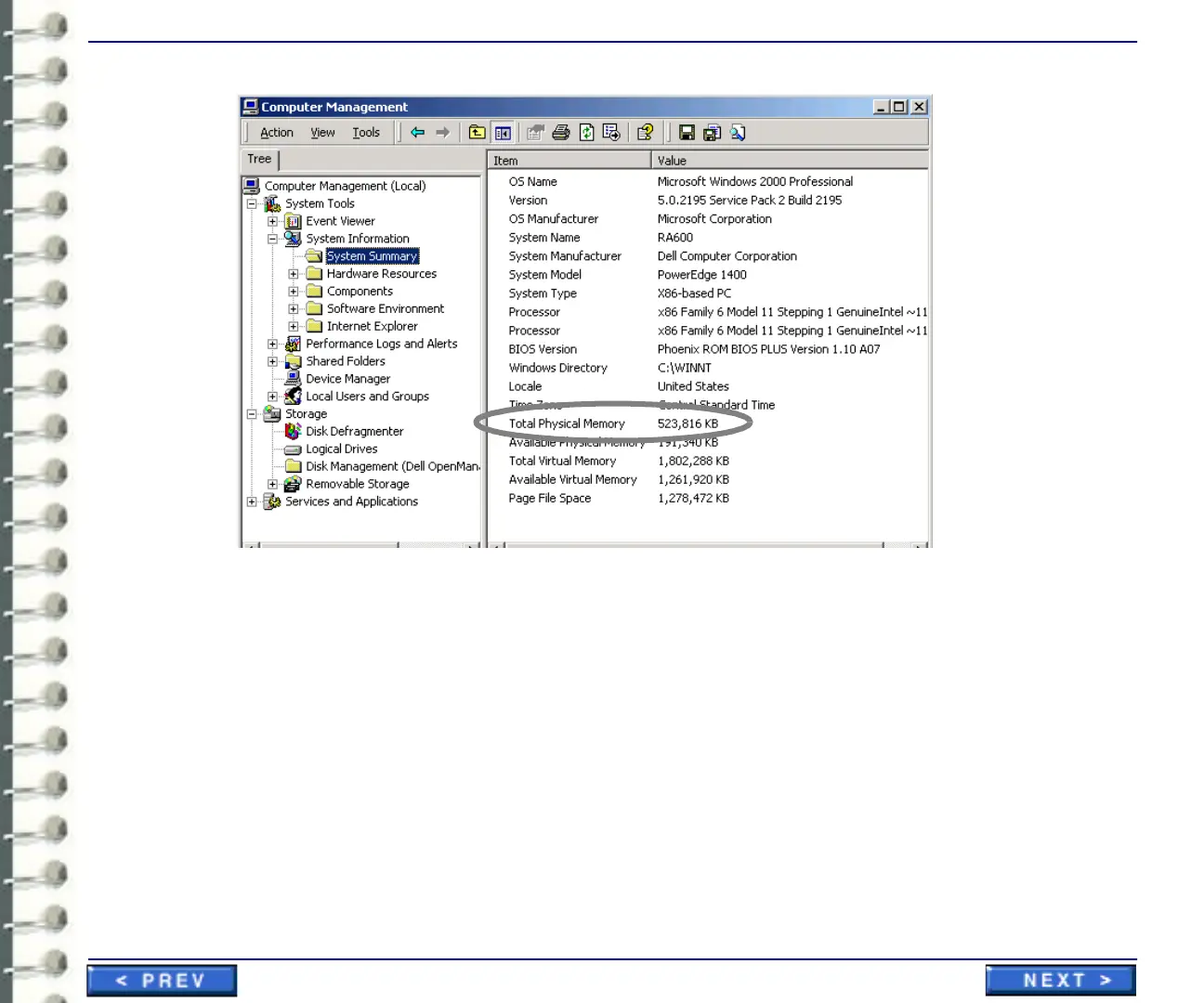
Illustration 3-37:Checking System RAM Recognition.
12. If the system does not recognize the new RAM module(s),
a. Power down the CPU,
b. Disconnect the power cord
c. Release and raise the power supply
d. Reseat the RAM modules, and repeat steps 8 through 11.
13. When the new RAM is acknowledged by the CPU, replace the side cover on the CPU case.
This completes the installation and setup for the optional RAM module(s).



 To Next Page