Stopping the CRxVision
Before Switching Off
Check that the CRxVision is not scanning an image plate. If the CRxVision is scanning an
image plate, the status indicator is blinking green.
Switching Off
It is recommended to switch off the CRxVision at the end of the day.
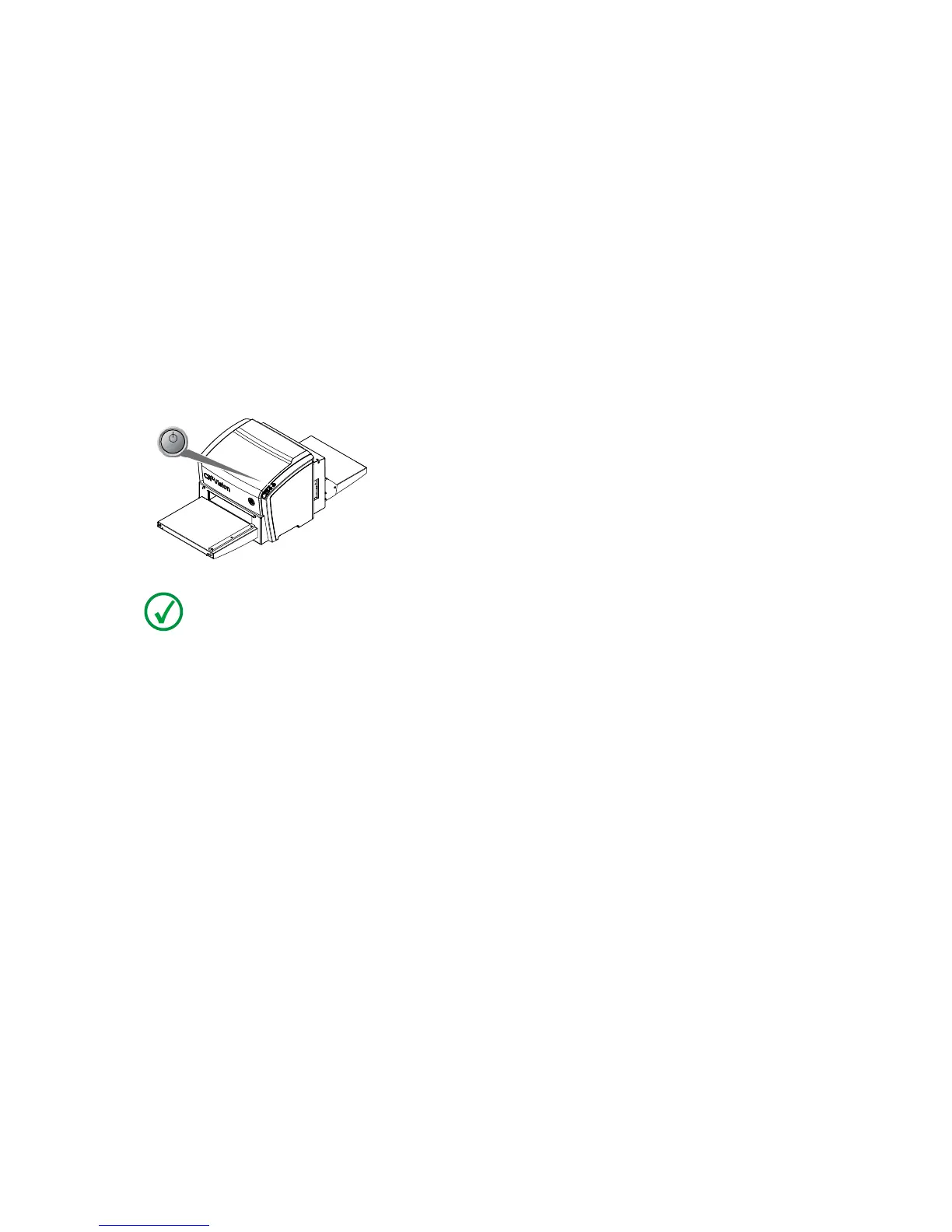
To switch off, press the power button.
POWER
Note: After switch off, the CRxVision is still in stand-by mode. To remove the
CRxVision from the mains supply, disconnect the mains plug.
CRxVision Operating Manual V1.2 31


 To Next Page