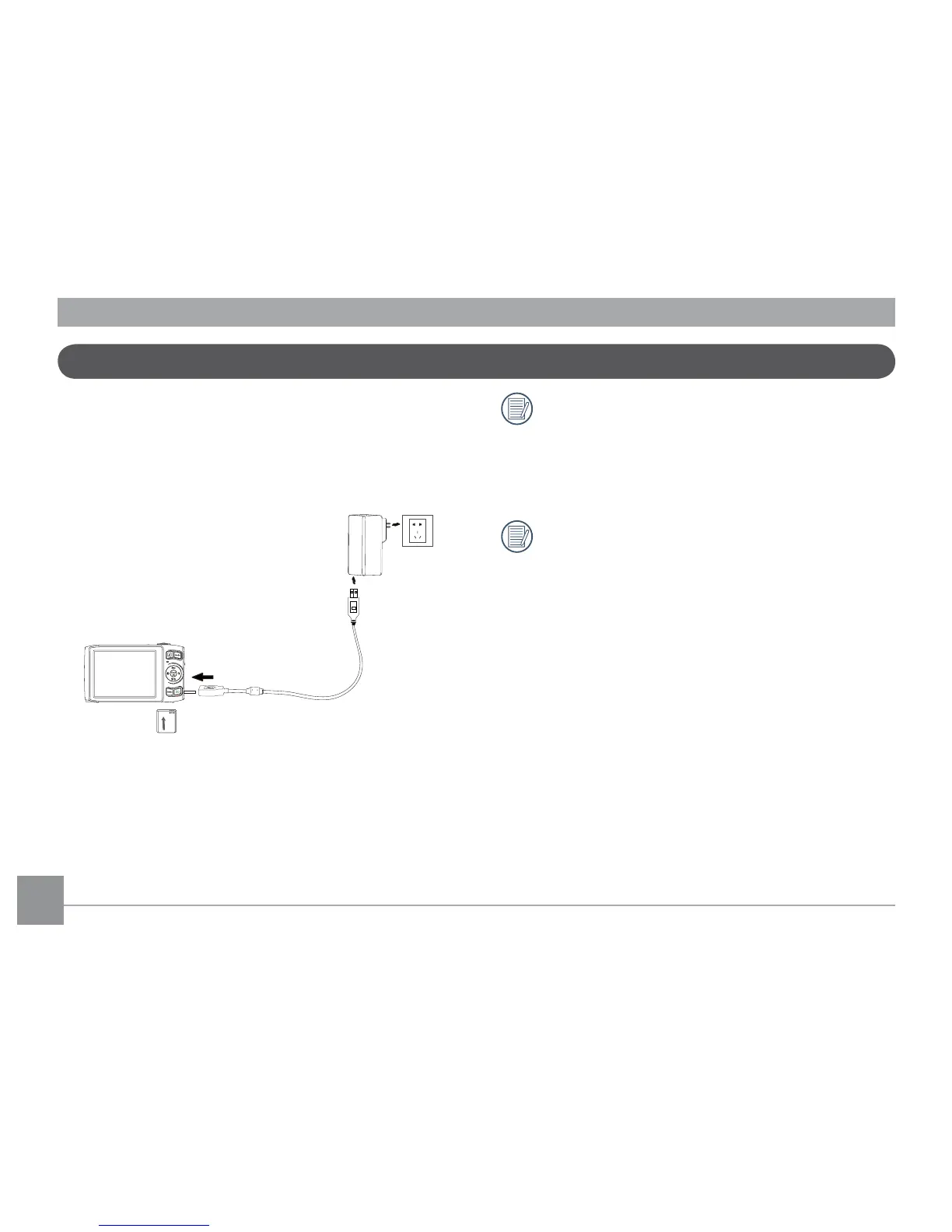
1. Put the battery into the camera.
2. Use USB cable to connect the camera with power adapter.
3. Insert power adapter to power socket.
Charging the Battery
When charging, if the camera indicator is red the
camera is still charging. When the camera completes
charging, the light will turn green. To optimize battery
life, please charge the battery for at least 4 hours before
using it for the rst time.
The charger is for indoor use only.



 To Next Page