25
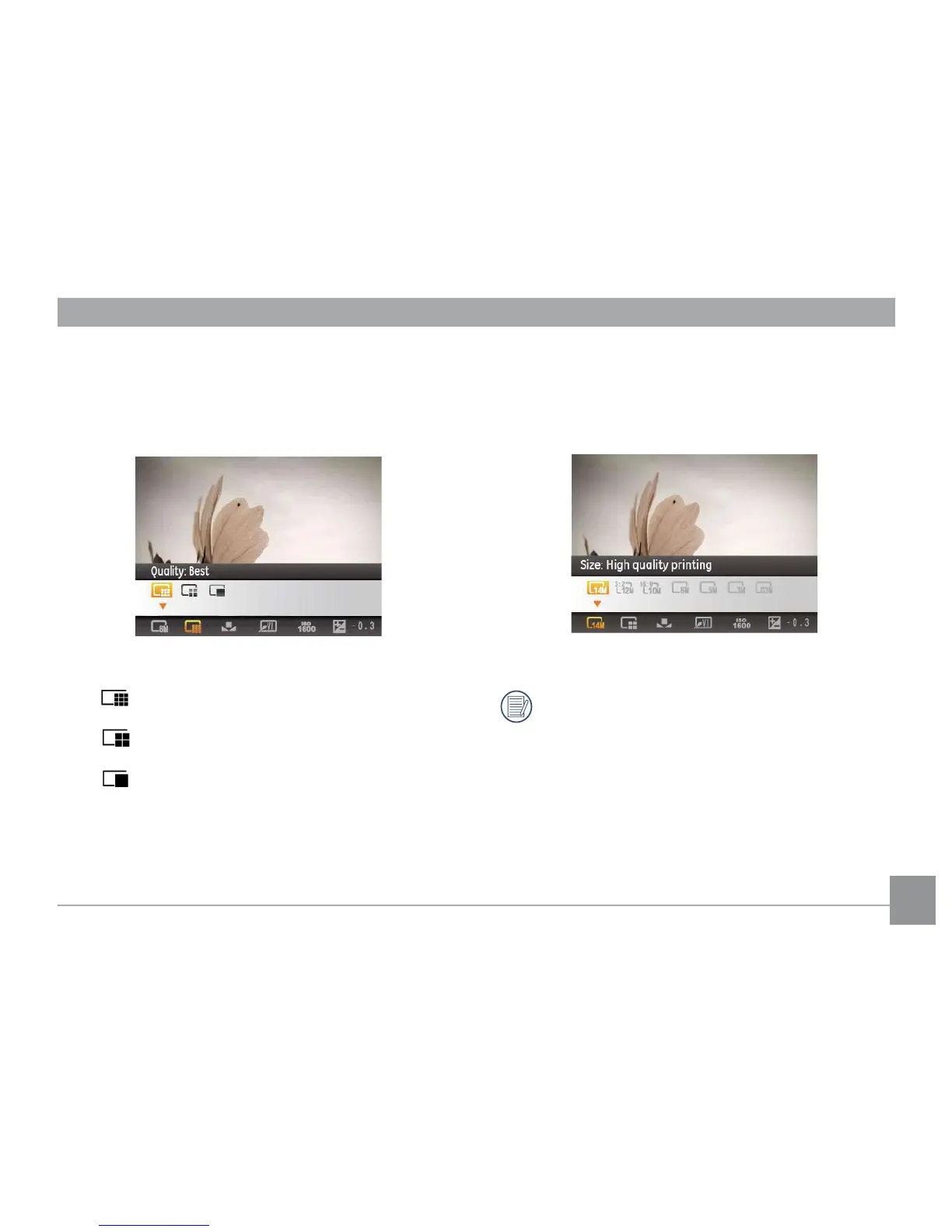
Quality
The quality setting adjusts the compression ratio of the
images. Higher quality settings give better photos, but will
take up more memory space.
The picture quality of image has three options:
• Quality : Best
• Quality : Fine
• Quality : Normal
Size
The size setting refers to the image resolution in pixels. A
higher image resolution allows you to print that image in
larger sizes without degrading the image quality.
The larger the number of pixels, the better the image
quality. However, it will take up more space. The
opposite will be true also.



 To Next Page