60 6161
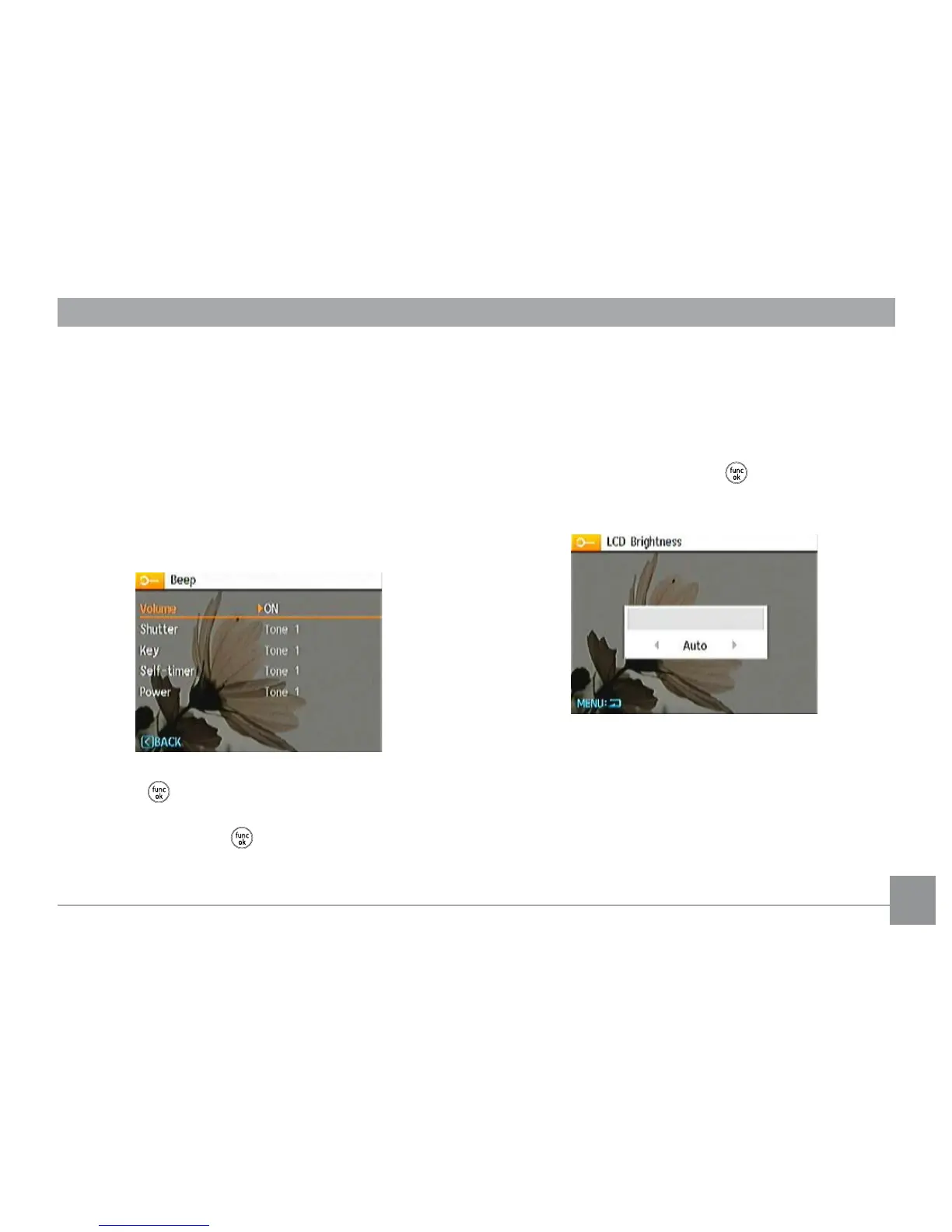
LCD Brightness
Use this setting to adjust the brightness of your LCD screen.
1. Select the
LCD Brightness setting from the Setup menu
as described previously.
2. Select auto or adjust the brightness level using the
Left/Right button, and press the button to conrm the
setting.
Beep
Use this setting to adjust the volume of beep when buttons are
pressed and change the tones for Shutter button, self-timer,
and power-on/power-o.
To change this setting:
1. Select the
Beep setting from the Setup menu as described
previously.
2. Use the
Up/Down navigation buttons to switch between
volume, shutter, key, self-timer, and power elds.
3. Press the or the Right button to enter, and Press the
Up/Down button to adjust volume and change various
sounds, then Press the button to conrm the setting



 To Next Page